📰 Newspapers

Can you completely remove One UI from a Samsung phone?

Can you completely remove One UI from a Samsung phone?

Samsung's custom software, One UI, gives every phone a similar appearance. Discover how to limit One UI and change the look of your homepage.

No, but there are ways to make One UI less prominent.

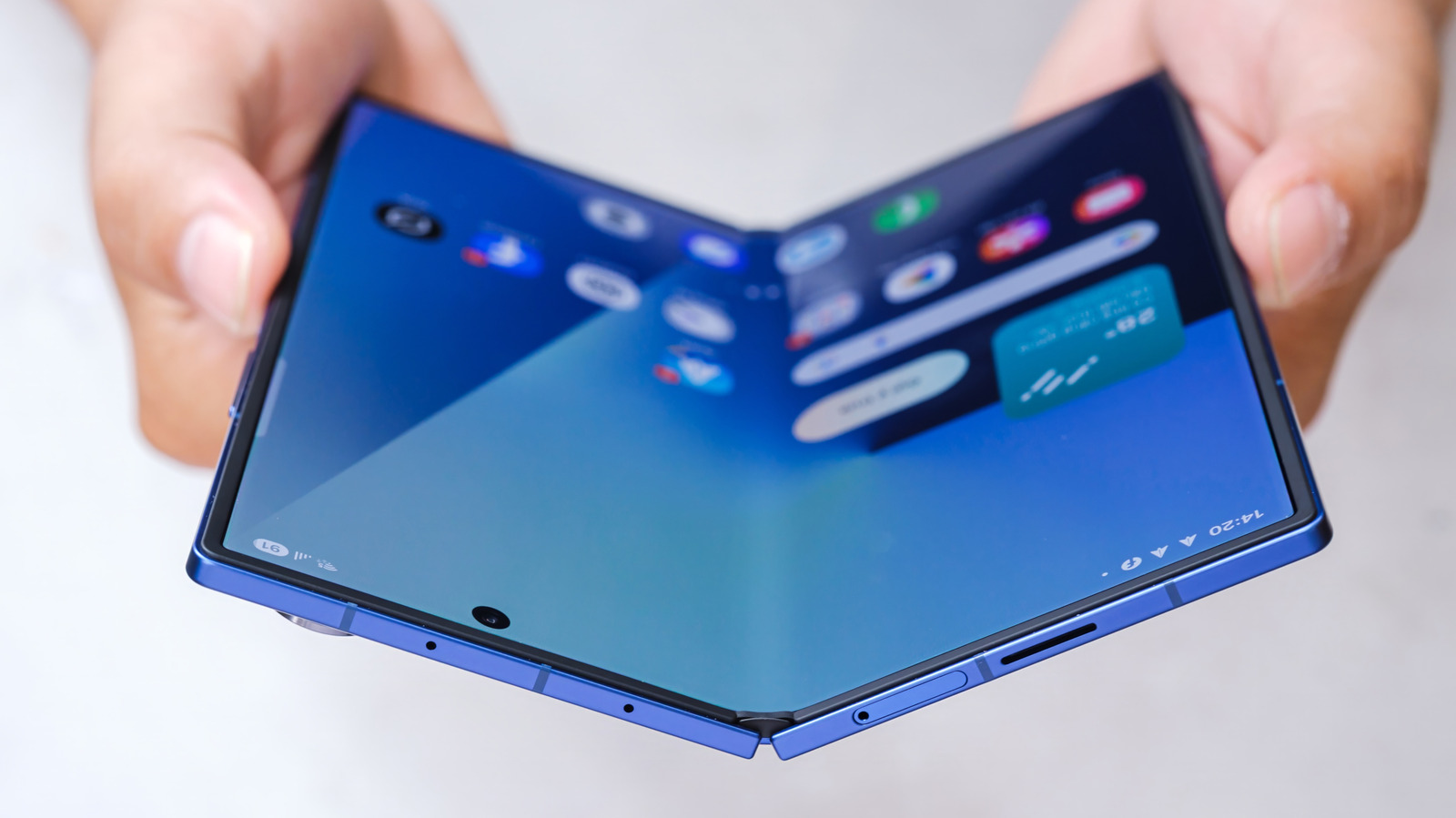
Samsung's One UI is a staple feature of the company's phones and tablets, and for most users, it handles everything well enough. That doesn't mean it's perfect, though, and there are plenty of reasons why you might want to replace it with another set of apps entirely. The bad news is that you can't remove One UI from a Samsung phone, but there are ways to cut out the parts you find frustrating or unhelpful with just a little effort.

First, it's important to understand what One UI actually is and the features it offers. One UI is custom software for Samsung phones, but in many cases, what people actually want to change is their launcher, which determines the look of the home screen. While that's part of the picture, One UI also encompasses a set of features and pre-installed apps that affect every aspect of your phone. Some parts of One UI will always be running on a Samsung phone, but replacing your launcher and removing other apps can help get the results you want without switching phones entirely.

Switching out your launcher will have the biggest impact on how your phone looks and behaves.

In brief

No, but there are ways to make One UI less prominent. Some parts of One UI will always be running on a Samsung phone, but replacing your launcher and removing other apps can help get the results you want without switching phones entirely. Switching out your launcher will have the biggest impact on how your phone looks and behaves.
This is the opening of the story, shared with credit to Engadget. The rest of the report — with every detail — continues on the publisher’s website.

Continue reading at Engadget ↗

Cookie settings

Choose which cookies we may use. You can change this at any time from Cookie settings in the footer. Details of each cookie are in the Cookie Policy.

Strictly necessary

Needed for sign-in, security, payments and remembering these choices. Always on.

Preferences

Remember settings such as dark mode.

Analytics & performance

Help us count visits, understand which pages, devices and countries our readers use, and measure how well the site performs – anonymous and aggregated.

Advertising & marketing

Lets advertising partners show and personalise adverts, measure impressions, clicks and visits, prevent ad fraud and pay us – this is how the free site is funded.

🔔 News notifications

Get headlines from NewsHub on this device — even when the site is closed.

You can switch this off at any time. Works on Android, Windows, Mac and Linux browsers; on iPhone/iPad add the site to your Home Screen first.