📰 Newspapers

4 random apps you might not realize work with Android Auto

4 random apps you might not realize work with Android Auto

From deciding where to fuel up to joining meetings from your car, there are many convenient apps that work with Android Auto.

Some of these apps will be familiar, while others you may not have heard of.

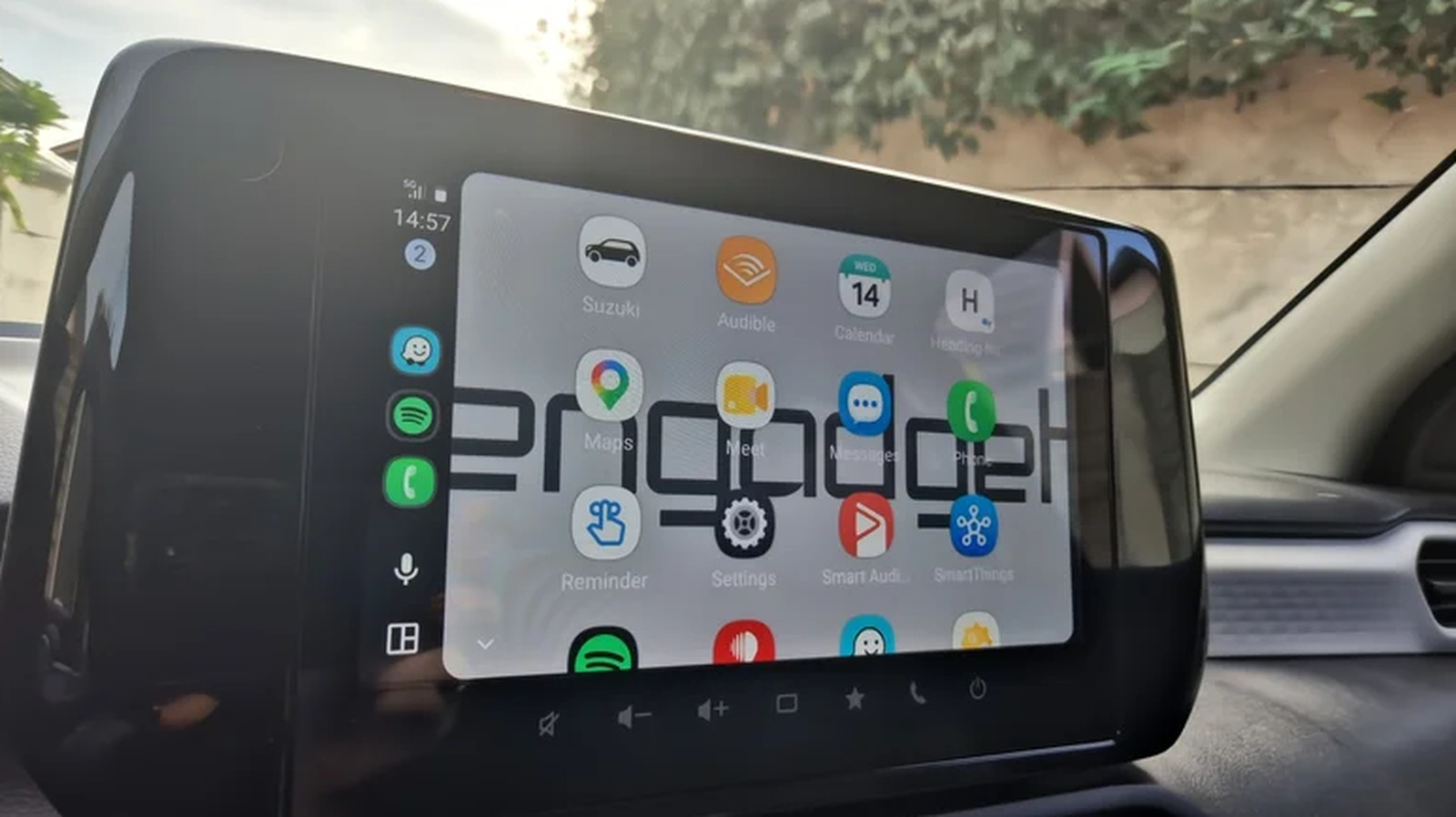
Android Auto users typically utilize just a few basic apps like Google Maps for directions and Spotify for music. They don't dive into the developer menu; they don't make any serious changes to the way Android Auto works; and they don't know they could be spending all those minutes waiting for someone in a parking lot playing games directly on the car's infotainment display. But the platform's compatible app library runs much deeper, well beyond navigation and streaming.

Android Auto actually supports a surprising range of communication and meeting tools, like WhatsApp and Google Meet, and even a bunch of other apps to help you navigate more efficiently. Each one adds layer after layer of functionality that most users never think to explore. Discovering new apps can genuinely change how you commute while also making it possible to enjoy your drive just a tiny bit more.

Android Auto comes with some extra functionality for those in the corporate world, as several popular apps come with Android Auto support for meetings and calls, with Google Meet leading the way. Because Meet is Google's own app, it fits naturally into the Android Auto experience.


In brief

Some of these apps will be familiar, while others you may not have heard of. Android Auto users typically utilize just a few basic apps like Google Maps for directions and Spotify for music. Android Auto comes with some extra functionality for those in the corporate world, as several popular apps come with Android Auto support for meetings and calls, with Google Meet leading the way.

This is the opening of the story, shared with credit to Engadget. The rest of the report — with every detail — continues on the publisher’s website.

Continue reading at Engadget ↗

Cookie settings

Choose which cookies we may use. You can change this at any time from Cookie settings in the footer. Details of each cookie are in the Cookie Policy.

Strictly necessary

Needed for sign-in, security, payments and remembering these choices. Always on.

Preferences

Remember settings such as dark mode.

Analytics & performance

Help us count visits, understand which pages, devices and countries our readers use, and measure how well the site performs – anonymous and aggregated.

Advertising & marketing

Lets advertising partners show and personalise adverts, measure impressions, clicks and visits, prevent ad fraud and pay us – this is how the free site is funded.

🔔 News notifications

Get headlines from NewsHub on this device — even when the site is closed.

You can switch this off at any time. Works on Android, Windows, Mac and Linux browsers; on iPhone/iPad add the site to your Home Screen first.