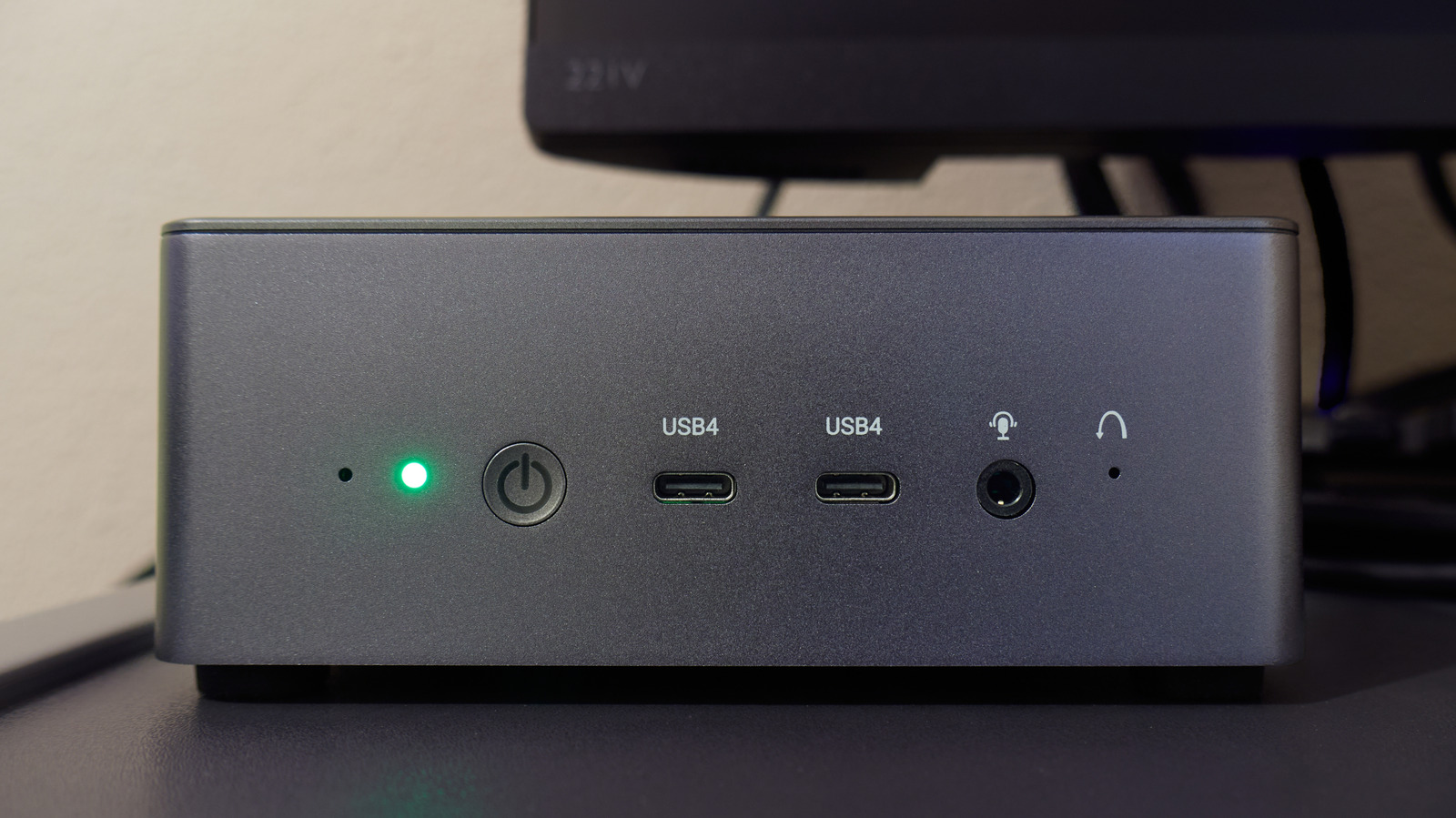
Building or upgrading a PC isn't as thrilling as it once was, especially with the AI takeover. If RAMageddon has left a bitter taste in your mouth, an old mini PC you have lying around might be worth putting to use. Sure, it won't get magically faster, but replacing it has certainly gotten expensive.
The cool part is that this little box can become your retro gaming console, host your media library, or even serve as a dedicated AI coding workstation. But a lot of what you can do with it does depend on what's under the hood. Some projects require only free software, while others may require some hardware and patience. So here are six ways to get one working again.
While your old mini PC may not handle the latest AAA games, it could make a great retro gaming console. Batocera is a free, Linux-based operating system you can use to turn it into a dedicated machine for playing Nintendo, Sega, and PlayStation classics.
It is fairly easy to get started. Download Batocera's PC image, flash it onto a USB stick, and boot your mini PC from it. This lets you test the operating system without replacing Windows, though you may need to disable Secure Boot or enroll Batocera's signing key to get it running.