📰 Newspapers

Don't throw away your old Xbox — Do this instead

Don't throw away your old Xbox — Do this instead

Your old Xbox doesn't deserve to be dumped in a dustbin. From making a buck to making a kid's day, there are ways to give your console a new lease on life.

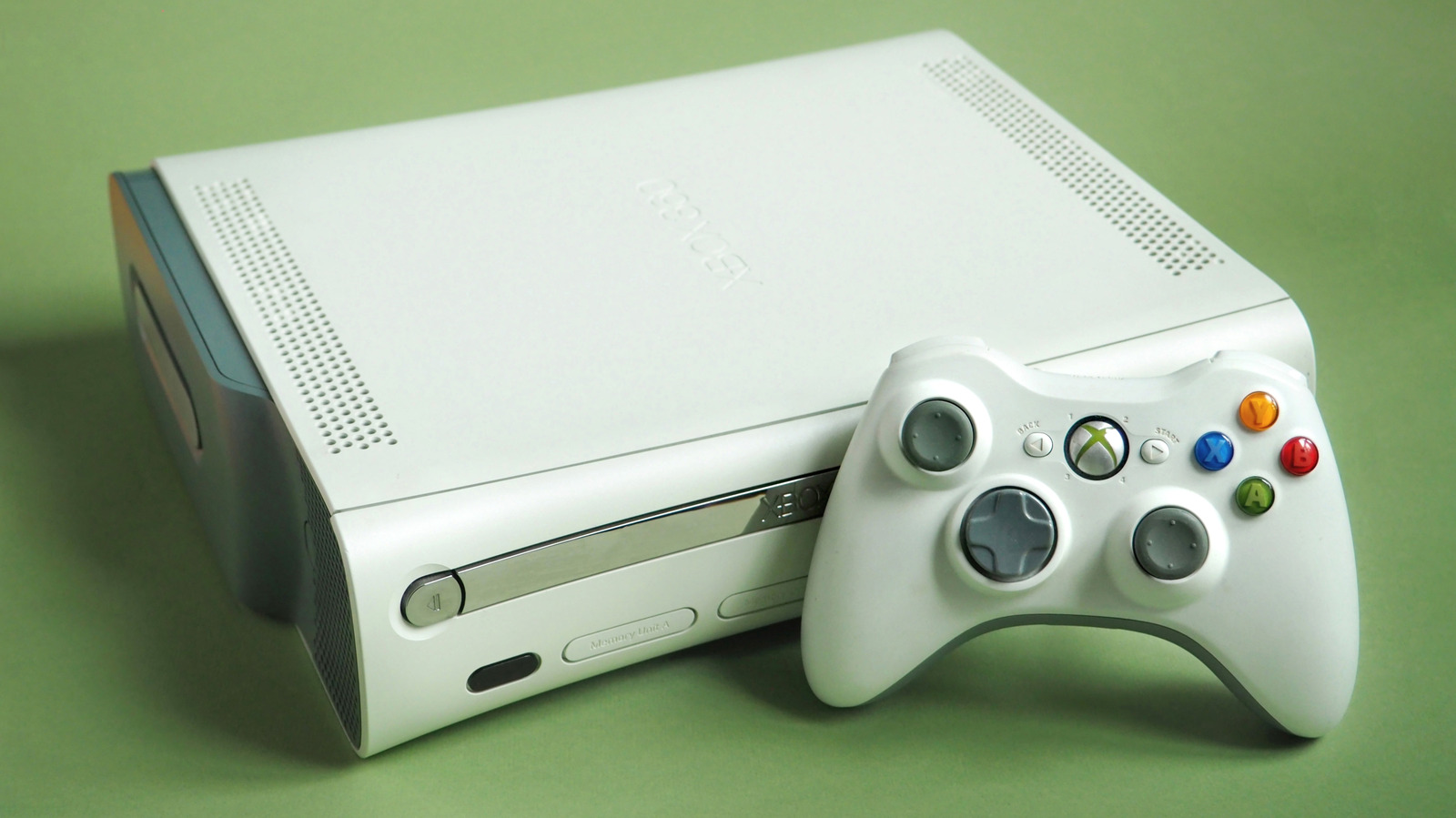
Letting old pieces of tech go is never easy, especially when you have fond memories of the original Xbox. But no matter how much you loved shooting seven shades of alien goo out of the Covenant in Halo: Combat Evolved, it's unlikely you're still using a 25-year-old console on a daily basis. If you no longer touch your OG Xbox, Xbox 360 or Xbox One, as long as it's working, there are far better options than just tossing it out.

Make your Xbox One your go-to streaming box for the bedroom! Go retro — dust off that Xbox 360 and play those obscure DVD collections you've been hoarding for years! Many Xbox controllers can even be used to enjoy the best PC games! You could obviously make cash for your old console on auctioning sites like eBay. Or here's a thought: How about gifting your past-gen Xbox to a thrift store/charity shop? Your old Xbox deserves more respect than being dumped in a dustbin.

If we're talking Xbox One, you can download and enjoy many streaming services on Microsoft's last-gen console, including Netflix, Disney+, Amazon Prime Video, Hulu and Paramount+. Skip back to Xbox 360 and sadly, you're mostly out of luck.

Provided you don't have a relative who is currently begging for your old console, why not keep it?…

In brief

Letting old pieces of tech go is never easy, especially when you have fond memories of the original Xbox. If you no longer touch your OG Xbox, Xbox 360 or Xbox One, as long as it's working, there are far better options than just tossing it out. Make your Xbox One your go-to streaming box for the bedroom! Your old Xbox deserves more respect than being dumped in a dustbin.

This is the opening of the story, shared with credit to Engadget. The rest of the report — with every detail — continues on the publisher’s website.

Continue reading at Engadget ↗

Cookie settings

Choose which cookies we may use. You can change this at any time from Cookie settings in the footer. Details of each cookie are in the Cookie Policy.

Strictly necessary

Needed for sign-in, security, payments and remembering these choices. Always on.

Preferences

Remember settings such as dark mode.

Analytics & performance

Help us count visits, understand which pages, devices and countries our readers use, and measure how well the site performs – anonymous and aggregated.

Advertising & marketing

Lets advertising partners show and personalise adverts, measure impressions, clicks and visits, prevent ad fraud and pay us – this is how the free site is funded.

🔔 News notifications

Get headlines from NewsHub on this device — even when the site is closed.

You can switch this off at any time. Works on Android, Windows, Mac and Linux browsers; on iPhone/iPad add the site to your Home Screen first.