📰 Newspapers

How Secure Is Your Password? Here's How To Test It

How Secure Is Your Password? Here's How To Test It

Find out which common password habits leave your accounts exposed, from keyboard patterns to reused logins, and what a truly secure password needs to include.

Here’s what a strong password looks like and how to check whether yours would hold up against hackers, plus a few habits that keep accounts safer.

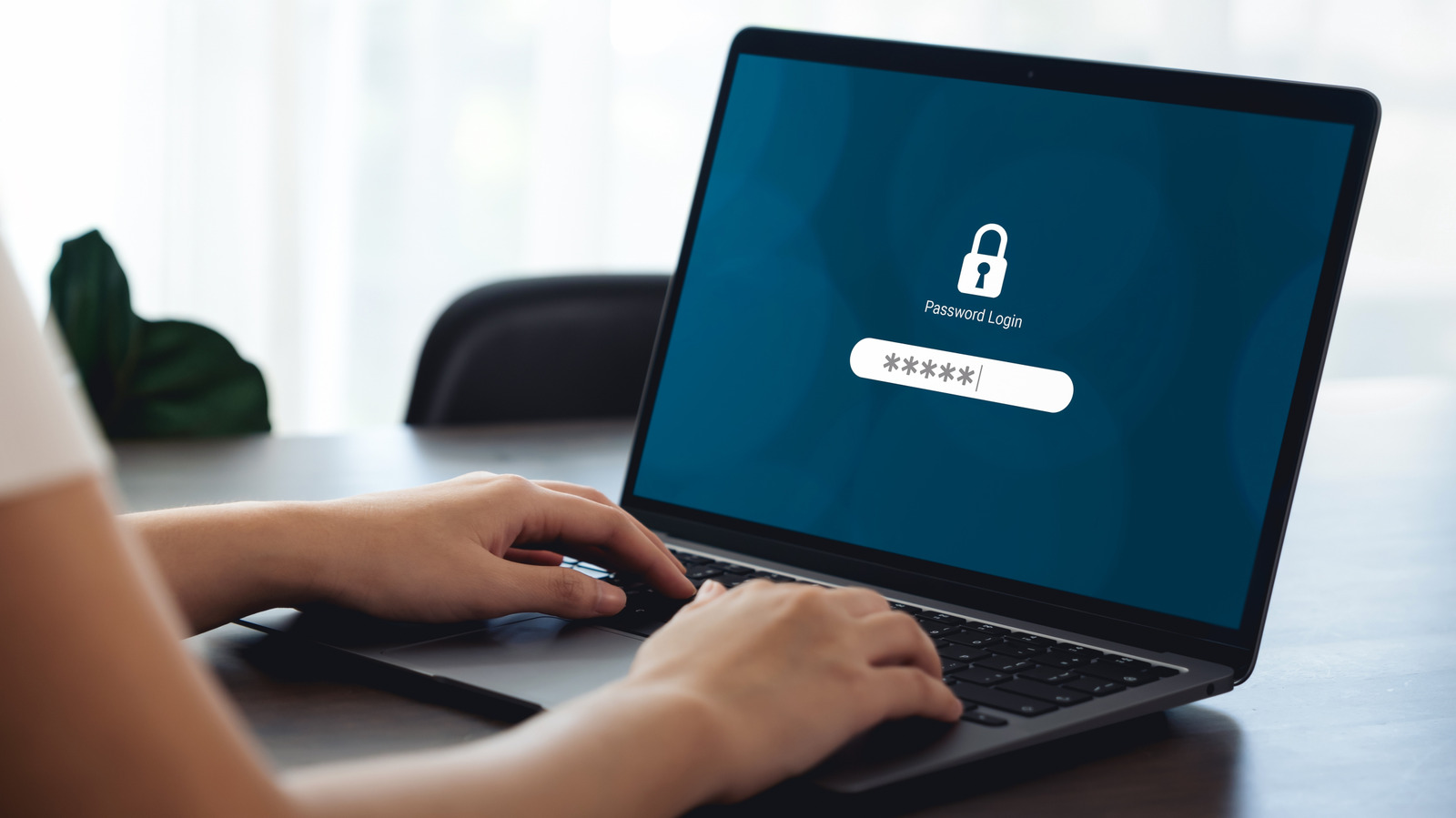
Remember the old days when you'd try to use "1234" or "password" as your password? There really was never a time when passwords like those were secure. Thankfully, nowadays, most services don't even permit you to use passwords that aren't secure enough. They require a combination of letters, numbers and symbols along with different letter cases before accepting your chosen password. It makes passwords tougher to remember on the one hand, but it's essential in this day and age to ensure that your password can't be easily cracked by nefarious individuals or even AI systems.

But even if you think you have created a password that Robert Langdon from The Da Vinci Code himself couldn't crack, how do you truly know how secure it is? Usually, if it includes all the elements noted above, especially if the letters do not connect to spell an actual word, you're in a good spot.

To know for sure, you can run it through a free password strength checker, such as the one at Security.org. However, remember that creating a secure password is just one of the steps you can take to be safer online.

In brief

Here’s what a strong password looks like and how to check whether yours would hold up against hackers, plus a few habits that keep accounts safer. Remember the old days when you'd try to use "1234" or "password" as your password? They require a combination of letters, numbers and symbols along with different letter cases before accepting your chosen password.

This is the opening of the story, shared with credit to Engadget. The rest of the report — with every detail — continues on the publisher’s website.

Continue reading at Engadget ↗

Cookie settings

Choose which cookies we may use. You can change this at any time from Cookie settings in the footer. Details of each cookie are in the Cookie Policy.

Strictly necessary

Needed for sign-in, security, payments and remembering these choices. Always on.

Preferences

Remember settings such as dark mode.

Analytics & performance

Help us count visits, understand which pages, devices and countries our readers use, and measure how well the site performs – anonymous and aggregated.

Advertising & marketing

Lets advertising partners show and personalise adverts, measure impressions, clicks and visits, prevent ad fraud and pay us – this is how the free site is funded.

🔔 News notifications

Get headlines from NewsHub on this device — even when the site is closed.

You can switch this off at any time. Works on Android, Windows, Mac and Linux browsers; on iPhone/iPad add the site to your Home Screen first.