📰 Newspapers

The cool phone camera trick that can test your remote control's battery

The cool phone camera trick that can test your remote control's battery

Trying to figure out whether a remote control needs new batteries? Your phone camera can tell you if it's time to replace them. Here's how.

Your phone camera is useful for more than just food pics.

Smartphones are capable of many impressive and useful feats, from capturing detailed images of objects as far away as the moon to serving as a key part of our home security systems. But smartphones are also useful for much more mundane tasks, such as helping us figure out whether our TV remote's batteries are dead.

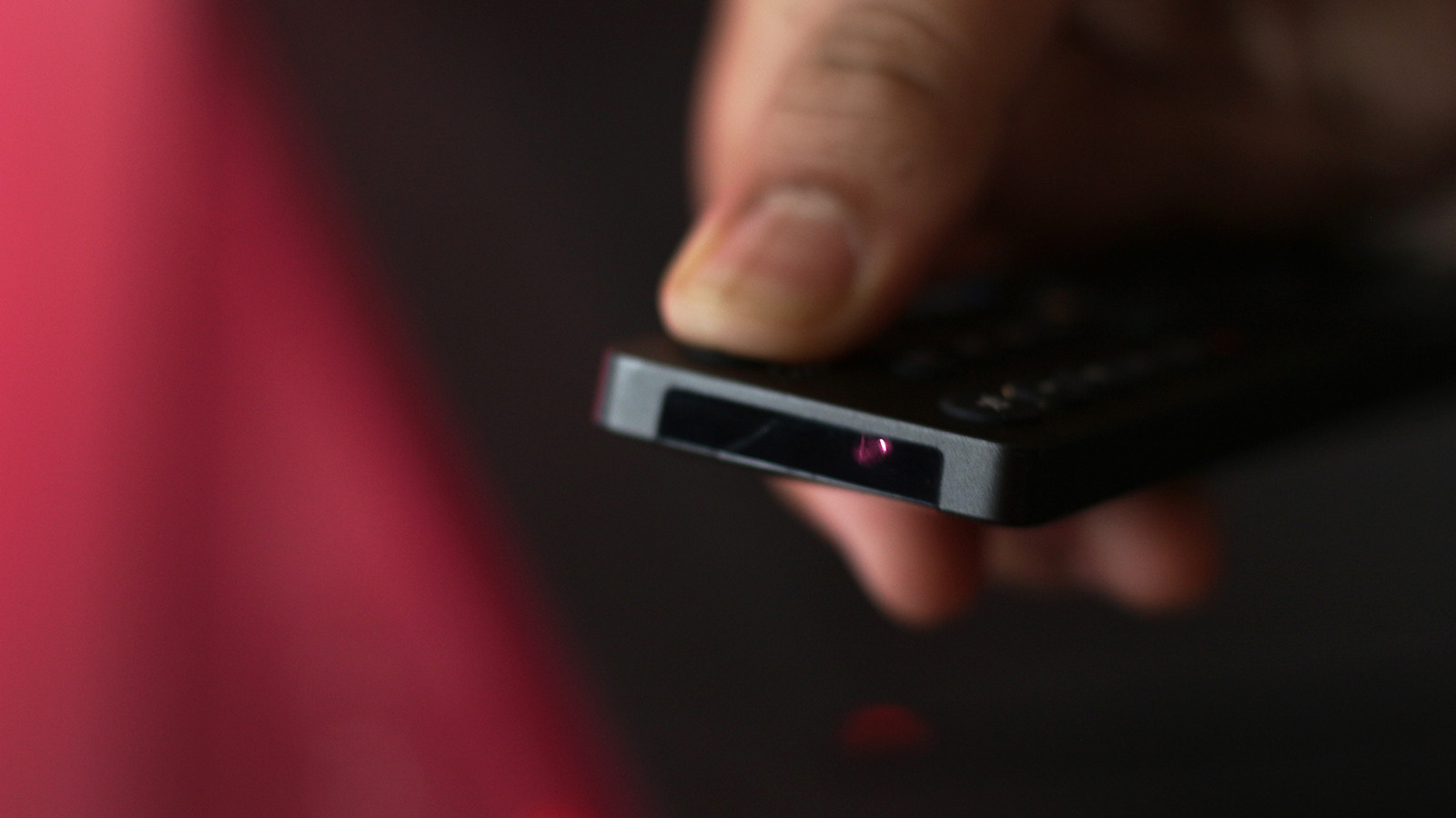
When you press a button on your remote control, it sends that command to your TV using infrared light. While many modern televisions ship with Bluetooth remotes that support features like voice control, they may still rely on an infrared emitter for basic functions like turning the TV on or off. The emitter is located at the front of the remote. It's a tiny LED on the front of the remote that's usually easy to spot, although some modern remotes hide it behind a dark plastic window.

To test your battery, launch your phone's Camera app, point it at the front of your remote and press and hold a button while looking at your phone's screen. The remote's power button is probably best, since many Bluetooth remotes still use infrared for that command.
In brief

Your phone camera is useful for more than just food pics. When you press a button on your remote control, it sends that command to your TV using infrared light. To test your battery, launch your phone's Camera app, point it at the front of your remote and press and hold a button while looking at your phone's screen.

This is the opening of the story, shared with credit to Engadget. The rest of the report — with every detail — continues on the publisher’s website.

Continue reading at Engadget ↗

Cookie settings

Choose which cookies we may use. You can change this at any time from Cookie settings in the footer. Details of each cookie are in the Cookie Policy.

Strictly necessary

Needed for sign-in, security, payments and remembering these choices. Always on.

Preferences

Remember settings such as dark mode.

Analytics & performance

Help us count visits, understand which pages, devices and countries our readers use, and measure how well the site performs – anonymous and aggregated.

Advertising & marketing

Lets advertising partners show and personalise adverts, measure impressions, clicks and visits, prevent ad fraud and pay us – this is how the free site is funded.

🔔 News notifications

Get headlines from NewsHub on this device — even when the site is closed.

You can switch this off at any time. Works on Android, Windows, Mac and Linux browsers; on iPhone/iPad add the site to your Home Screen first.