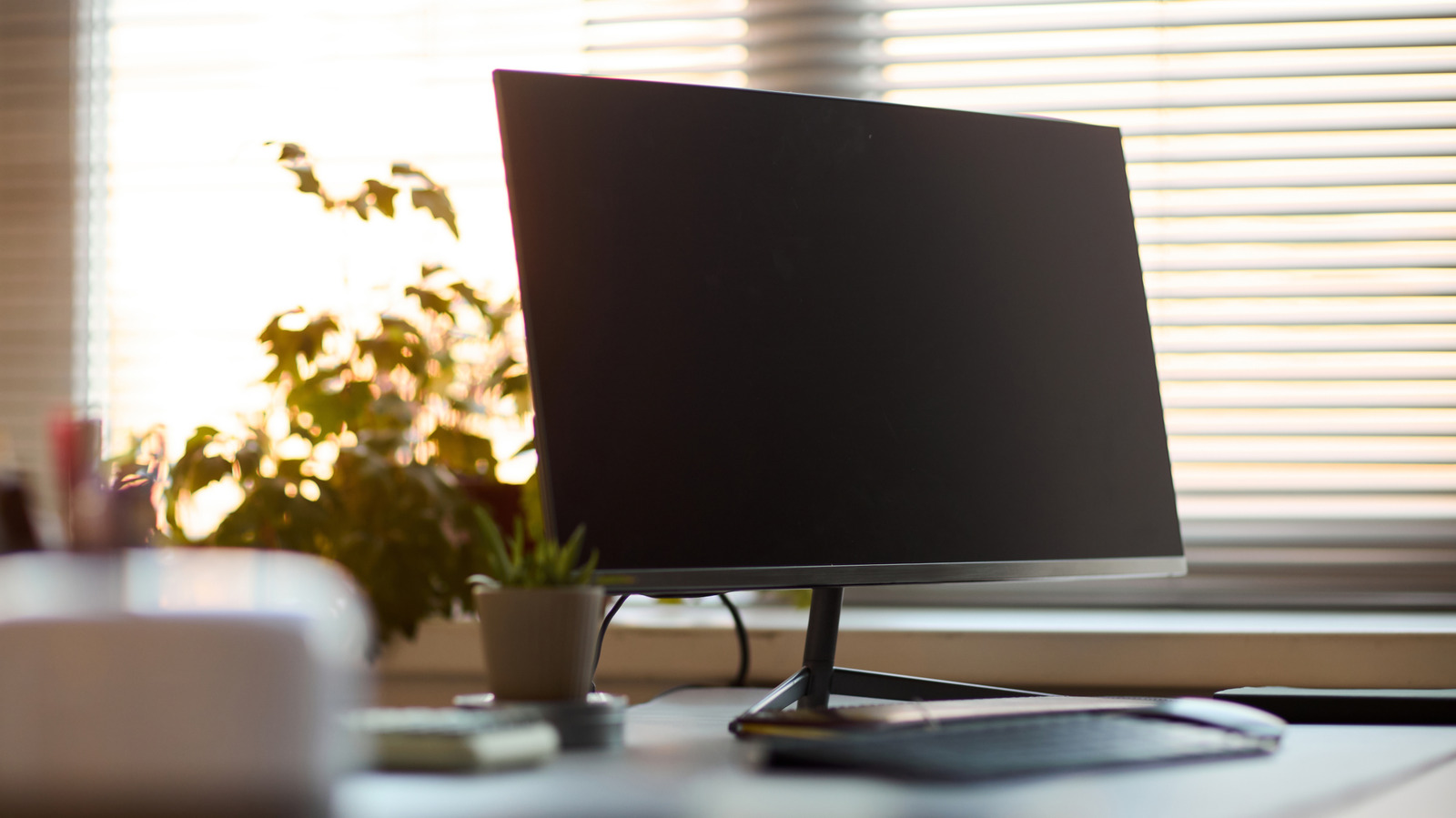
If you're someone who spends a decent amount of time in front of a computer, perhaps at work or during long gaming sessions, you may have noticed just how finicky certain parts of your computer can be. That's especially true of its peripherals and accessories, with one of the usual suspects being your monitor.
Turning on your monitor and noticing some unusual oddities, specifically flickering, may seem like an apocalyptic beginning to your day. Monitors of decent quality are pretty affordable today, but no one wants to spend money on a new display if they don't have to. Thankfully, your computer monitor is fairly easy to troubleshoot on a basic level in order to determine your ideal path forward.
If it's something more difficult to solve — something deeper at a hardware level — that can become a bit harder to resolve on your own. Taking some simple steps to determine the cause and potential fixes can save you a lot of headaches in the long run.
A monitor starting to flicker could stem from a rather wide variety of different issues. One of the most common reasons for a flickering monitor is a loose or potentially faulty display cable, whether that's a modern HDMI or DisplayPort cable, or even an older VGA one.