📰 Newspapers

Your older, discontinued AirTags can still serve a purpose

Your older, discontinued AirTags can still serve a purpose

Apple has moved on from the original AirTag, but you don't have to. Find out how your old trackers can still earn their keep at home and on the go.

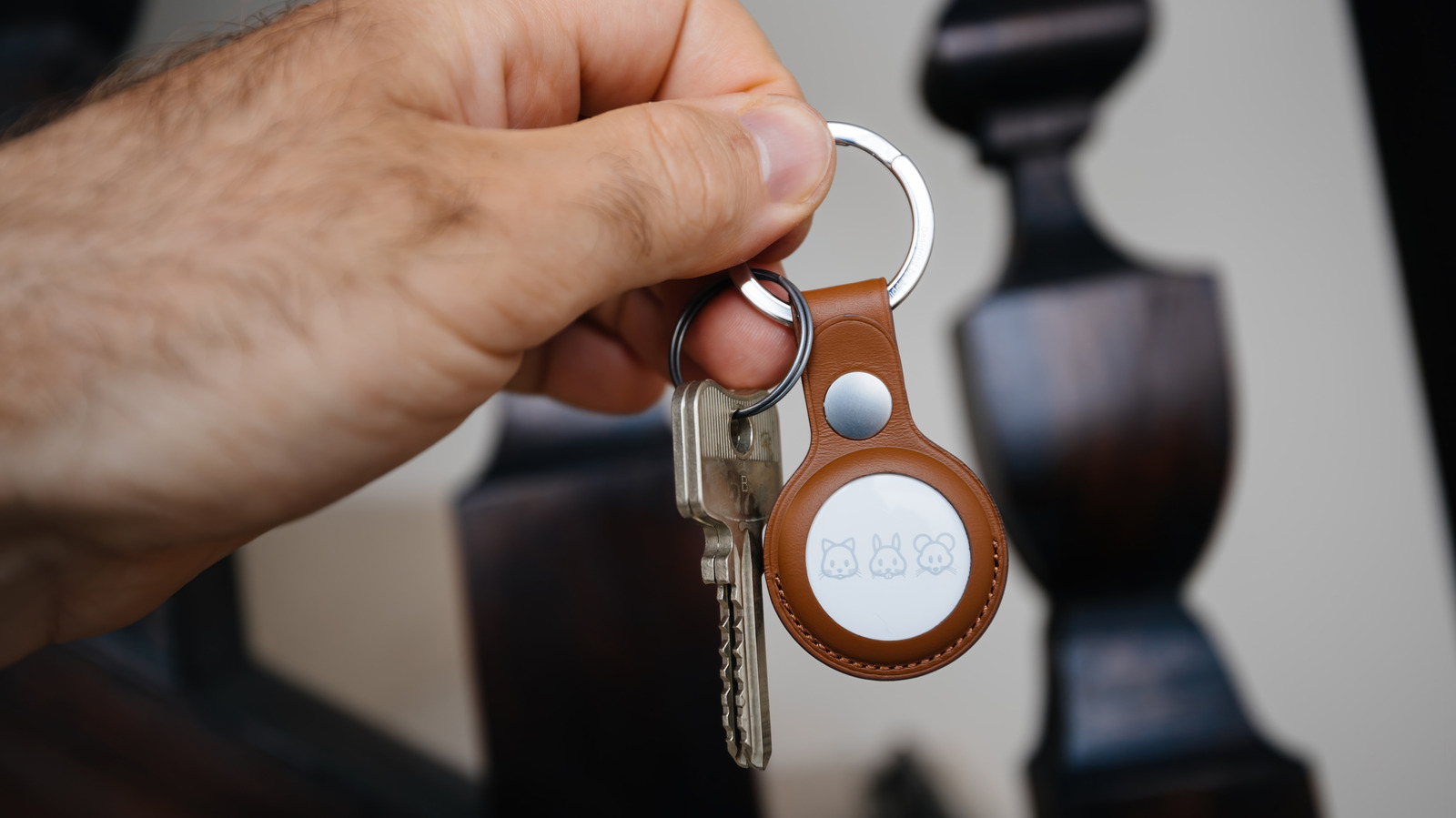
Before you toss your original AirTag, here are a few ways to keep it useful.

Earlier this year, Apple introduced the first new generation AirTag since the original debuted in 2021. And while you might still be able to find first-generation Apple AirTags for purchase on some websites, Apple doesn't sell them anymore. The company is now focusing solely on the new model and leaving the original AirTag behind. But the old ones are still supported in the Find My app, so there's lots of ways you can continue to use them.

The newer Apple AirTag offers an expanded finding range thanks to the second-generation ultrawideband chip, upgraded Bluetooth chip, improved Precision Finding from up to 50 percent farther away and a louder speaker. Given how cheap Apple AirTags are ($29 on Amazon) and all the upgrades with the second-gen model, you'll probably want to grab a few for your most precious items.

But that doesn't mean you should toss your old AirTags. They can be relocated to secondary items, kept as backups for your most important gear or handed down to friends and family.

An AirTag that still works is worth hanging onto. Use newer AirTags for your keys, purse, wallet, child's backpack and maybe even pet collar and move your old AirTags to secondary items.

In brief

Before you toss your original AirTag, here are a few ways to keep it useful. And while you might still be able to find first-generation Apple AirTags for purchase on some websites, Apple doesn't sell them anymore. But that doesn't mean you should toss your old AirTags. Use newer AirTags for your keys, purse, wallet, child's backpack and maybe even pet collar and move your old AirTags to secondary items.

This is the opening of the story, shared with credit to Engadget. The rest of the report — with every detail — continues on the publisher’s website.

Continue reading at Engadget ↗

Cookie settings

Choose which cookies we may use. You can change this at any time from Cookie settings in the footer. Details of each cookie are in the Cookie Policy.

Strictly necessary

Needed for sign-in, security, payments and remembering these choices. Always on.

Preferences

Remember settings such as dark mode.

Analytics & performance

Help us count visits, understand which pages, devices and countries our readers use, and measure how well the site performs – anonymous and aggregated.

Advertising & marketing

Lets advertising partners show and personalise adverts, measure impressions, clicks and visits, prevent ad fraud and pay us – this is how the free site is funded.

🔔 News notifications

Get headlines from NewsHub on this device — even when the site is closed.

You can switch this off at any time. Works on Android, Windows, Mac and Linux browsers; on iPhone/iPad add the site to your Home Screen first.