📰 Newspapers

The biggest downsides to using Apple's Magic Mouse

The biggest downsides to using Apple's Magic Mouse

Mac users have their reasons for ditching Apple's Magic Mouse despite its slick touch gestures. Knowing them can help you decide if it suits your desk.

Apple switched the Magic Mouse to USB-C but left its most questionable design decision untouched, and that isn’t the only thing users dislike.

There are a handful of things that Apple's Magic Mouse does that would make regular mice envious. The shimmery Multi-Touch surface lets you scroll sideways on a spreadsheet and move across macOS even without that conventional scroll wheel. But then, it is also brilliantly designed to be unusable when the charging cable is plugged in. That's not a small trade-off, especially for a device whose very purpose is to make computer use a breeze.

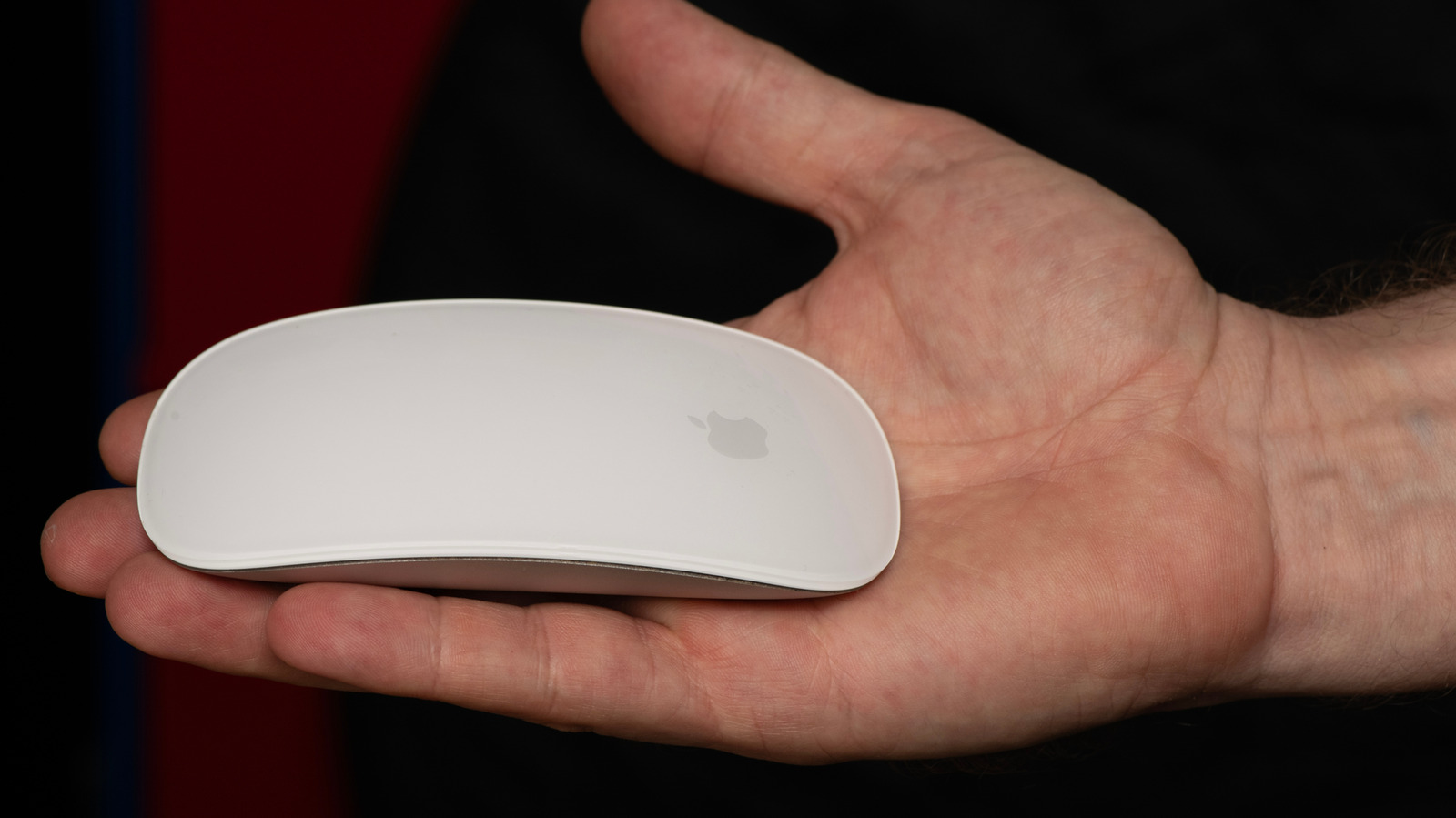
And it isn't the only reason even committed Mac users are calling it quits on the official Apple mouse. The weirdly slender body looks gorgeous but offers barely any palm space, while the aluminum sides aren't universally loved either. For those who've used a traditional mouse for years, the controls on the Magic Mouse can also feel severely limiting.

Even after ditching the Lightning port with the 2024 refresh alongside the much faster M4 iMac, Apple decided to leave most of those pain points untouched. Now, in all honesty, the Magic Mouse has a pretty strong fan base, especially among users who love its touch gestures and that classic Apple minimalist design.


In brief

Apple switched the Magic Mouse to USB-C but left its most questionable design decision untouched, and that isn’t the only thing users dislike. There are a handful of things that Apple's Magic Mouse does that would make regular mice envious. Now, in all honesty, the Magic Mouse has a pretty strong fan base, especially among users who love its touch gestures and that classic Apple minimalist design.

This is the opening of the story, shared with credit to Engadget. The rest of the report — with every detail — continues on the publisher’s website.

Continue reading at Engadget ↗

Cookie settings

Choose which cookies we may use. You can change this at any time from Cookie settings in the footer. Details of each cookie are in the Cookie Policy.

Strictly necessary

Needed for sign-in, security, payments and remembering these choices. Always on.

Preferences

Remember settings such as dark mode.

Analytics & performance

Help us count visits, understand which pages, devices and countries our readers use, and measure how well the site performs – anonymous and aggregated.

Advertising & marketing

Lets advertising partners show and personalise adverts, measure impressions, clicks and visits, prevent ad fraud and pay us – this is how the free site is funded.

🔔 News notifications

Get headlines from NewsHub on this device — even when the site is closed.

You can switch this off at any time. Works on Android, Windows, Mac and Linux browsers; on iPhone/iPad add the site to your Home Screen first.