📰 Newspapers

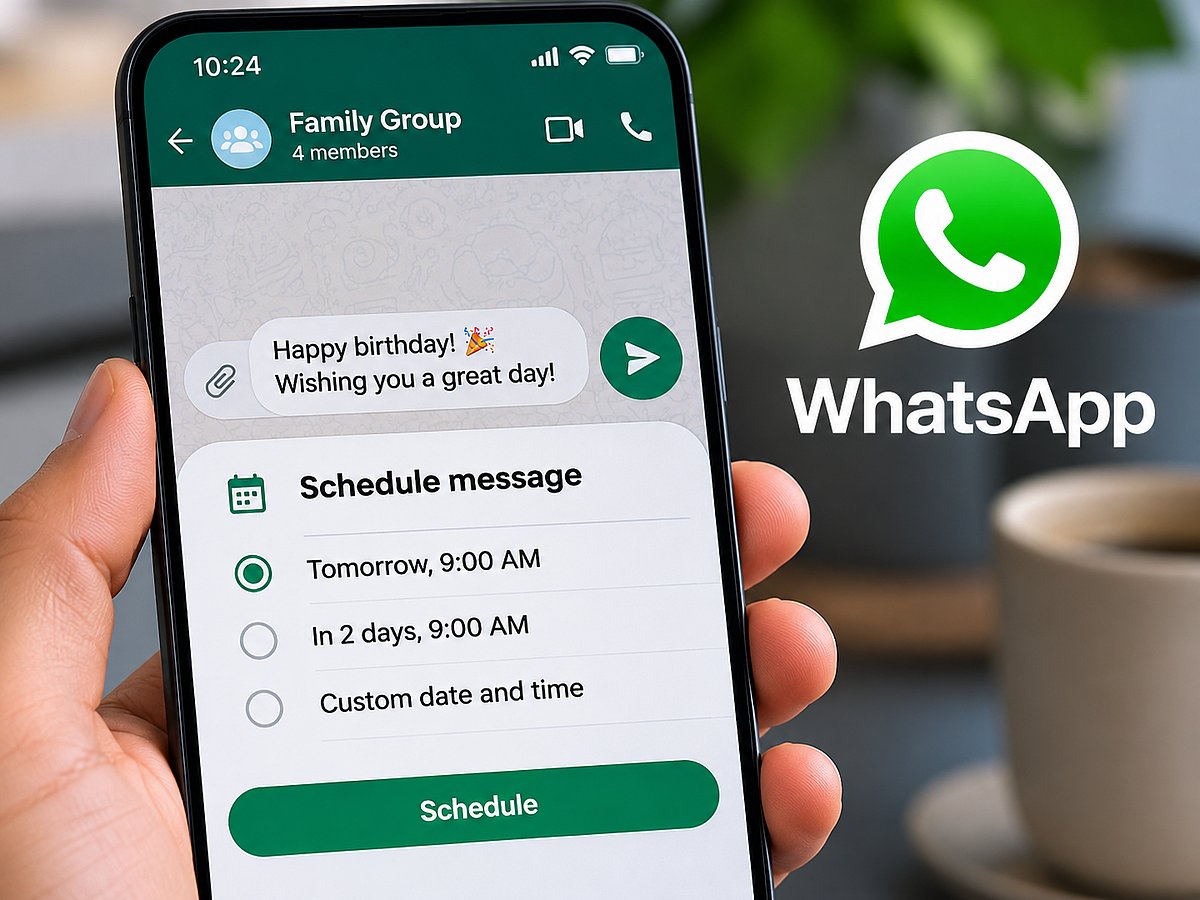
WhatsApp finally lets you schedule messages: Here's how it works

WhatsApp finally lets you schedule messages: Here's how it works

Dubai: WhatsApp users will no longer have to wait until midnight to send someone a birthday greeting.

The Meta-owned messaging app announced on Wednesday that it is introducing scheduled messages, allowing users to choose when a message is delivered in both individual and group chats.

Get updated faster and for FREE: Download the Gulf News app now - simply click here.

Messages can be scheduled anywhere from 10 minutes to 14 days in advance. The feature also works with photos and videos.

Perhaps more useful is that messages will go through even if the sender’s phone is switched off or has run out of battery.

For UAE residents who regularly communicate with family members in different time zones, it means they can compose a message at their convenience and have it delivered at a more appropriate hour.

How to schedule a message on WhatsApp

Instead of tapping the send button after composing a message, press and hold it. This brings up an option to select the delivery date and time.

Once confirmed, the message will be sent automatically at the chosen time. Users can also view and cancel scheduled messages before they are delivered.

Recipients will see them as regular WhatsApp messages. Personal messages will remain protected by end-to-end encryption.

When will the feature reach UAE users?

In brief

Dubai: WhatsApp users will no longer have to wait until midnight to send someone a birthday greeting. The Meta-owned messaging app announced on Wednesday that it is introducing scheduled messages, allowing users to choose when a message is delivered in both individual and group chats. Users can also view and cancel scheduled messages before they are delivered. Recipients will see them as regular WhatsApp messages.

This is the opening of the story, shared with credit to Gulf News (UAE). The rest of the report — with every detail — continues on the publisher’s website.

Continue reading at Gulf News (UAE) ↗

Cookie settings

Choose which cookies we may use. You can change this at any time from Cookie settings in the footer. Details of each cookie are in the Cookie Policy.

Strictly necessary

Needed for sign-in, security, payments and remembering these choices. Always on.

Preferences

Remember settings such as dark mode.

Analytics & performance

Help us count visits, understand which pages, devices and countries our readers use, and measure how well the site performs – anonymous and aggregated.

Advertising & marketing

Lets advertising partners show and personalise adverts, measure impressions, clicks and visits, prevent ad fraud and pay us – this is how the free site is funded.

🔔 News notifications

Get headlines from NewsHub on this device — even when the site is closed.

You can switch this off at any time. Works on Android, Windows, Mac and Linux browsers; on iPhone/iPad add the site to your Home Screen first.