📰 Newspapers

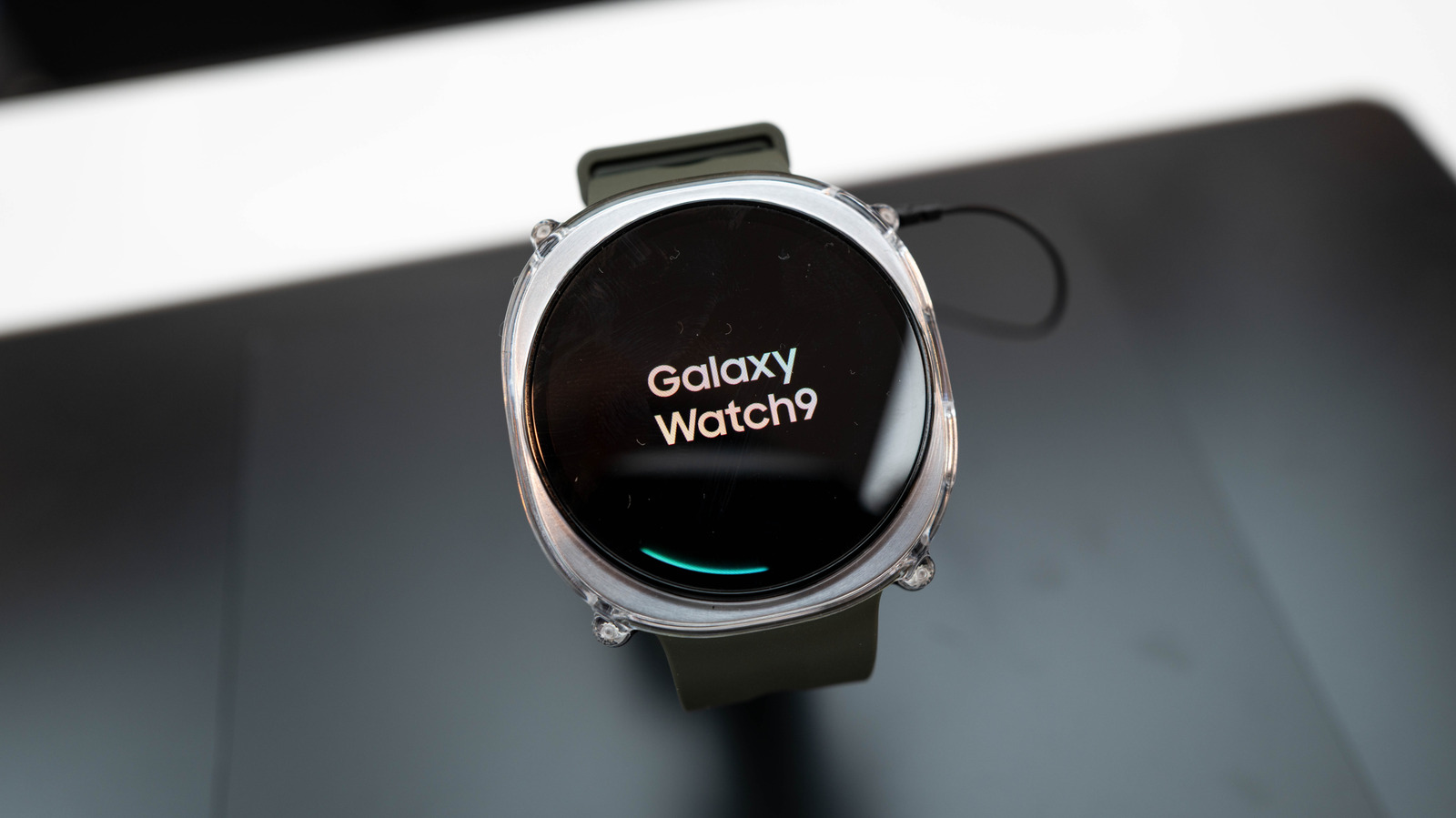
5 free Samsung Galaxy Watch apps every owner should know about

5 free Samsung Galaxy Watch apps every owner should know about

Samsung's Galaxy Watches offer lots of features for free via apps in the Play Store. Here are a few of our favorite free watch apps.

If you aren't using these, you're missing out.

Having spent over eight years refining its Galaxy Watch lineup, Samsung has built a strong app ecosystem for its wearables that lets them do a whole lot more than fitness tracking.

From apps that allow music playback without relying on a phone to clearing things off your to-do list, we've handpicked our favorite free Samsung Galaxy Watch apps available to download. We focused on non-Google apps, so this list won't have the likes of Google Keep's voice-to-text notes, YouTube Music or Google Wallet.

We're big fans of Spotify's "daylist" and Discover Weekly playlists, and its Wear OS app lets you take them anywhere with the watch's onboard storage. If you're already on Strava, chances are you'd want your watch to log your next run.

Todoist's simple interface lets you clear tasks and keep track of upcoming ones, while Citymapper is a boon for live transit users who track their commute. If you've got an array of smart home devices scattered around your home or workplace, SmartThings lets you control them all.

Unlike Fitbits, Samsung's Galaxy Watches let you download music onto your watch for offline playback if you've got a Spotify Premium subscription.

In brief

If you aren't using these, you're missing out. From apps that allow music playback without relying on a phone to clearing things off your to-do list, we've handpicked our favorite free Samsung Galaxy Watch apps available to download. Unlike Fitbits, Samsung's Galaxy Watches let you download music onto your watch for offline playback if you've got a Spotify Premium subscription.
This is the opening of the story, shared with credit to Engadget. The rest of the report — with every detail — continues on the publisher’s website.

Continue reading at Engadget ↗

Cookie settings

Choose which cookies we may use. You can change this at any time from Cookie settings in the footer. Details of each cookie are in the Cookie Policy.

Strictly necessary

Needed for sign-in, security, payments and remembering these choices. Always on.

Preferences

Remember settings such as dark mode.

Analytics & performance

Help us count visits, understand which pages, devices and countries our readers use, and measure how well the site performs – anonymous and aggregated.

Advertising & marketing

Lets advertising partners show and personalise adverts, measure impressions, clicks and visits, prevent ad fraud and pay us – this is how the free site is funded.

🔔 News notifications

Get headlines from NewsHub on this device — even when the site is closed.

You can switch this off at any time. Works on Android, Windows, Mac and Linux browsers; on iPhone/iPad add the site to your Home Screen first.