📰 Newspapers

Google has finally fixed the boot loop issue for Acer Googlebooks

Google has finally fixed the boot loop issue for Acer Googlebooks

This annoying bug made for a rough first impression for new Googlebook buyers.

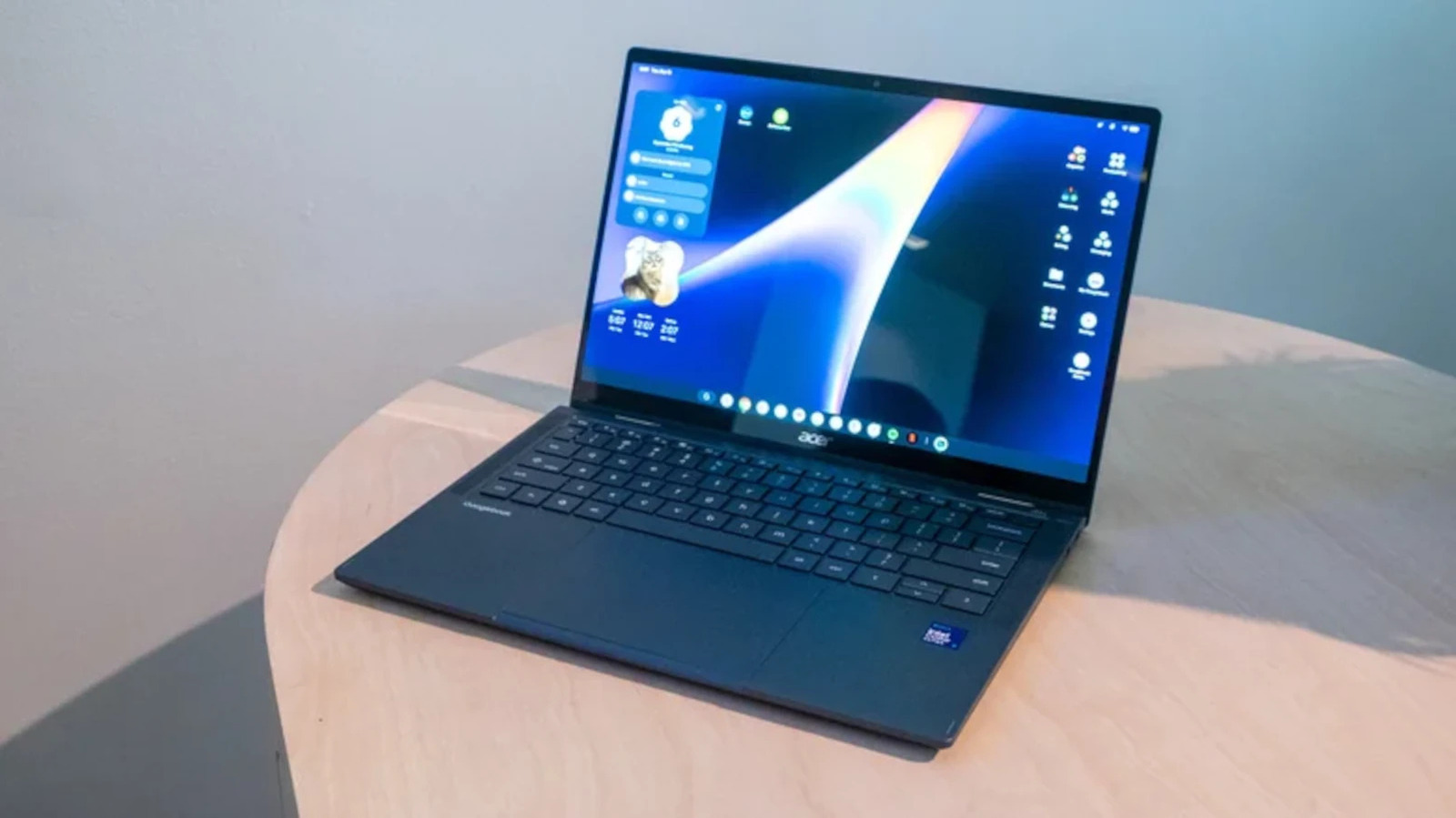
The Acer Googlebook 14 is one of the new launch models of the Googlebook laptop line, and given that it is the cheapest of the initial lineup and the only 2-in-1 Googlebook option, it's also one of the most popular models available right now. With its emphasis on Android interoperability, premium specs and Google Gemini integration, it's the Android users first real counterpart to the unified hardware and software ecosystem found in competing Apple iPhone and MacBook devices.

Unfortunately, some users experienced boot loop restarts during the initial setup process, keeping them from ever getting to actually use their device (we didn't run into the issue ourselves, however). Some frustrated buyers even returned their Acer Googlebook 14 and purchased a more expensive model from another manufacturer, like the Lenovo Googlebook 15, as a result. Buyers chose the Acer Googlebook 14 for a reason, though, given its price advantage, solid hardware and a convertible form factor that makes it great for taking notes in school or at work.

Fortunately, Google has rolled out a fix for those getting stuck in boot loop purgatory.

In brief

This annoying bug made for a rough first impression for new Googlebook buyers. Unfortunately, some users experienced boot loop restarts during the initial setup process, keeping them from ever getting to actually use their device (we didn't run into the issue ourselves, however). Some frustrated buyers even returned their Acer Googlebook 14 and purchased a more expensive model from another manufacturer, like the Lenovo Googlebook 15, as a result. Fortunately, Google has rolled out a fix for those getting stuck in boot loop purgatory.

This is the opening of the story, shared with credit to Engadget. The rest of the report — with every detail — continues on the publisher’s website.

Continue reading at Engadget ↗

Cookie settings

Choose which cookies we may use. You can change this at any time from Cookie settings in the footer. Details of each cookie are in the Cookie Policy.

Strictly necessary

Needed for sign-in, security, payments and remembering these choices. Always on.

Preferences

Remember settings such as dark mode.

Analytics & performance

Help us count visits, understand which pages, devices and countries our readers use, and measure how well the site performs – anonymous and aggregated.

Advertising & marketing

Lets advertising partners show and personalise adverts, measure impressions, clicks and visits, prevent ad fraud and pay us – this is how the free site is funded.

🔔 News notifications

Get headlines from NewsHub on this device — even when the site is closed.

You can switch this off at any time. Works on Android, Windows, Mac and Linux browsers; on iPhone/iPad add the site to your Home Screen first.