📰 Newspapers

iOS 27 could be messing up your CarPlay experience with Google Maps and Waze

iOS 27 could be messing up your CarPlay experience with Google Maps and Waze

iOS 27 has improved CarPlay, but also brought along some navigation problems. Unfortunately, there's no perfect solution until Apple fixes the issue.

Some navigation apps are broken in CarPlay, and iOS 27 might be to blame.

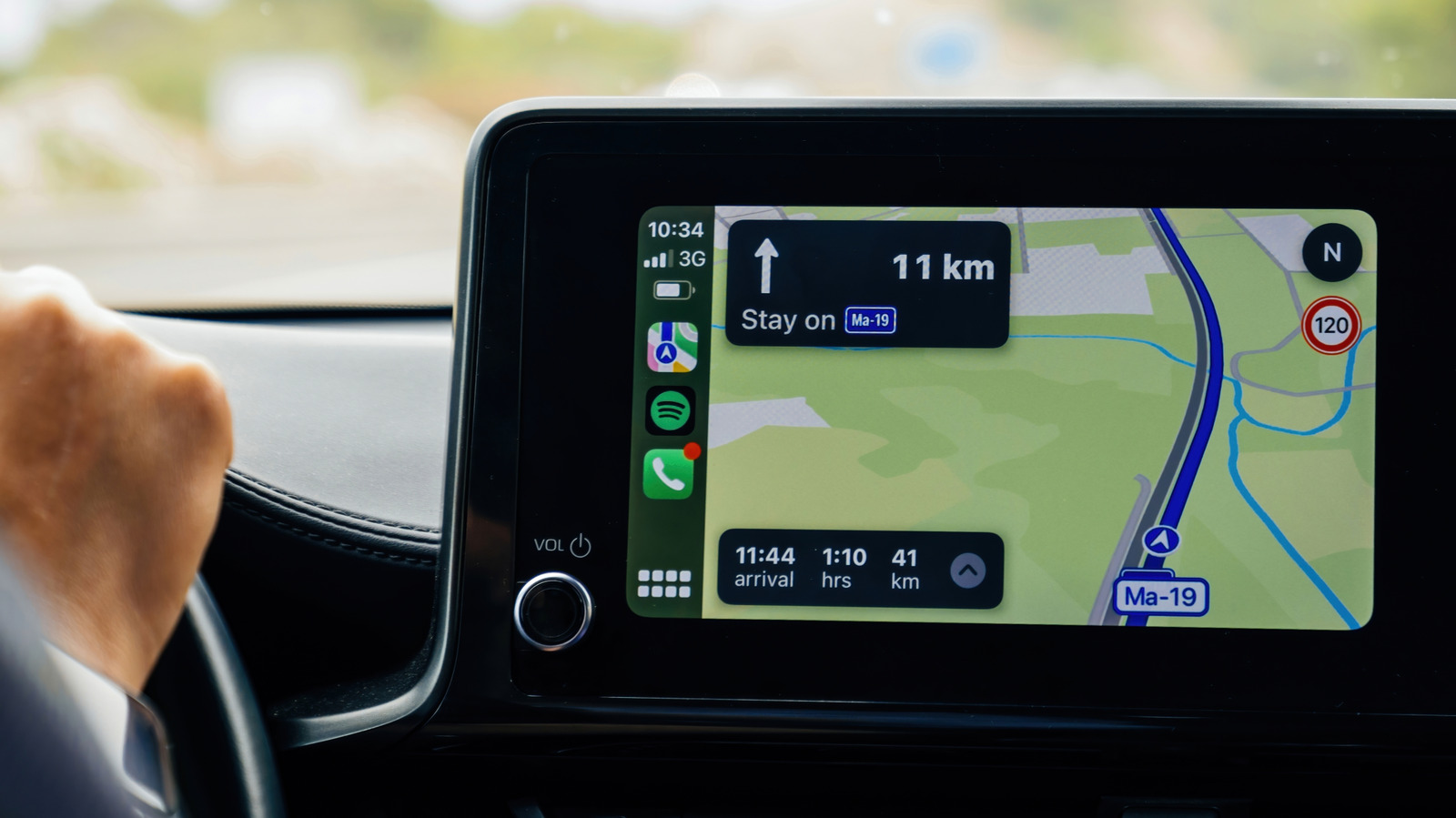
Apple's CarPlay has gained some interesting new features since iOS 27 released, including the ability to watch videos while parked. But the update has also been giving some drivers headaches with third-party navigation apps. When using Google Maps or Waze, guidance banners end up overlapping the map on the screen, making turn-by-turn navigation difficult or nearly impossible.

You're not alone if this has been happening to your car — there are lots of complaints from drivers all over Reddit. Although many are blaming app developers, it actually seems to be a bug caused by iOS 27.

With iOS 27, Apple has redesigned the template that third-party navigation apps use in CarPlay. Unlike on iOS itself, apps such as Google Maps and Waze cannot design their own interface from scratch for CarPlay. Instead, the apps send the information to iOS, which renders the next turn and ETA cards in the car. In theory, the apps should move the center of the map to the side when these banners appear, but that's what seems to be failing after the iOS 27 update.

A user in this r/CarPlay thread described the bug after installing iOS 27 on their phone — CarPlay simply stopped reporting the safe area to third-party…

In brief

Some navigation apps are broken in CarPlay, and iOS 27 might be to blame. But the update has also been giving some drivers headaches with third-party navigation apps. With iOS 27, Apple has redesigned the template that third-party navigation apps use in CarPlay. Unlike on iOS itself, apps such as Google Maps and Waze cannot design their own interface from scratch for CarPlay.

This is the opening of the story, shared with credit to Engadget. The rest of the report — with every detail — continues on the publisher’s website.

Continue reading at Engadget ↗

Cookie settings

Choose which cookies we may use. You can change this at any time from Cookie settings in the footer. Details of each cookie are in the Cookie Policy.

Strictly necessary

Needed for sign-in, security, payments and remembering these choices. Always on.

Preferences

Remember settings such as dark mode.

Analytics & performance

Help us count visits, understand which pages, devices and countries our readers use, and measure how well the site performs – anonymous and aggregated.

Advertising & marketing

Lets advertising partners show and personalise adverts, measure impressions, clicks and visits, prevent ad fraud and pay us – this is how the free site is funded.

🔔 News notifications

Get headlines from NewsHub on this device — even when the site is closed.

You can switch this off at any time. Works on Android, Windows, Mac and Linux browsers; on iPhone/iPad add the site to your Home Screen first.