📰 Newspapers

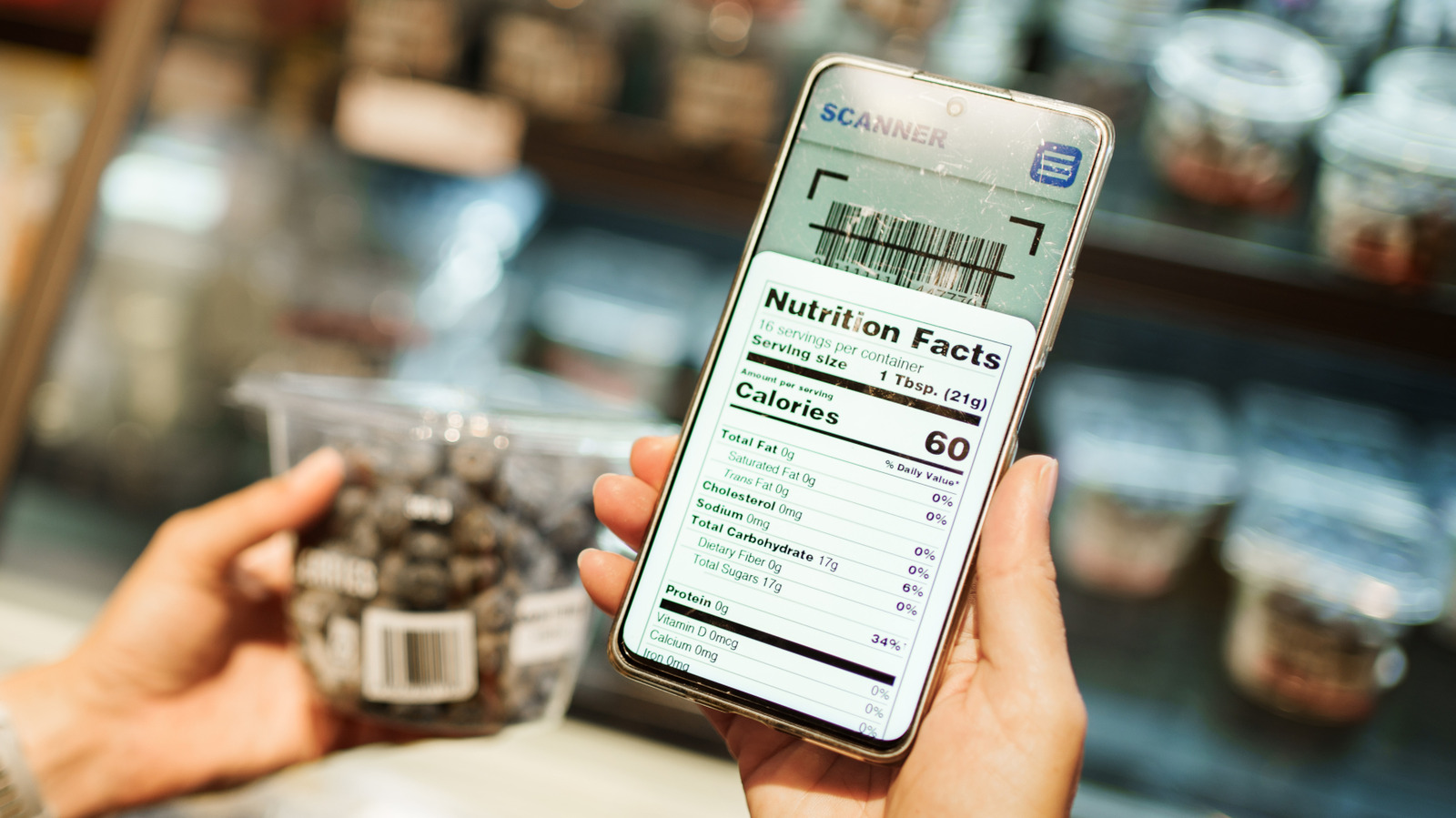
Using your phone to scan a barcode and identify products is surprisingly easy

Using your phone to scan a barcode and identify products is surprisingly easy

Barcodes are tied to databases, so they offer reliable product details. You can scan barcodes on both Android and iPhone.

Scanning a barcode can get you a lot of info with very little effort.

As much as smartphones can give us grief, it's hard to deny that their integration into our lives is often a good thing. People credit fitness apps and the better smartwatches out there for turning around their health, for example. Whenever Apple announces a new Apple Watch — and occasionally, apropos of nothing — the company is fond of trotting out customers who say the product saved their life.

Scanning barcodes might seem trivial by comparison, but not necessarily. They can reveal the facts about what you're eating, for example, which might help you avoid allergens or cut sugars and trans fats from your diet. At a hardware store, learning details about a product might save you confusion or a little money during a home renovation.

Consider this a quick primer on your options, which are going to depend on your platform and the apps you use, with the edge going to Android users. Not that an iPhone is incapable — it's just a question of what Apple supports out of the box.

The reason Android tends to win is Google Lens. The tool is preinstalled on most Android devices, and barcode scanning is an integral component.


In brief

Scanning a barcode can get you a lot of info with very little effort. Scanning barcodes might seem trivial by comparison, but not necessarily. Consider this a quick primer on your options, which are going to depend on your platform and the apps you use, with the edge going to Android users. The tool is preinstalled on most Android devices, and barcode scanning is an integral component.

This is the opening of the story, shared with credit to Engadget. The rest of the report — with every detail — continues on the publisher’s website.

Continue reading at Engadget ↗

Cookie settings

Choose which cookies we may use. You can change this at any time from Cookie settings in the footer. Details of each cookie are in the Cookie Policy.

Strictly necessary

Needed for sign-in, security, payments and remembering these choices. Always on.

Preferences

Remember settings such as dark mode.

Analytics & performance

Help us count visits, understand which pages, devices and countries our readers use, and measure how well the site performs – anonymous and aggregated.

Advertising & marketing

Lets advertising partners show and personalise adverts, measure impressions, clicks and visits, prevent ad fraud and pay us – this is how the free site is funded.

🔔 News notifications

Get headlines from NewsHub on this device — even when the site is closed.

You can switch this off at any time. Works on Android, Windows, Mac and Linux browsers; on iPhone/iPad add the site to your Home Screen first.