📰 Newspapers

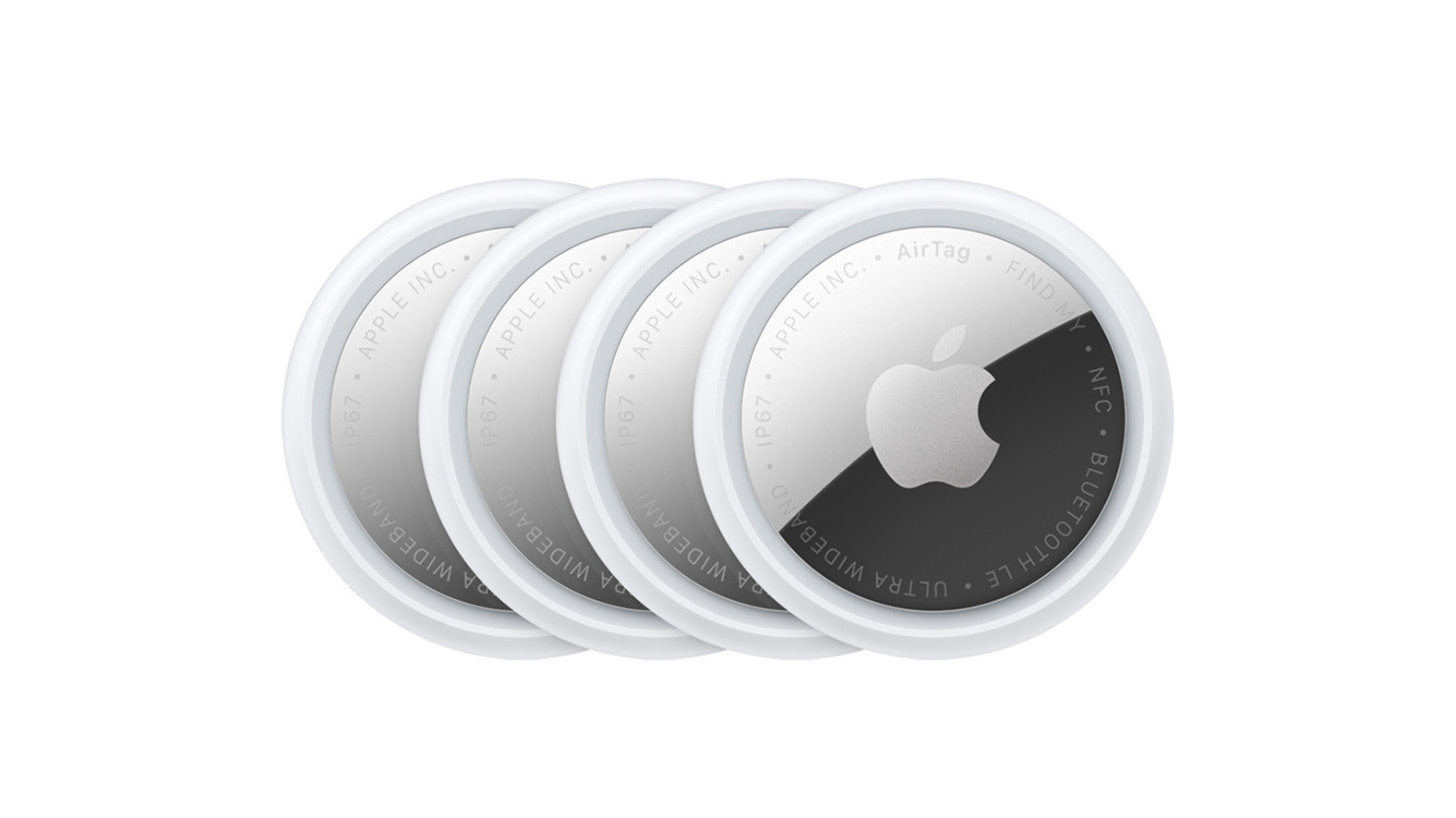
Common reasons your Apple AirTag will randomly beep

Common reasons your Apple AirTag will randomly beep

Sometimes, your AirTag could randomly chime even if you're not making it a play a sound through Find My.

It could be out of battery or too far from its paired iPhone.

To easily find an AirTag or the item it's supposed to track, you can press on the Play button in the Find My app or mark it as "lost" to make it beep. But that's not the only time the trackers can beep, chime or just generally make a sound. To start with, an AirTag will emit a unique chime pattern when you begin setting it up and when the setup is complete to signify that it's ready to use. An AirTag could also randomly beep due to various other reasons, not all of which are under your control, and we list some of them below.

One common reason why an AirTag might be beeping is because it has lost its Bluetooth connection to the iPhone you paired it with. If you leave an AirTag behind, it will start beeping a few hours later if it detects physical movement, which is why it's not always the best option to track pets who could be startled by the sounds it makes while they're away from you. In case it starts making a sound while it's near you, you can try toggling your Bluetooth off then on again.

In brief

It could be out of battery or too far from its paired iPhone. An AirTag could also randomly beep due to various other reasons, not all of which are under your control, and we list some of them below. One common reason why an AirTag might be beeping is because it has lost its Bluetooth connection to the iPhone you paired it with.

This is the opening of the story, shared with credit to Engadget. The rest of the report — with every detail — continues on the publisher’s website.

Continue reading at Engadget ↗

Cookie settings

Choose which cookies we may use. You can change this at any time from Cookie settings in the footer. Details of each cookie are in the Cookie Policy.

Strictly necessary

Needed for sign-in, security, payments and remembering these choices. Always on.

Preferences

Remember settings such as dark mode.

Analytics & performance

Help us count visits, understand which pages, devices and countries our readers use, and measure how well the site performs – anonymous and aggregated.

Advertising & marketing

Lets advertising partners show and personalise adverts, measure impressions, clicks and visits, prevent ad fraud and pay us – this is how the free site is funded.

🔔 News notifications

Get headlines from NewsHub on this device — even when the site is closed.

You can switch this off at any time. Works on Android, Windows, Mac and Linux browsers; on iPhone/iPad add the site to your Home Screen first.