📰 Newspapers

Why you should consider using your old phone as a smart home remote

Why you should consider using your old phone as a smart home remote

Sick of juggling multiple smart home apps and voice commands? Learn how to turn an old phone into a dedicated smart home remote, complete with camera feeds.

Repurpose your spare smartphone or tablet into a dedicated smart home dashboard to control your lights, cameras and robot vacuums with a single tap.

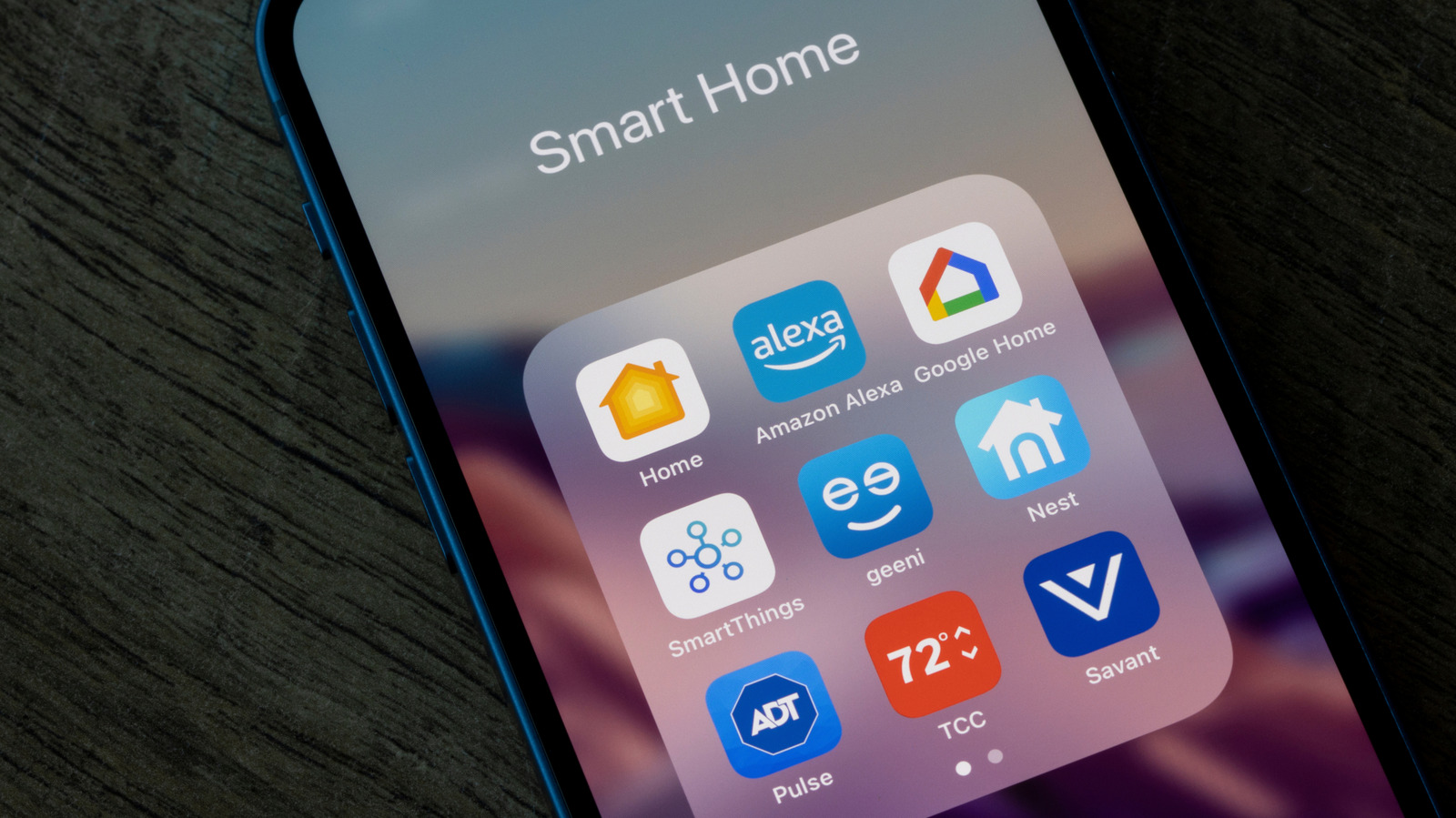
Whether you only have a few smart bulbs or an entire sprawling network of connected devices, controlling a smart home can be a frustrating multi-step process. For example, I need to reach for my phone or utter a voice command to toggle the lights at my desk. Neither solution feels natural, especially when compared to just flicking a switch. But controlling your smart home devices can be frictionless if you have an old phone or tablet lying around.

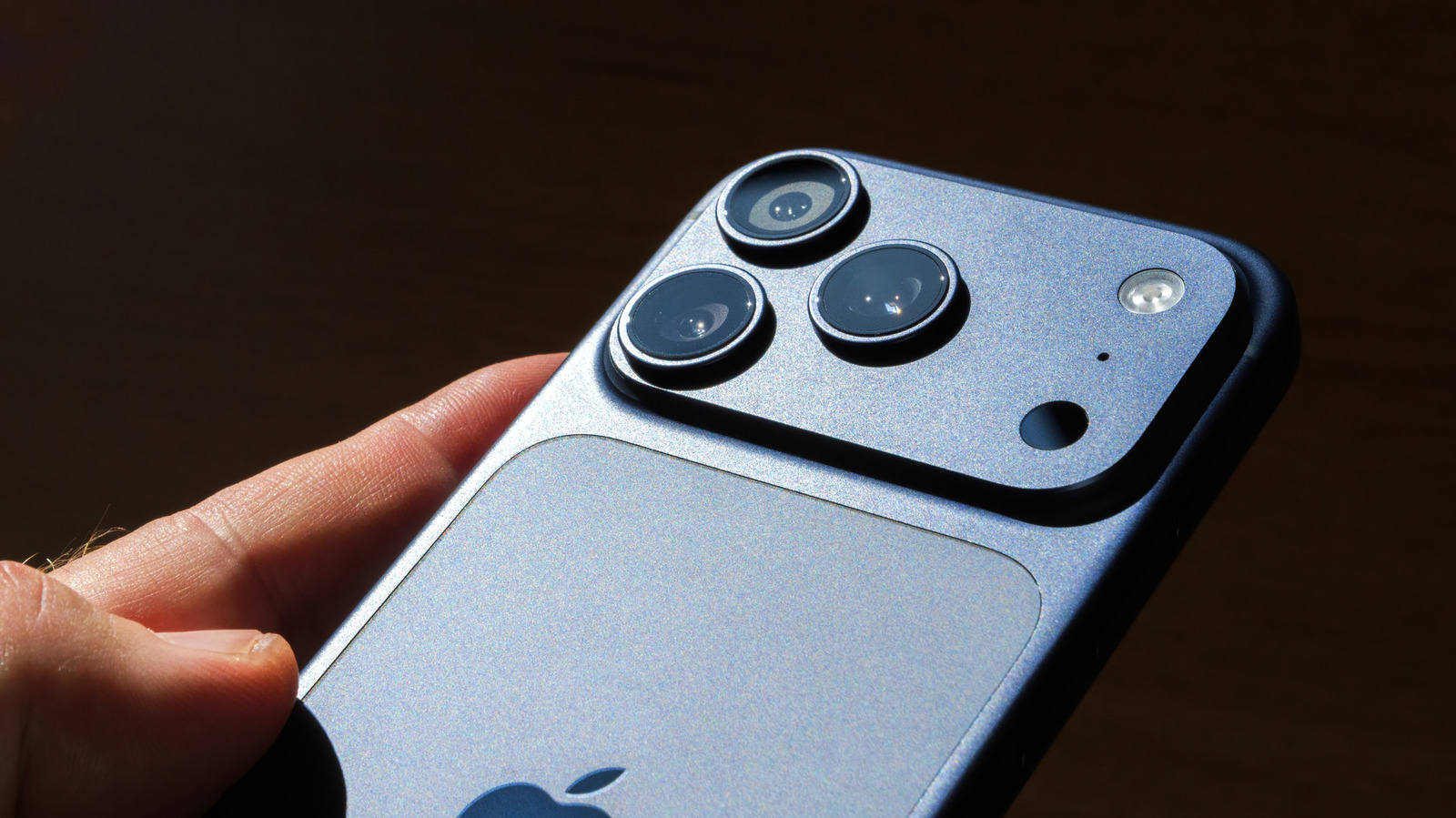
Old smartphones or tablets are perfect candidates to repurpose as a smart home dashboard since you can mount them on a stand and leave them plugged in all day. You don't need powerful hardware either, since it simply needs to display a single app or webpage. I've personally added a MagSafe-compatible ring to an old Android phone in combination with a wireless charging stand accessory to keep it topped up.

You don't have to stop at smart lights, either — I've added all kinds of devices to my dashboard, ranging from my robot vacuum to music controls for the smart speakers dotted around my home.


In brief

Repurpose your spare smartphone or tablet into a dedicated smart home dashboard to control your lights, cameras and robot vacuums with a single tap. Whether you only have a few smart bulbs or an entire sprawling network of connected devices, controlling a smart home can be a frustrating multi-step process. But controlling your smart home devices can be frictionless if you have an old phone or tablet lying around.

This is the opening of the story, shared with credit to Engadget. The rest of the report — with every detail — continues on the publisher’s website.

Continue reading at Engadget ↗

Cookie settings

Choose which cookies we may use. You can change this at any time from Cookie settings in the footer. Details of each cookie are in the Cookie Policy.

Strictly necessary

Needed for sign-in, security, payments and remembering these choices. Always on.

Preferences

Remember settings such as dark mode.

Analytics & performance

Help us count visits, understand which pages, devices and countries our readers use, and measure how well the site performs – anonymous and aggregated.

Advertising & marketing

Lets advertising partners show and personalise adverts, measure impressions, clicks and visits, prevent ad fraud and pay us – this is how the free site is funded.

🔔 News notifications

Get headlines from NewsHub on this device — even when the site is closed.

You can switch this off at any time. Works on Android, Windows, Mac and Linux browsers; on iPhone/iPad add the site to your Home Screen first.