📰 Newspapers

11 handy ways you can reuse your old iPad

11 handy ways you can reuse your old iPad

An old iPad can do a lot more than collect dust and play a game every once in a while. It can even stand in for other costly gadgets.

Your old iPad can replace gadgets that cost hundreds, if you give it the right job.

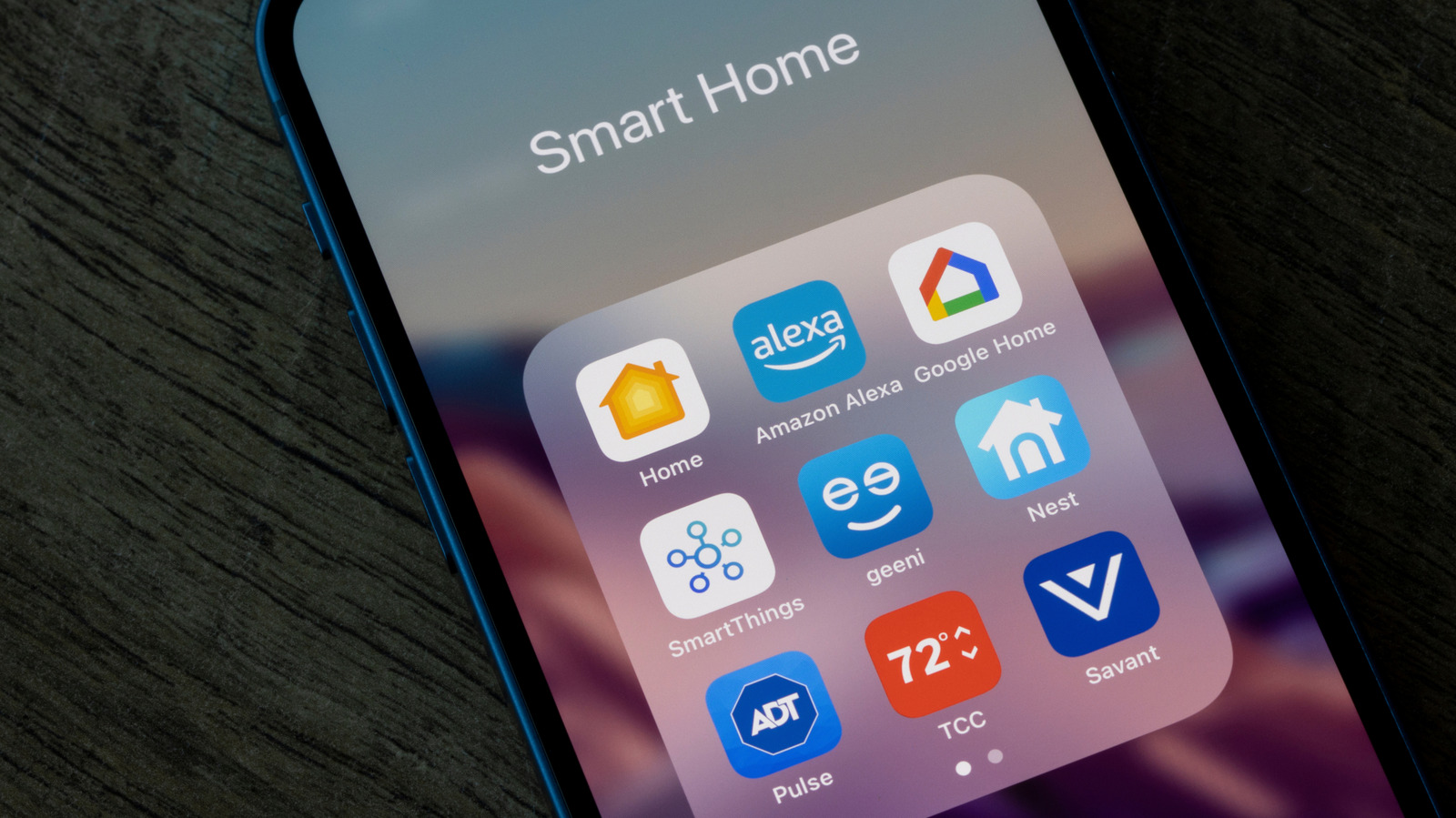
That old iPad in your drawer sitting around doing nothing can stand in for gadgets that cost $150 to $300, from smart displays and sunrise alarms to photo frames and drawing tablets. Apple's new HomeView, for instance, costs $299 for a 7-inch screen, but an iPad you already own can cover a good chunk of what it does.

A few settings will help improve most of these uses: set Auto-Lock to Never (under Settings > Display & Brightness), keep the iPad plugged in and use Guided Access to lock it into a single app. Head to Settings > Accessibility > Guided Access to enable this, then triple-press the power button with an app open to activate Guided Access.

Also, it's important to check if your iPad still gets updates. iPadOS 27 only supports the iPad (9th gen), iPad mini (6th gen), iPad Air (4th gen), 11-inch iPad Pro (2nd gen), 12.9-inch iPad Pro (4th gen) and newer models. Older iPads get occasional security patches, but those have an unpredictable schedule. If yours is out of support, stick to the offline ideas below and keep it away from banking, passwords and shopping.


In brief

Your old iPad can replace gadgets that cost hundreds, if you give it the right job. Also, it's important to check if your iPad still gets updates. iPadOS 27 only supports the iPad (9th gen), iPad mini (6th gen), iPad Air (4th gen), 11-inch iPad Pro (2nd gen), 12.9-inch iPad Pro (4th gen) and newer models.

This is the opening of the story, shared with credit to Engadget. The rest of the report — with every detail — continues on the publisher’s website.

Continue reading at Engadget ↗

Cookie settings

Choose which cookies we may use. You can change this at any time from Cookie settings in the footer. Details of each cookie are in the Cookie Policy.

Strictly necessary

Needed for sign-in, security, payments and remembering these choices. Always on.

Preferences

Remember settings such as dark mode.

Analytics & performance

Help us count visits, understand which pages, devices and countries our readers use, and measure how well the site performs – anonymous and aggregated.

Advertising & marketing

Lets advertising partners show and personalise adverts, measure impressions, clicks and visits, prevent ad fraud and pay us – this is how the free site is funded.

🔔 News notifications

Get headlines from NewsHub on this device — even when the site is closed.

You can switch this off at any time. Works on Android, Windows, Mac and Linux browsers; on iPhone/iPad add the site to your Home Screen first.