Assess your existing hardware to avoid potential bottlenecks.
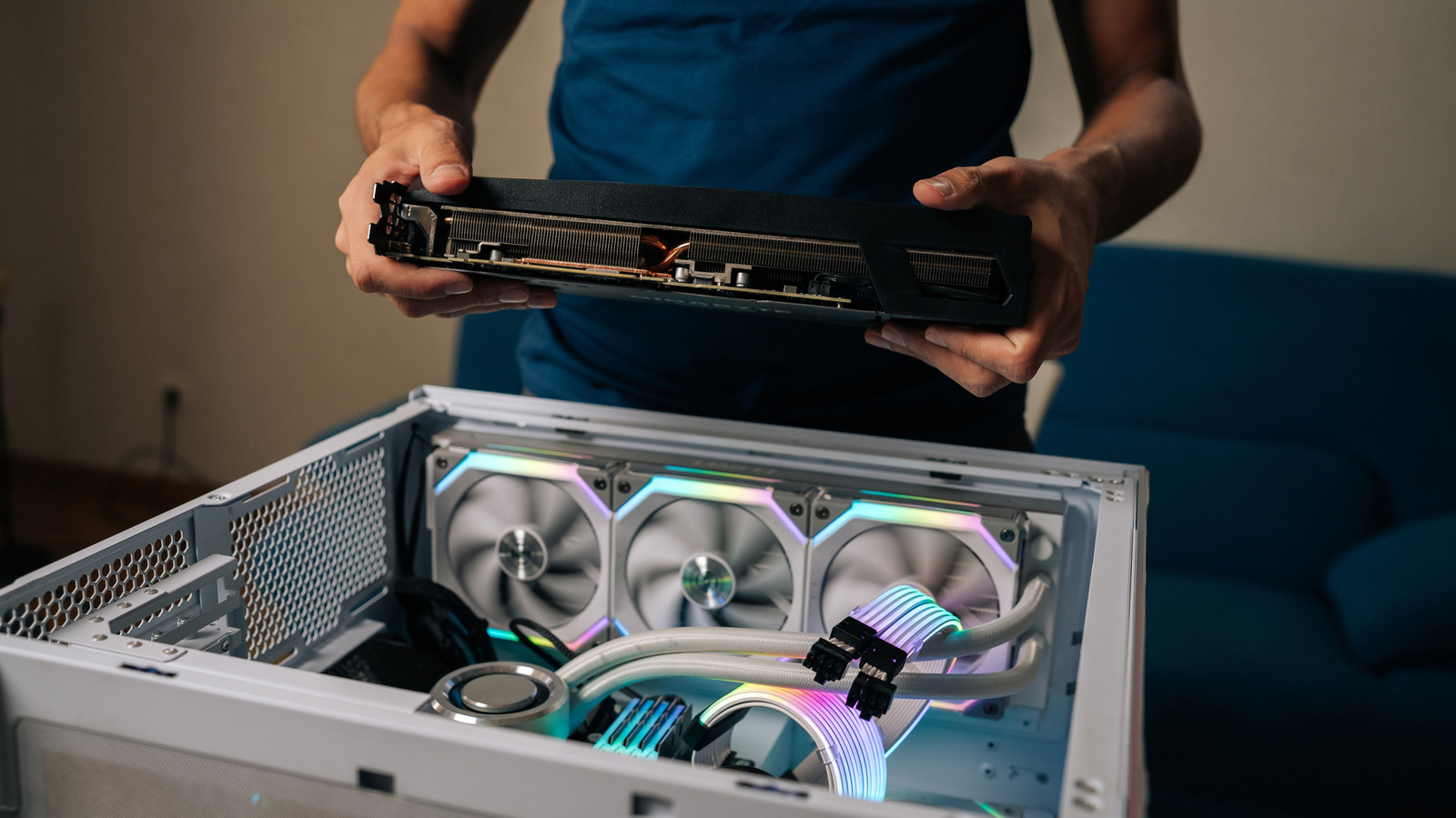
A graphics card upgrade can offer a substantial performance uplift for your PC, allowing it to run games at higher resolutions, deliver more frames and take advantage of newer technologies like ray tracing and upscaling. While the process of installing a new graphics card is fairly simple, involving little more than removing the existing card and slotting a new one into the motherboard's PCIe slot, upgrading to a new graphics card usually comes with its own set of considerations that affect its performance and compatibility.
Depending on the graphics card you plan on getting, you may be required to purchase a new power supply unit to meet its power requirements, switch out your current PC case if it lacks room for the new card and possibly even upgrade your processor if it ends up being a bottleneck to the GPU.
A successful graphics card upgrade, therefore, begins with assessing your existing components and ensuring their compatibility. The installation itself is rather straightforward — swap out the cards, plug in the necessary PCIe power cables and connect your display.
Several factors are worth considering when upgrading to a new graphics card, and the power supply unit tops that list. Two graphics cards that seem identical on paper may have different power requirements.