Don’t let everyone see you were taking screenshots at 2AM.
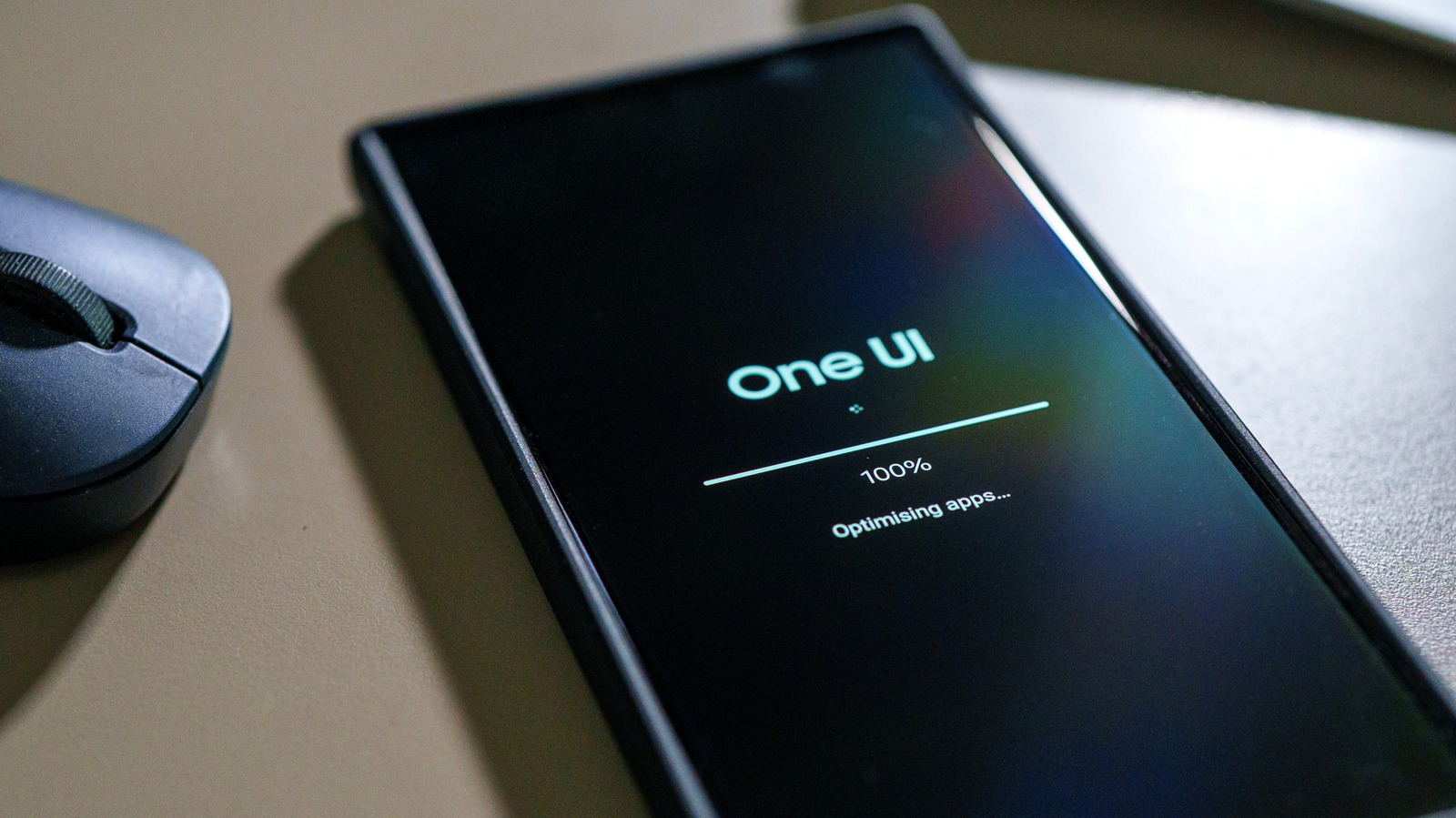
Samsung looked at Android and decided it needed something more intuitive, so it came up with One UI, layering a ton of extra security features on top of the operating system. Frankly, there are so many One UI features you won't get with other Android phones that you often won't stumble over them unless you do a deep dive. One useful feature is a small toggle buried within the settings that strips away the status bar and navigation bar from your screenshots. That means whenever you take a snapshot, it captures your screen without those bars.
This feature is called "Hide status and navigation bars," and it can be found in your Advanced features settings. Once it is enabled, every screenshot you take afterward will lack the clock and battery info, your network status and whatever Android status bar icons you have peppering the bar up top. The bottom navigation bar will vanish too. That is an ideal step to take if you need clean and focused images showing exactly what you wanted to capture.