Stop your Apple TV 4K from sacrificing visual quality for a smoother user experience.
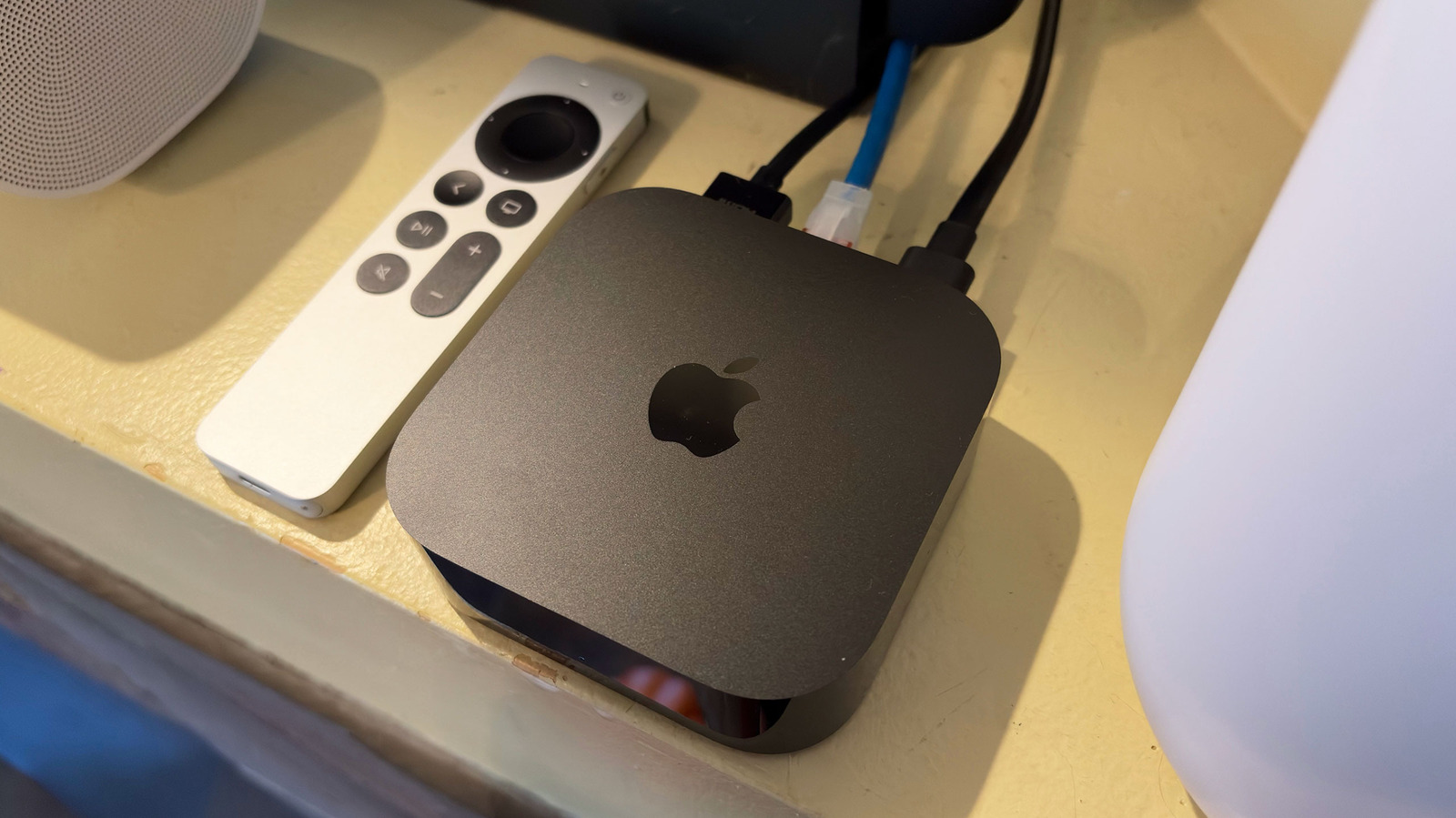
The Apple TV 4K has been Engadget's favorite premium streaming device since 2022, and the 4th-generation version keeps it at the top of the pile thanks to its speedy CPU performance, surround sound audio, built-in mics (for Siri AI) and four-screen Multiview, among others. But while the hardware is great, a pair of default settings might be quietly ruining your streaming experience.
The issue here is Apple TV's default approach to content matching. As configured from the factory, your Apple TV automatically converts all content to the same format, adjusting frame rates and dynamic range up or down to match a predetermined setting, usually HDR and 50 or 60 fps depending on your display. This can be a real issue if you watch content, especially movies, shot at other frame rates and dynamic ranges, resulting in pictures that can look washed out, overprocessed, or jittery.
Apple does this because switching between video formats slows processing, may cause pauses or skips and can offer an uneven viewing experience. If you value image quality, however, you should enable your Apple TV's Match Content features. Turning Match Content on makes your Apple TV 4K play content in its original format.