What Does the End Credits Scene of ‘VisionQuest’ Mean for ‘Avengers: Doomsday’?

What Does the End Credits Scene of ‘VisionQuest’ Mean for ‘Avengers: Doomsday’?

Here's what happened at the end of 'VisionQuest' and how it could impact the future of the Marvel Cinematic Universe.

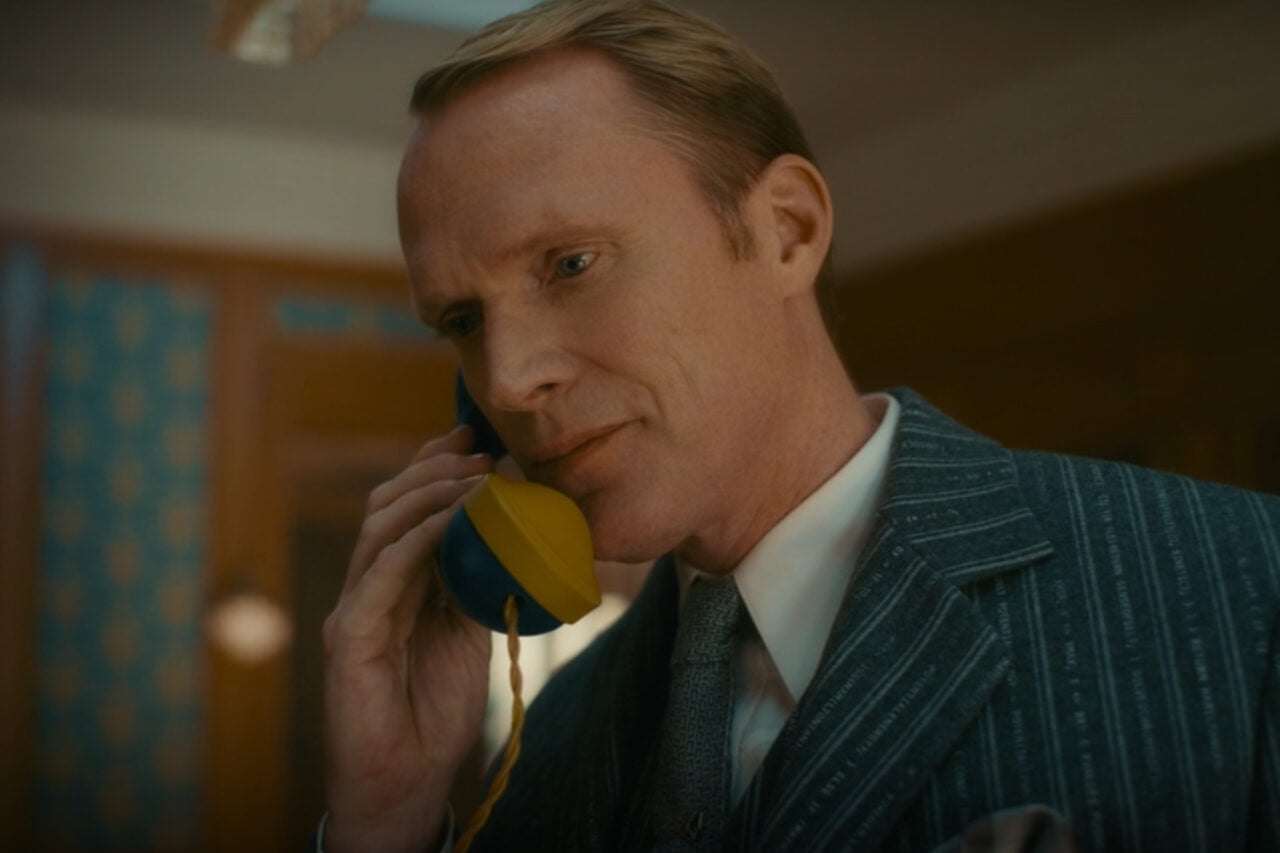
I have a lot of thoughts about the finale of VisionQuest, which I’ll get into in our recap later today. But right now, all anyone can talk about is that end-credits scene, and who am I to deny you some wild speculation about what it could possibly mean? Let’s talk about what happened at the end of VisionQuest.

VisionQuest actually has two end-credits scenes. The first one ties more into the show, while the second one ties more directly into Avengers: Doomsday.

In the first scene, Ultron (James Spader) stares contemplatively out one of the many windows of the Horton estate, holding a flash drive labeled “Jocasta.” He’s shaved his beard, he’s wearing a suit. He’s tapping his finger on the drive, like he’s trying to figure out what to do.

“For me, it was just a promise of some kind that Ultron’s not done,” creator and showrunner Terry Matalas told Entertainment Weekly. “Whatever he’s going to do, for good or for bad, he promised Vision he doesn’t wanna do it alone. And he has this backup. So what is he gonna do? Then he completes it by spiking the lens and looking right at us. It’s kind of on us to decide. So to me, it’s a great question mark at the end of the piece.”

In brief

I have a lot of thoughts about the finale of VisionQuest, which I’ll get into in our recap later today. But right now, all anyone can talk about is that end-credits scene, and who am I to deny you some wild speculation about what it could possibly mean? Let’s talk about what happened at the end of VisionQuest. VisionQuest actually has two end-credits scenes.

This is the opening of the story, shared with credit to Gizmodo. The rest of the report — with every detail — continues on the publisher’s website.

Continue reading at Gizmodo ↗

Cookie settings

Choose which cookies we may use. You can change this at any time from Cookie settings in the footer. Details of each cookie are in the Cookie Policy.

Strictly necessary

Needed for sign-in, security, payments and remembering these choices. Always on.

Preferences

Remember settings such as dark mode.

Analytics & performance

Help us count visits, understand which pages, devices and countries our readers use, and measure how well the site performs – anonymous and aggregated.

Advertising & marketing

Lets advertising partners show and personalise adverts, measure impressions, clicks and visits, prevent ad fraud and pay us – this is how the free site is funded.

🔔 News notifications

Get headlines from NewsHub on this device — even when the site is closed.

You can switch this off at any time. Works on Android, Windows, Mac and Linux browsers; on iPhone/iPad add the site to your Home Screen first.