📰 Newspapers

What's the meaning of the "A" on your USB-A ports?

What's the meaning of the "A" on your USB-A ports?

The truth is, there's no surprising meaning for the "A" in USB-A. Discover what this connector is used for and if it's becoming obsolete.

Making sense of USB-A and clearing up if it's becoming obsolete.

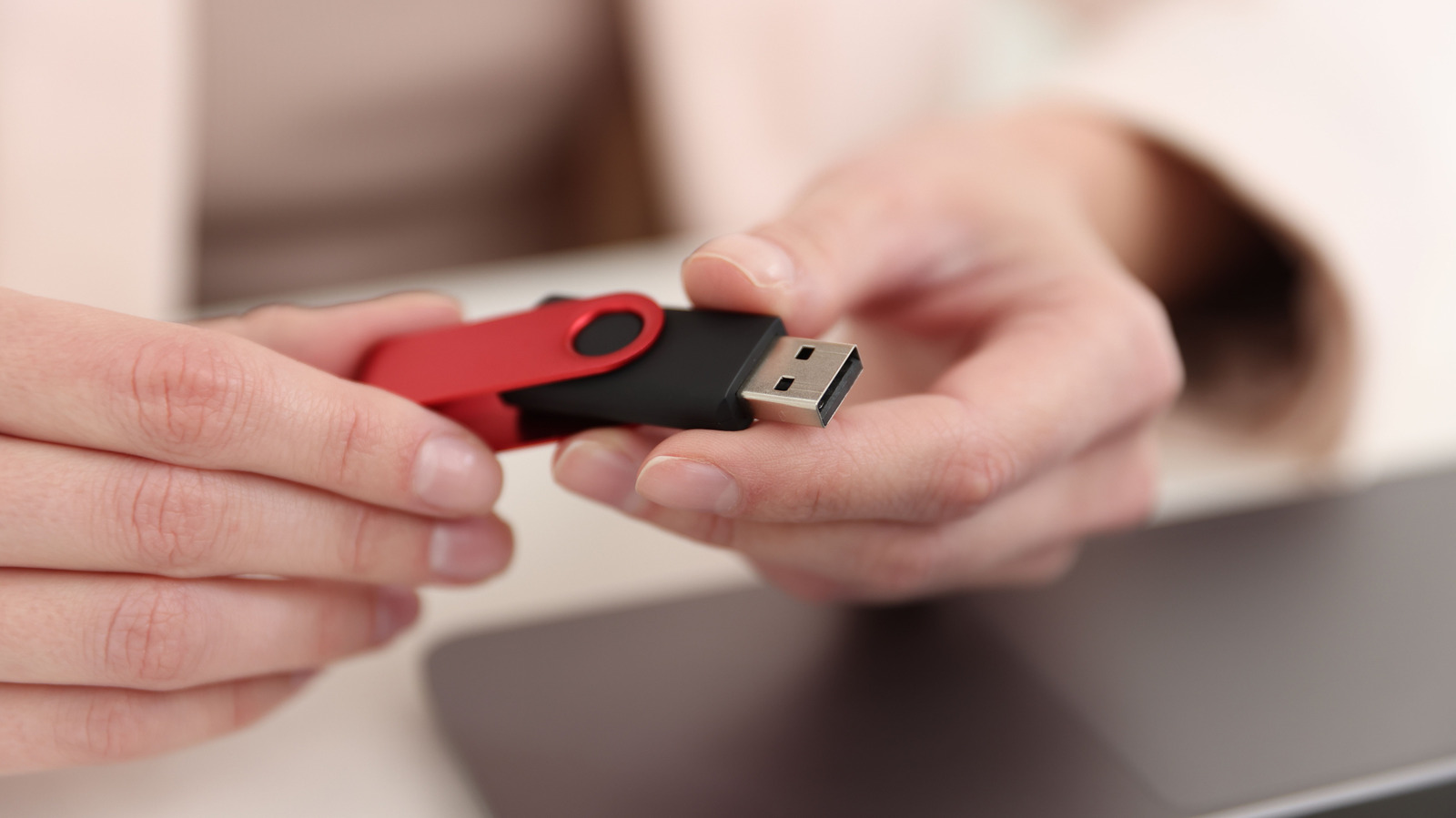
There's no hidden or extraordinary meaning for the letter "A" in USB-A. It's simply a letter designation for a Type-A connector, which is the familiar, wide rectangular plug found on flash drives and countless charging cables. USB itself stands for Universal Serial Bus, but the letter "A" identifies the connector type and nothing more. The same holds true for USB-B and USB-C connectors.

The reason for differentiating A, B and C goes back to the USB Implementers Forum (USB-IF) and the necessary designators for physical connections and power/data delivery. For instance, with a traditional printer, B is the square device connector and A is the rectangular end that plugs into your PC. In the early days, this was a simple method for informing consumers what goes where and why.

For everyday use, Type A is a connector label with charging capabilities or charging and data transfer. Sure, that's the boring way to describe it, but it really isn't anything beyond that. Alone, the USB-A designation doesn't tell you how quickly you can transfer files with it or how much charging power a USB-A port will spit out. At the end of the day, two ports with the same rectangular opening can represent two entirely different capabilities.

In brief

Making sense of USB-A and clearing up if it's becoming obsolete. It's simply a letter designation for a Type-A connector, which is the familiar, wide rectangular plug found on flash drives and countless charging cables. USB itself stands for Universal Serial Bus, but the letter "A" identifies the connector type and nothing more. For everyday use, Type A is a connector label with charging capabilities or charging and data transfer.

This is the opening of the story, shared with credit to Engadget. The rest of the report — with every detail — continues on the publisher’s website.

Continue reading at Engadget ↗

Cookie settings

Choose which cookies we may use. You can change this at any time from Cookie settings in the footer. Details of each cookie are in the Cookie Policy.

Strictly necessary

Needed for sign-in, security, payments and remembering these choices. Always on.

Preferences

Remember settings such as dark mode.

Analytics & performance

Help us count visits, understand which pages, devices and countries our readers use, and measure how well the site performs – anonymous and aggregated.

Advertising & marketing

Lets advertising partners show and personalise adverts, measure impressions, clicks and visits, prevent ad fraud and pay us – this is how the free site is funded.

🔔 News notifications

Get headlines from NewsHub on this device — even when the site is closed.

You can switch this off at any time. Works on Android, Windows, Mac and Linux browsers; on iPhone/iPad add the site to your Home Screen first.