📰 Newspapers

How you can give your old Apple TV new purpose

How you can give your old Apple TV new purpose

There are a few other tasks your Apple TV can handle.

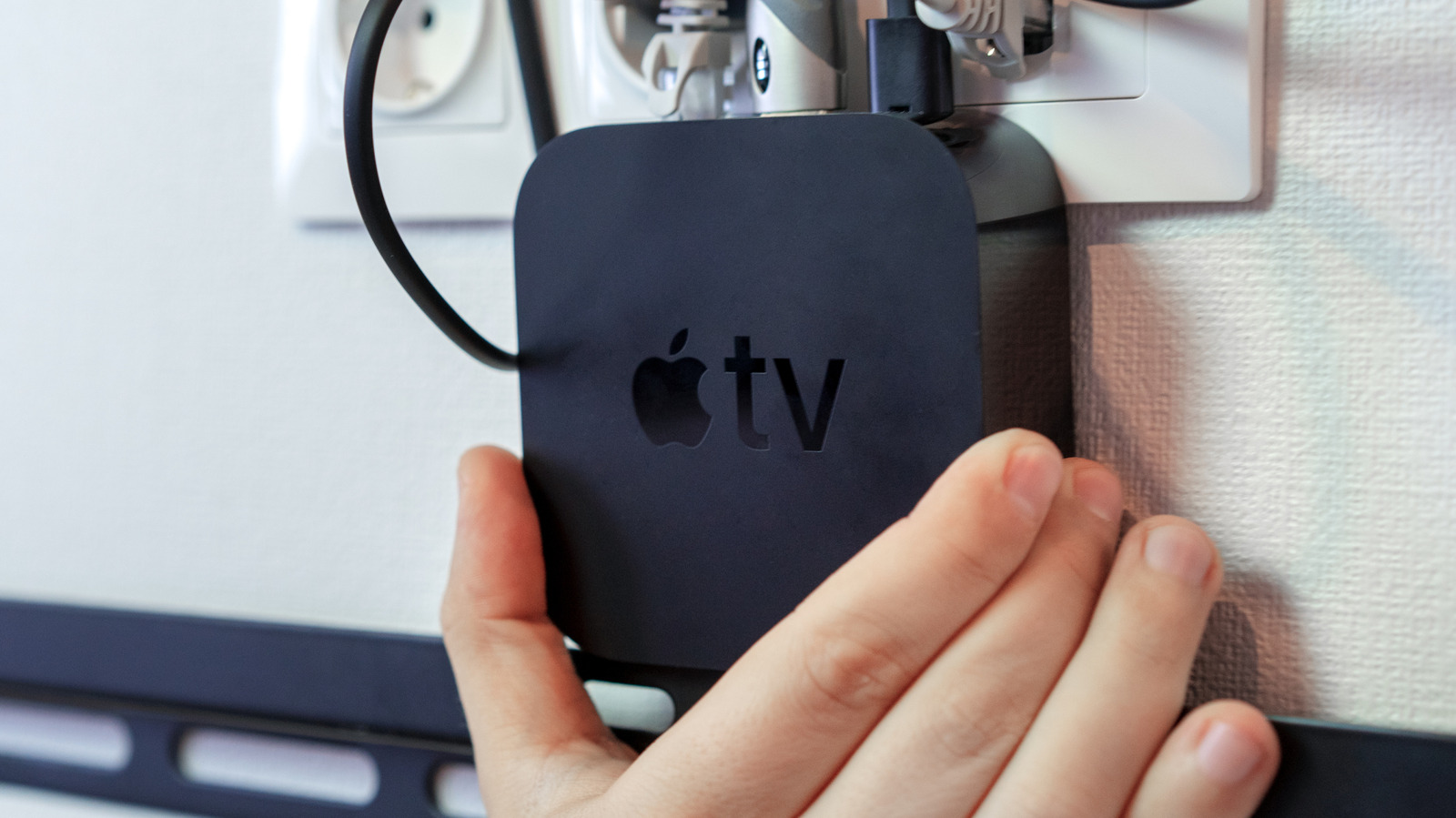
If you've upgraded your Apple TV 4K to the latest generation, it's really best to repurpose the old device if you can. As streaming add-ons go, the product has always been overbuilt, no matter that you're now paying $300 for the privilege. Tossing out an old Apple TV because you've got a replacement is a bit like tossing a Swiss Army knife because the new one has a few extra tools.

The catch is that an Apple TV isn't a generic Android box. It's running tvOS on custom Apple silicon, so you can't just flash it and run whatever software you like. If you're going to reuse it, you have to get creative, working within Apple's walled garden.

This is where the device's excessive power comes in handy. There are a few things you can do with an older model, ranging from the obvious — moving it to a secondary TV — to using it to anchor your other smart home accessories.

If you've got any secondary TVs in your home, even a 2017 Apple TV might be an upgrade. I find tvOS to be a lot smoother to use than its rivals, partly because it has far fewer ads or forced recommendations.

In brief

There are a few other tasks your Apple TV can handle. If you've upgraded your Apple TV 4K to the latest generation, it's really best to repurpose the old device if you can. It's running tvOS on custom Apple silicon, so you can't just flash it and run whatever software you like. If you've got any secondary TVs in your home, even a 2017 Apple TV might be an upgrade.

This is the opening of the story, shared with credit to Engadget. The rest of the report — with every detail — continues on the publisher’s website.

Continue reading at Engadget ↗

Cookie settings

Choose which cookies we may use. You can change this at any time from Cookie settings in the footer. Details of each cookie are in the Cookie Policy.

Strictly necessary

Needed for sign-in, security, payments and remembering these choices. Always on.

Preferences

Remember settings such as dark mode.

Analytics & performance

Help us count visits, understand which pages, devices and countries our readers use, and measure how well the site performs – anonymous and aggregated.

Advertising & marketing

Lets advertising partners show and personalise adverts, measure impressions, clicks and visits, prevent ad fraud and pay us – this is how the free site is funded.

🔔 News notifications

Get headlines from NewsHub on this device — even when the site is closed.

You can switch this off at any time. Works on Android, Windows, Mac and Linux browsers; on iPhone/iPad add the site to your Home Screen first.