📰 Newspapers

How to find your IP address

How to find your IP address

You may need to find your IP address for network troubleshooting reasons or to remotely access your computer.

It's quick and easy, if you know where to look.

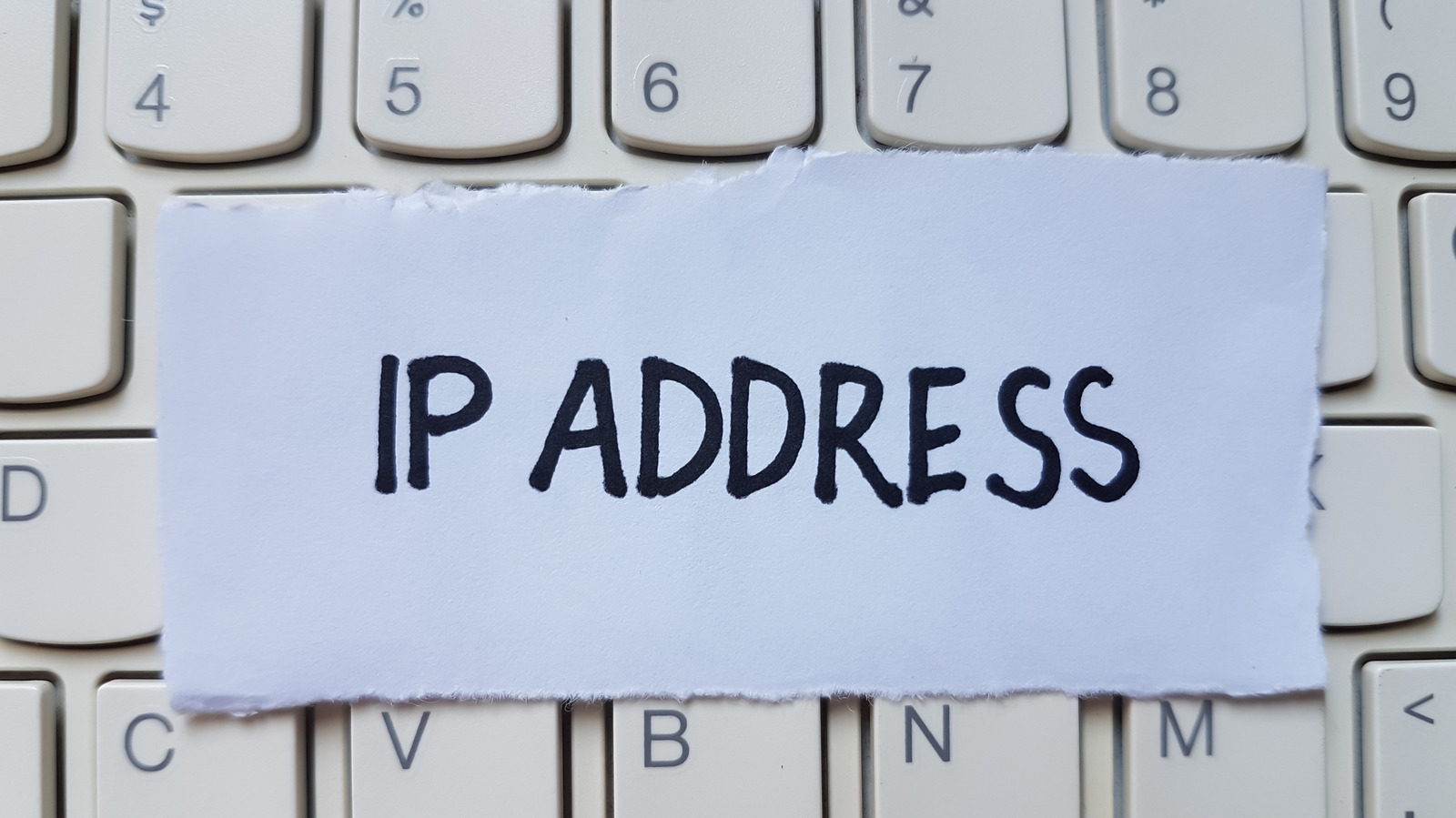
If you're looking for a quick answer to "What is my IP address?", a simple solution is to go to WhatIsMyIP.com and get it there. But the real answer is a little more complicated, because your devices don't have just one IP address. Every device on your network gets a private one from your router, and your whole home shares a single public one from your internet provider. The public address is the one websites see, while the private one only matters inside your own network.

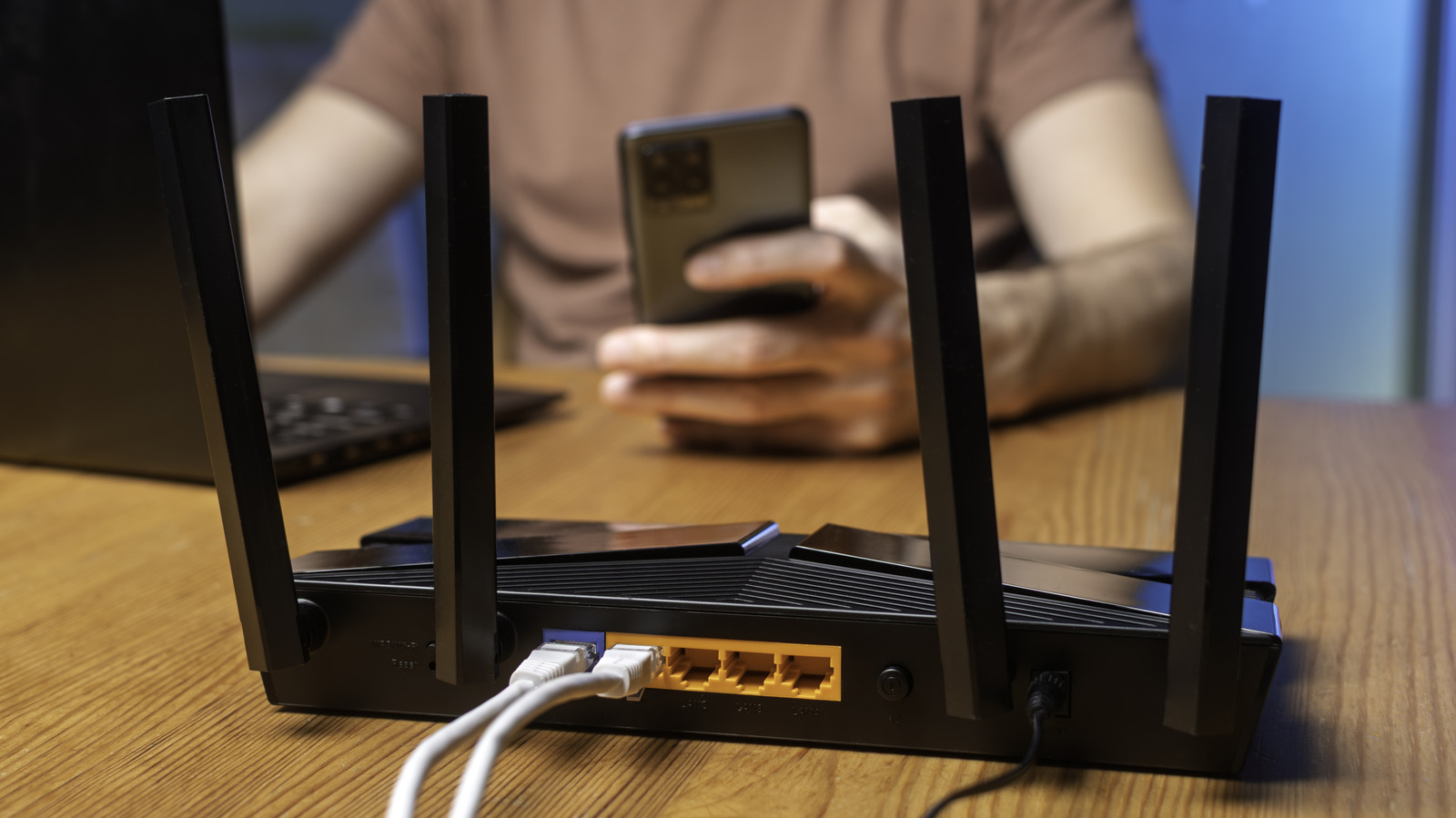
Your router does the translating between the two, which is how a phone, a laptop and a TV can all browse at once while looking like a single address to the outside world. The router also hands out the private ones through a system called DHCP that usually lives inside the router itself. So the real answer depends on whether you're looking for your public address or one of your private ones.

Open a browser and go to DuckDuckGo. Type "what is my IP" into the search bar, and there it is. The answer shows up at the top of the results. Sites like WhatIsMyIP do the same thing and add your approximate location and your provider's name.

In brief

It's quick and easy, if you know where to look. Every device on your network gets a private one from your router, and your whole home shares a single public one from your internet provider. So the real answer depends on whether you're looking for your public address or one of your private ones. Sites like WhatIsMyIP do the same thing and add your approximate location and your provider's name.

This is the opening of the story, shared with credit to Engadget. The rest of the report — with every detail — continues on the publisher’s website.

Continue reading at Engadget ↗

Cookie settings

Choose which cookies we may use. You can change this at any time from Cookie settings in the footer. Details of each cookie are in the Cookie Policy.

Strictly necessary

Needed for sign-in, security, payments and remembering these choices. Always on.

Preferences

Remember settings such as dark mode.

Analytics & performance

Help us count visits, understand which pages, devices and countries our readers use, and measure how well the site performs – anonymous and aggregated.

Advertising & marketing

Lets advertising partners show and personalise adverts, measure impressions, clicks and visits, prevent ad fraud and pay us – this is how the free site is funded.

🔔 News notifications

Get headlines from NewsHub on this device — even when the site is closed.

You can switch this off at any time. Works on Android, Windows, Mac and Linux browsers; on iPhone/iPad add the site to your Home Screen first.