📰 Newspapers

You can control your other devices with this resourceful Apple feature

You can control your other devices with this resourceful Apple feature

There's a lot you can do with this accessibility feature.

This accessibility feature can be really useful.

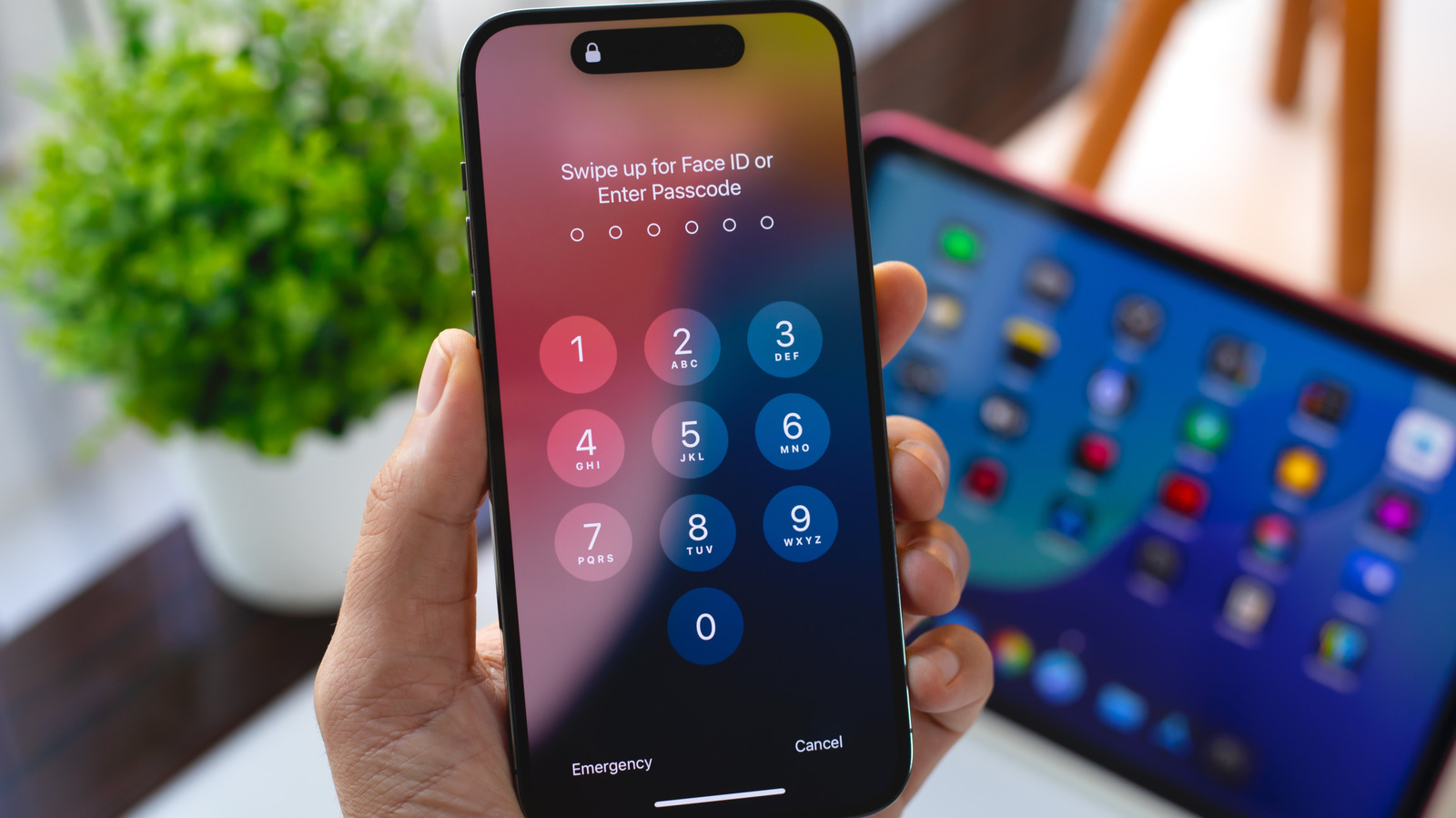
With iOS's Switch Control, you can control your iPhone or iPad using alternate input methods ranging from external adaptive controllers to head movements and hand gestures. It's a useful accessibility feature for anyone with limited mobility that's even more powerful than it might seem at first if you dig into its settings. One option, Use Other Devices for Switch Control, lets you use the alternate controls you set up on one iOS device to control other devices on the same Wi-Fi network, and it only takes a little bit of setup.

First, you need to enable Switch Control across your devices. Make sure any devices you want to control are connected to the same Wi-Fi network and you're signed into the same iCloud account on all of them. If you want to control a Mac desktop computer remotely, you also need to open the Apple menu, click Accessibility and open the Switch Control menu. Select Allow platform switching to control your computer. Then on your mobile devices, open the Settings app, click Accessibility and turn the Switch Control toggle on. Now you can assign external controllers or gestures to specific actions by selecting Add New Switch under the Switches menu and following the onscreen prompts.

In brief

This accessibility feature can be really useful. First, you need to enable Switch Control across your devices. Select Allow platform switching to control your computer. Then on your mobile devices, open the Settings app, click Accessibility and turn the Switch Control toggle on.

This is the opening of the story, shared with credit to Engadget. The rest of the report — with every detail — continues on the publisher’s website.

Continue reading at Engadget ↗

Cookie settings

Choose which cookies we may use. You can change this at any time from Cookie settings in the footer. Details of each cookie are in the Cookie Policy.

Strictly necessary

Needed for sign-in, security, payments and remembering these choices. Always on.

Preferences

Remember settings such as dark mode.

Analytics & performance

Help us count visits, understand which pages, devices and countries our readers use, and measure how well the site performs – anonymous and aggregated.

Advertising & marketing

Lets advertising partners show and personalise adverts, measure impressions, clicks and visits, prevent ad fraud and pay us – this is how the free site is funded.

🔔 News notifications

Get headlines from NewsHub on this device — even when the site is closed.

You can switch this off at any time. Works on Android, Windows, Mac and Linux browsers; on iPhone/iPad add the site to your Home Screen first.