Most newer cars do, but there are a few exceptions.
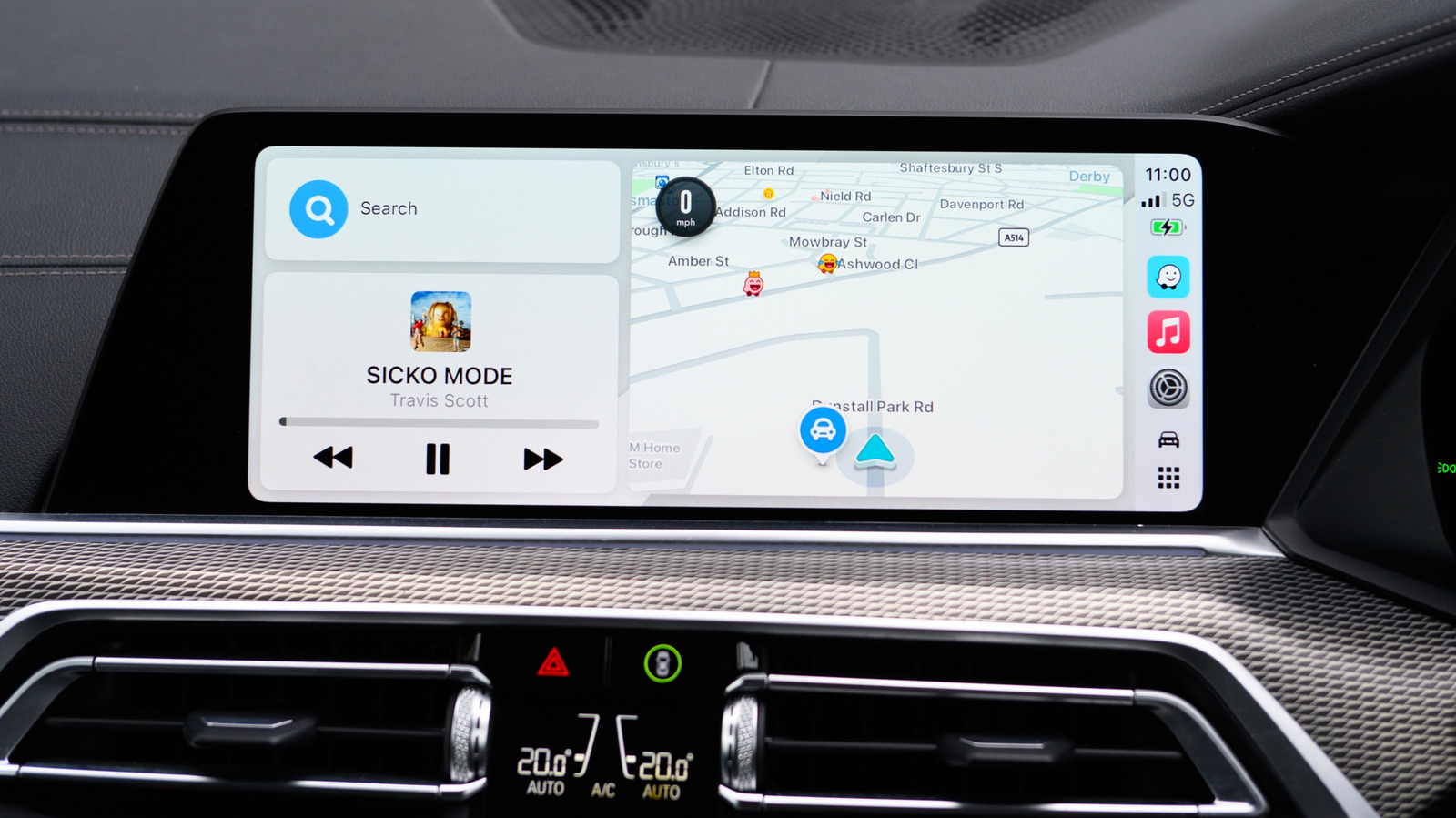
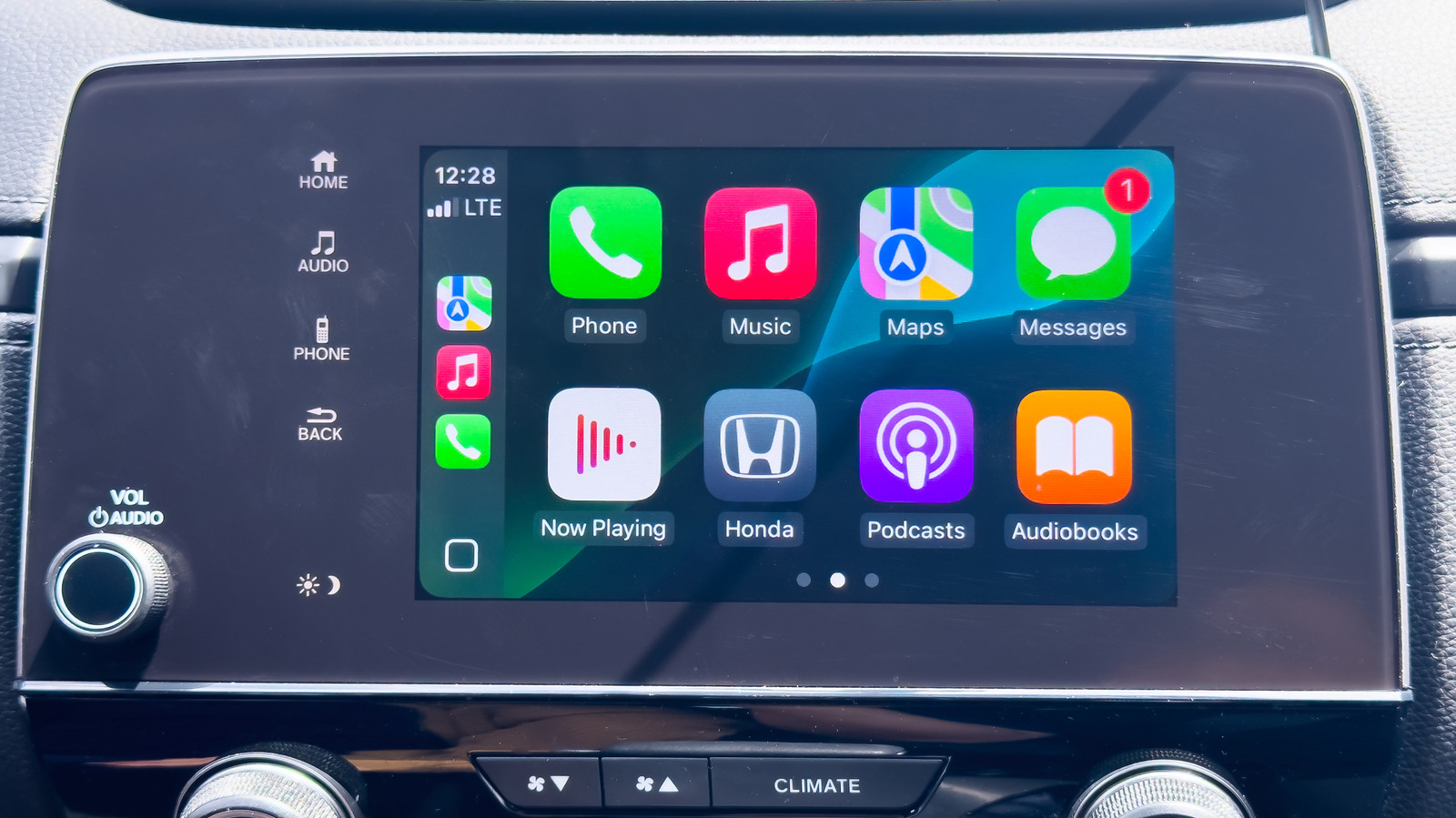
Apple CarPlay is one of the most useful pieces of in-car software out there, unifying navigation with the other iPhone features you might want to use while driving, like a music player. It's good enough that it can be a selling point to help you decide between two cars when you're looking to buy one. Fortunately, it's extremely easy to tell whether your car supports Apple CarPlay, and there are a few options for integrating it even without built-in support.
Apple maintains a list of every car model that currently supports CarPlay online. The list is extensive, covering basically every new car model from major manufacturers. A few notable exceptions are Tesla and Rivian, which don't support CarPlay at all. GM previously attempted to pull away from supporting Apple's software on newer models in favor of its own version but has since added CarPlay back.
There are also a few ways to check in person if a particular car you're looking at supports wireless CarPlay. With Bluetooth and Wi-Fi on your iPhone turned on, also set the car's dashboard to Bluetooth or wireless.