📰 Newspapers

How to use your phone to find an Apple TV remote

How to use your phone to find an Apple TV remote

Apple TV now lets you use your iPhone to find a lost remote, with onscreen prompts that guide you closer until you track it down somewhere in your home.

Lost in the cushions again? Here is how to find your remote without buying a new one.

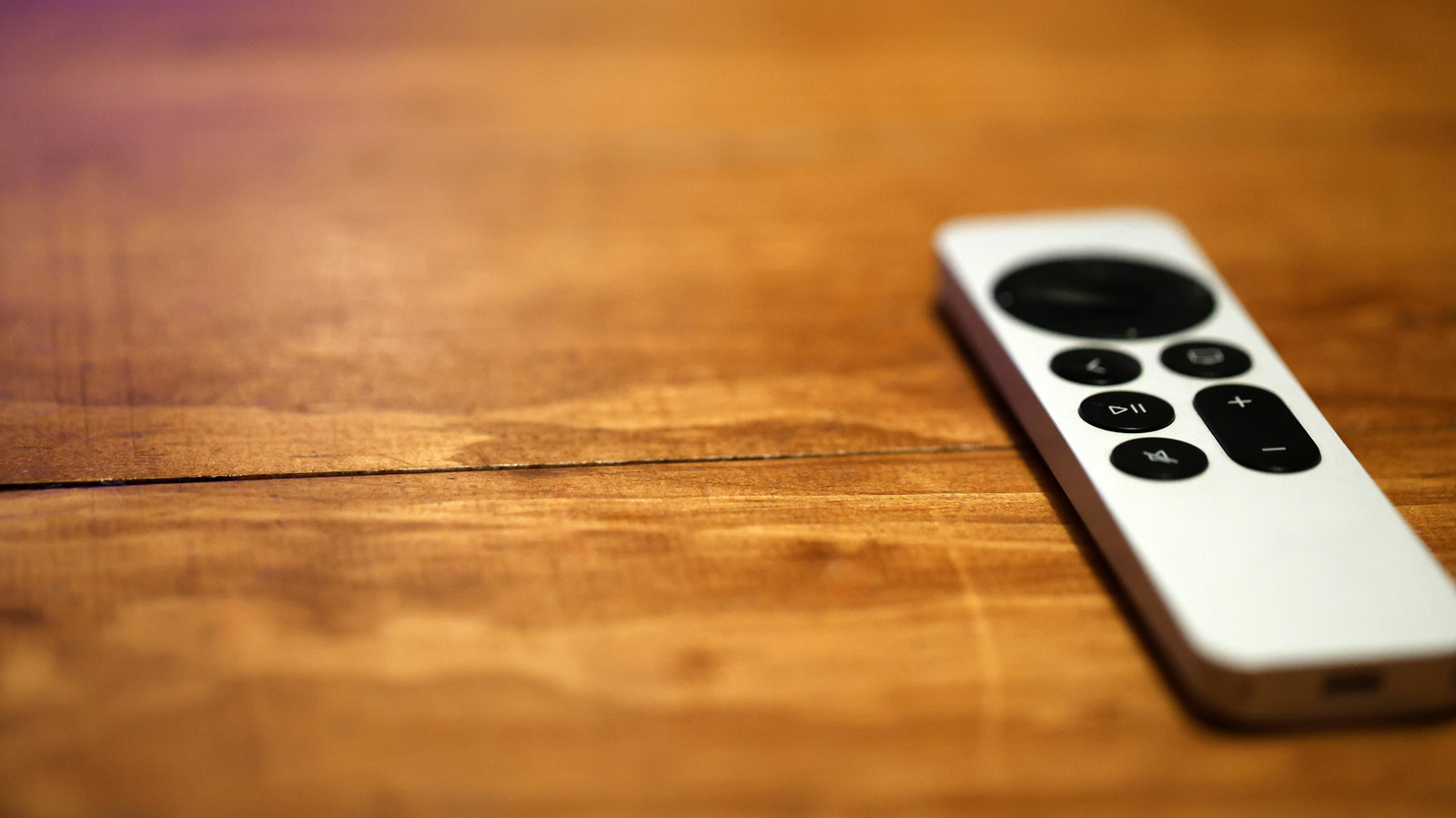
Is there anyone in the world who owns a TV and hasn't lost the remote at least once? Unlikely, right? Now that remotes are slimmer and more compact, it's an even more prevalent occurrence. Losing your Apple TV remote is just as easy, of course. It can slip between couch cushions, end up under the blankets or get left somewhere when someone gets up from the couch to grab some water. The good news, however, is that your smartphone can actually help you find your Apple TV remote anywhere in your home.

Apple has a dedicated Remote app that will let you locate the device much like you'd use an AirTag. To find a missing Apple TV remote, you just have to pop open the app and hunt for the "Locate Remote" button, which will then trigger a beeping sound from the remote itself if you have the 2026 Apple TV 4K model. That helps if the thing's buried under the cushions.

In the meantime, you could also use that same Remote app to turn your phone into a fully functional Apple TV controller. Android users have some workarounds too.

In brief

Lost in the cushions again? Here is how to find your remote without buying a new one. Losing your Apple TV remote is just as easy, of course. The good news, however, is that your smartphone can actually help you find your Apple TV remote anywhere in your home.

This is the opening of the story, shared with credit to Engadget. The rest of the report — with every detail — continues on the publisher’s website.

Continue reading at Engadget ↗

Cookie settings

Choose which cookies we may use. You can change this at any time from Cookie settings in the footer. Details of each cookie are in the Cookie Policy.

Strictly necessary

Needed for sign-in, security, payments and remembering these choices. Always on.

Preferences

Remember settings such as dark mode.

Analytics & performance

Help us count visits, understand which pages, devices and countries our readers use, and measure how well the site performs – anonymous and aggregated.

Advertising & marketing

Lets advertising partners show and personalise adverts, measure impressions, clicks and visits, prevent ad fraud and pay us – this is how the free site is funded.

🔔 News notifications

Get headlines from NewsHub on this device — even when the site is closed.

You can switch this off at any time. Works on Android, Windows, Mac and Linux browsers; on iPhone/iPad add the site to your Home Screen first.