📰 Newspapers

Where should you place your Wi-Fi router for the best internet?

Where should you place your Wi-Fi router for the best internet?

Let your router work at its best by placing it in the right spot of your home - and know when you need an upgrade.

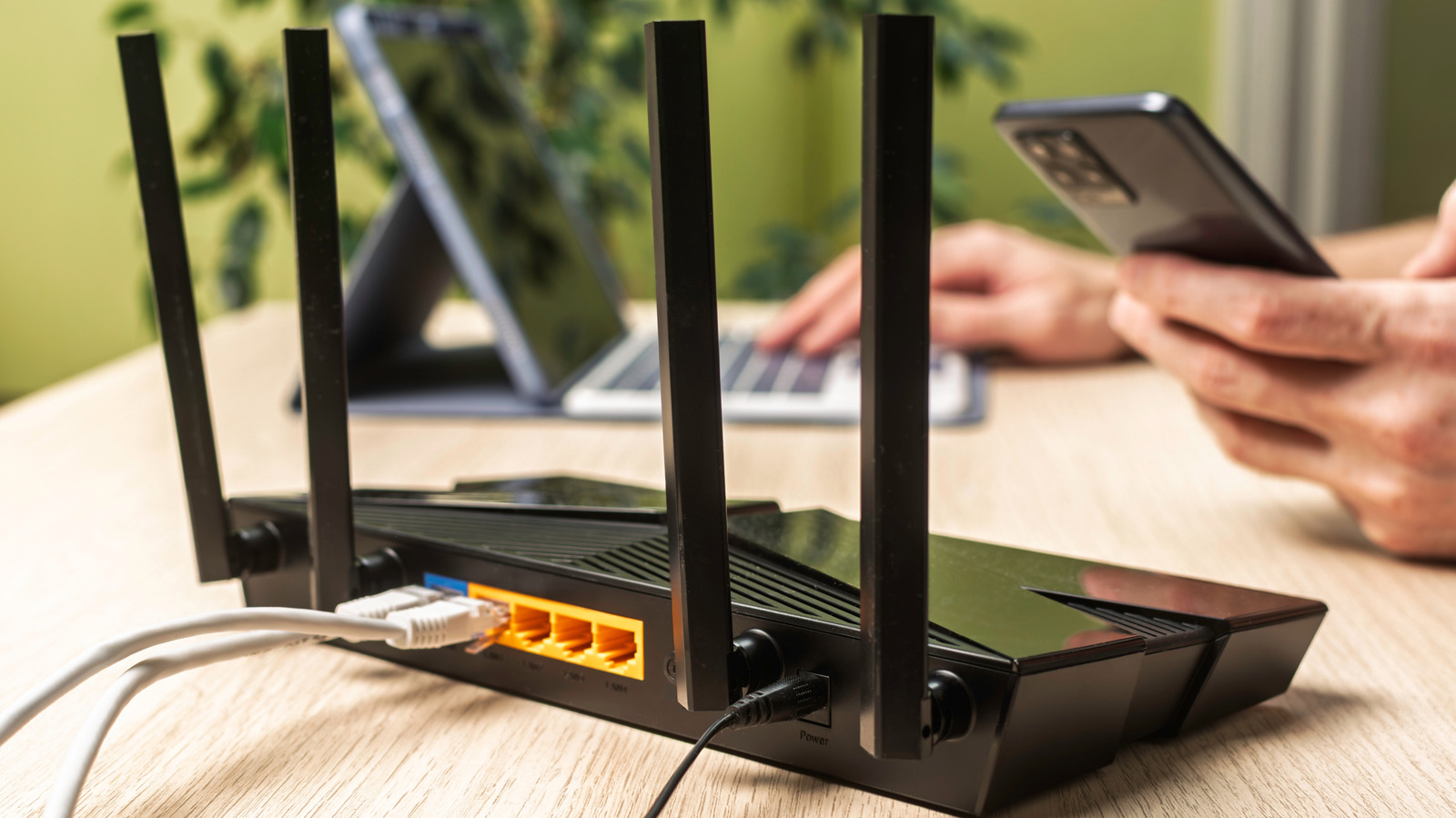
Don't reduce your router's capabilities by stuffing it into a cabinet in the corner of the room.

A weak Wi-Fi signal isn't always a sign of your router going bad or ISP issues. More often than not, it's an indication of a placement problem. Wi-Fi routers broadcast signals in all directions, but the signal weakens over distance, so where you place your router affects the signal quality that reaches your devices. A router stuffed into a corner will likely send much of its signal outside the house where no one needs it. There's also the fact that other electronics can interfere, degrading signal quality simply by being too close.

The best spot for your Wi-Fi router differs depending on your building and where you want it to cover. For example, if you're covering an apartment, the best place for your Wi-Fi router will likely be somewhere that's central and away from electronics that weaken signals.

First, find a central and elevated spot in your home, away from sources of interference, so the router can evenly distribute signal across your space. This could be a side table, desk or even the top of a cabinet. If need be, consider making or buying a stand for the router.

In brief

Don't reduce your router's capabilities by stuffing it into a cabinet in the corner of the room. Wi-Fi routers broadcast signals in all directions, but the signal weakens over distance, so where you place your router affects the signal quality that reaches your devices. The best spot for your Wi-Fi router differs depending on your building and where you want it to cover.

This is the opening of the story, shared with credit to Engadget. The rest of the report — with every detail — continues on the publisher’s website.

Continue reading at Engadget ↗

Cookie settings

Choose which cookies we may use. You can change this at any time from Cookie settings in the footer. Details of each cookie are in the Cookie Policy.

Strictly necessary

Needed for sign-in, security, payments and remembering these choices. Always on.

Preferences

Remember settings such as dark mode.

Analytics & performance

Help us count visits, understand which pages, devices and countries our readers use, and measure how well the site performs – anonymous and aggregated.

Advertising & marketing

Lets advertising partners show and personalise adverts, measure impressions, clicks and visits, prevent ad fraud and pay us – this is how the free site is funded.

🔔 News notifications

Get headlines from NewsHub on this device — even when the site is closed.

You can switch this off at any time. Works on Android, Windows, Mac and Linux browsers; on iPhone/iPad add the site to your Home Screen first.