📰 Newspapers

The simple and convenient Apple Maps feature every CarPlay user should know about

The simple and convenient Apple Maps feature every CarPlay user should know about

Apple Maps has plenty of useful features - some big, some small. This particular feature is relatively minor but can prove very useful indeed.

Let your friends know what time you'll be arriving.

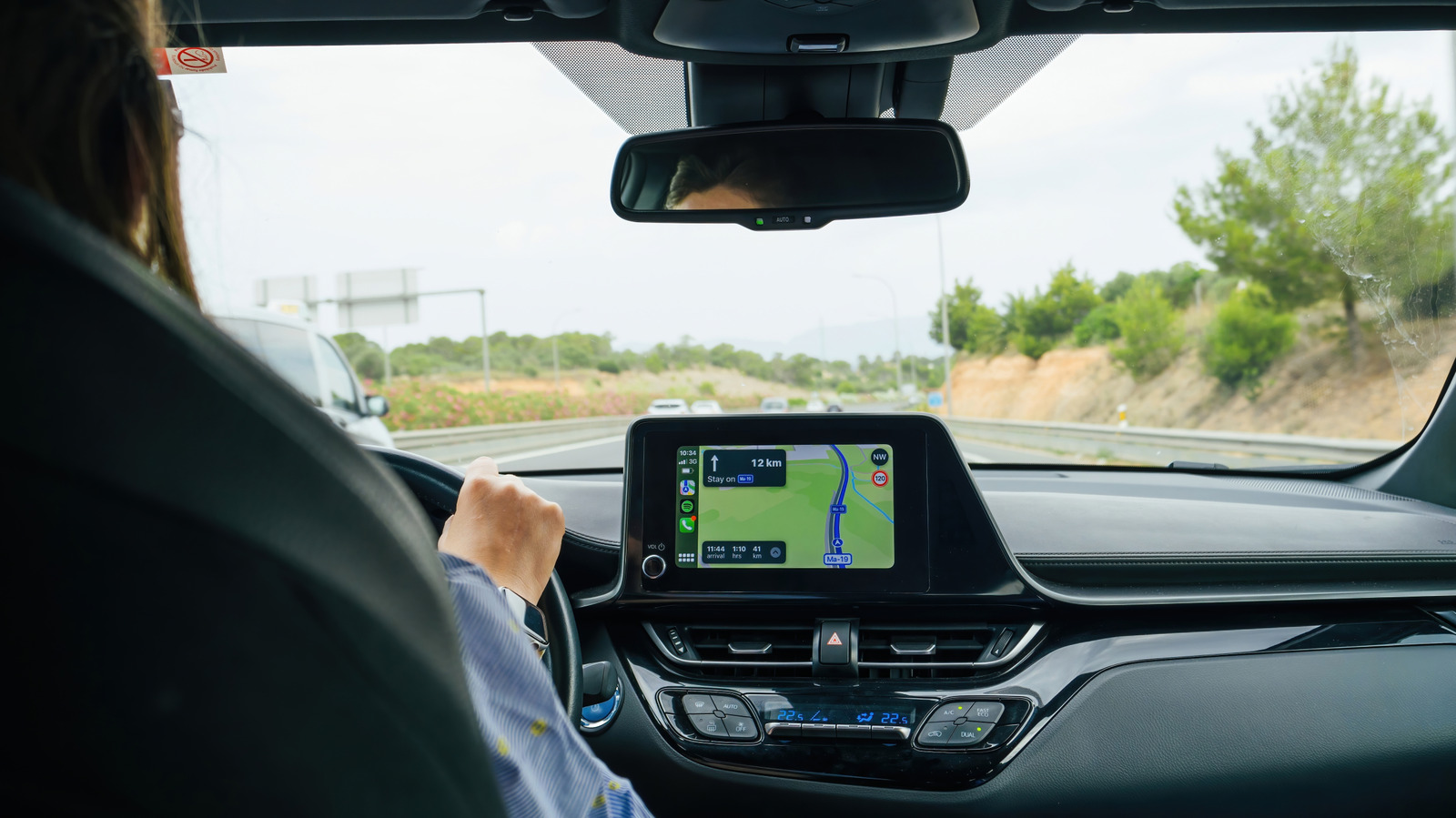
For many iPhone users, Apple CarPlay has become synonymous with a quality driving experience, from playing their favorite tunes to navigating to their next destination. And although Apple continues to upgrade its popular infotainment system, one of its most useful features has been hidden in Apple Maps for years and is critical to letting your family, friends, and, if you are like me, enemies know when you will arrive at your destination.

I am, of course, referring to sharing your estimated time of arrival (ETA) through Apple Maps. Most users are probably familiar with Apple's Find My and location-sharing functions, but CarPlay's Share ETA feature is woefully underappreciated. Both simple to use and highly customizable, the feature is a godsend for worried parents and surprise parties everywhere.

To enable Share ETA, go to Settings > Apps > Maps. From here, scroll down to Share ETA and enable the feature. You can also enable location sharing in Messages, Contacts and Find My. You may also want to turn on Siri to make sharing an ETA more convenient. To do so, go to your iPhone's Settings, tap Siri and enable Turn on Siri.

Sharing your ETA is a simple way to improve your CarPlay experience.

In brief

Let your friends know what time you'll be arriving. I am, of course, referring to sharing your estimated time of arrival (ETA) through Apple Maps. To enable Share ETA, go to Settings > Apps > Maps. Sharing your ETA is a simple way to improve your CarPlay experience.

This is the opening of the story, shared with credit to Engadget. The rest of the report — with every detail — continues on the publisher’s website.

Continue reading at Engadget ↗

Cookie settings

Choose which cookies we may use. You can change this at any time from Cookie settings in the footer. Details of each cookie are in the Cookie Policy.

Strictly necessary

Needed for sign-in, security, payments and remembering these choices. Always on.

Preferences

Remember settings such as dark mode.

Analytics & performance

Help us count visits, understand which pages, devices and countries our readers use, and measure how well the site performs – anonymous and aggregated.

Advertising & marketing

Lets advertising partners show and personalise adverts, measure impressions, clicks and visits, prevent ad fraud and pay us – this is how the free site is funded.

🔔 News notifications

Get headlines from NewsHub on this device — even when the site is closed.

You can switch this off at any time. Works on Android, Windows, Mac and Linux browsers; on iPhone/iPad add the site to your Home Screen first.