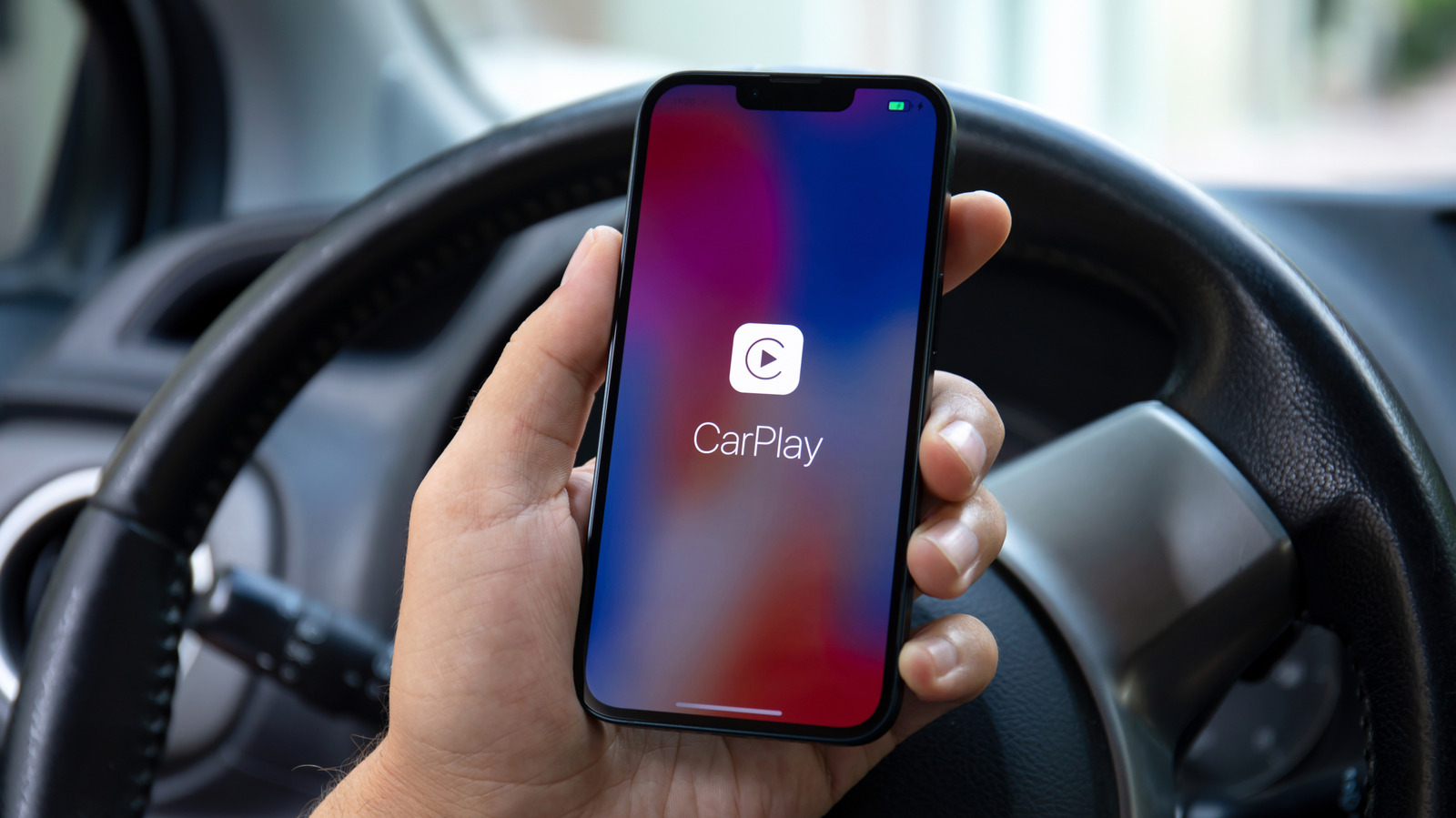
Here’s how to set up CarPlay with a cable or wirelessly, and what to do when it won’t connect.
There are currently more than 800 vehicle models compatible with Apple CarPlay. Chances are that if you buy a new car today, it will have the feature built-in, although some automakers have been phasing CarPlay out of their cars. Upon your first time using Apple's in-car system, you'll need to pair your iPhone with it.
The good news is that setup is easy and only takes a minute. But before you begin, there are a few points you should check, such as whether your vehicle is CarPlay-compatible and if it works with a cable or wirelessly (or both).
There are two different ways to use CarPlay: wired and wirelessly. Overall, they work in pretty much the same way, and you'll have access to the same features. Wired CarPlay is usually the easiest way — just start the car and plug your iPhone into the USB port, which is sometimes marked with a CarPlay or phone symbol.
Your iPhone will ask for permission to use CarPlay, so tap Connect and the interface should then appear on your car's dashboard screen.