📰 Newspapers

This is the best type of wireless earbuds for audio output

This is the best type of wireless earbuds for audio output

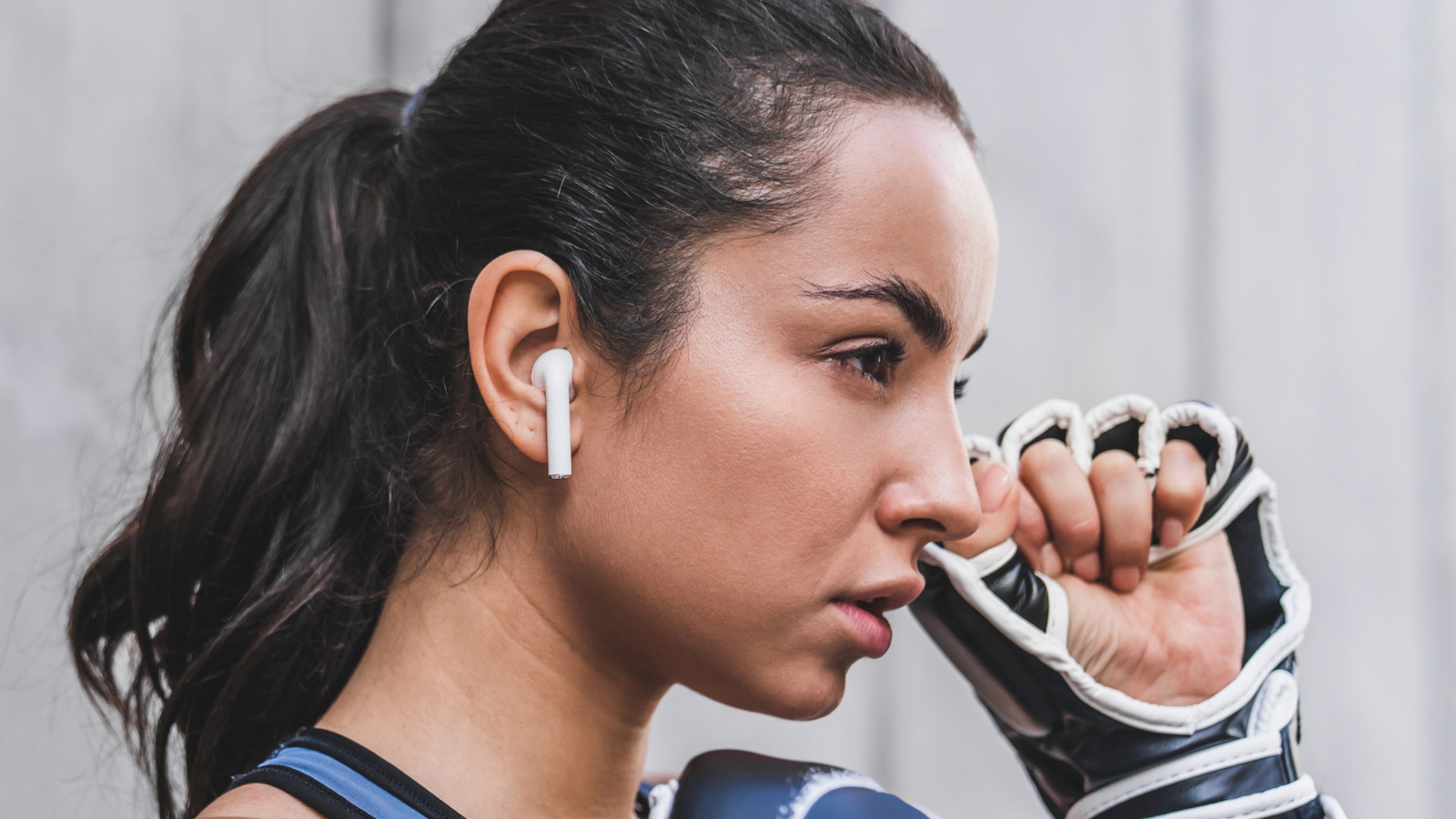
Comfort, price and aesthetics obviously impact what we put on our ears, but if sound fidelity is your priority, this kind of wireless earbud is the best choice.

What design actually delivers the best sound?

Wireless earbud design has evolved in leaps and bounds. Some of the earliest models would occasionally lose sync between each ear, never mind questions like battery life or sweat resistance. Now, the best wireless earbuds can last an entire workday and will survive the sweatiest gym sessions. You can even use the AirPods Pro 3 as hearing aids.

Our question today is this: What design actually delivers the best sound? The industry has evolved to support many different form factors, but not all of them are actually geared towards fidelity. Some may prioritize maximum comfort, particular environments or simply a consumer price point. Make the wrong choice, and the results can be extremely disappointing.

Considerations include the type of eartips, how buds secure to your ear, and noise cancelation features. We'll also explain when it's worth making some sacrifices, since vanilla audio may be better than nothing at all.

When it comes to form factor, you'll want to begin with in-ear (sometimes referred to as in-canal) earbuds. These provide several major benefits to audio quality over open-ear designs, beginning with passive noise cancellation. You're blocking most of the outside world, although some noise will inevitably seep through.

In brief

What design actually delivers the best sound? Wireless earbud design has evolved in leaps and bounds. Now, the best wireless earbuds can last an entire workday and will survive the sweatiest gym sessions. Our question today is this: What design actually delivers the best sound?

This is the opening of the story, shared with credit to Engadget. The rest of the report — with every detail — continues on the publisher’s website.

Continue reading at Engadget ↗

Cookie settings

Choose which cookies we may use. You can change this at any time from Cookie settings in the footer. Details of each cookie are in the Cookie Policy.

Strictly necessary

Needed for sign-in, security, payments and remembering these choices. Always on.

Preferences

Remember settings such as dark mode.

Analytics & performance

Help us count visits, understand which pages, devices and countries our readers use, and measure how well the site performs – anonymous and aggregated.

Advertising & marketing

Lets advertising partners show and personalise adverts, measure impressions, clicks and visits, prevent ad fraud and pay us – this is how the free site is funded.

🔔 News notifications

Get headlines from NewsHub on this device — even when the site is closed.

You can switch this off at any time. Works on Android, Windows, Mac and Linux browsers; on iPhone/iPad add the site to your Home Screen first.