📰 Newspapers

How much storage does Apple Intelligence use on your iPhone?

How much storage does Apple Intelligence use on your iPhone?

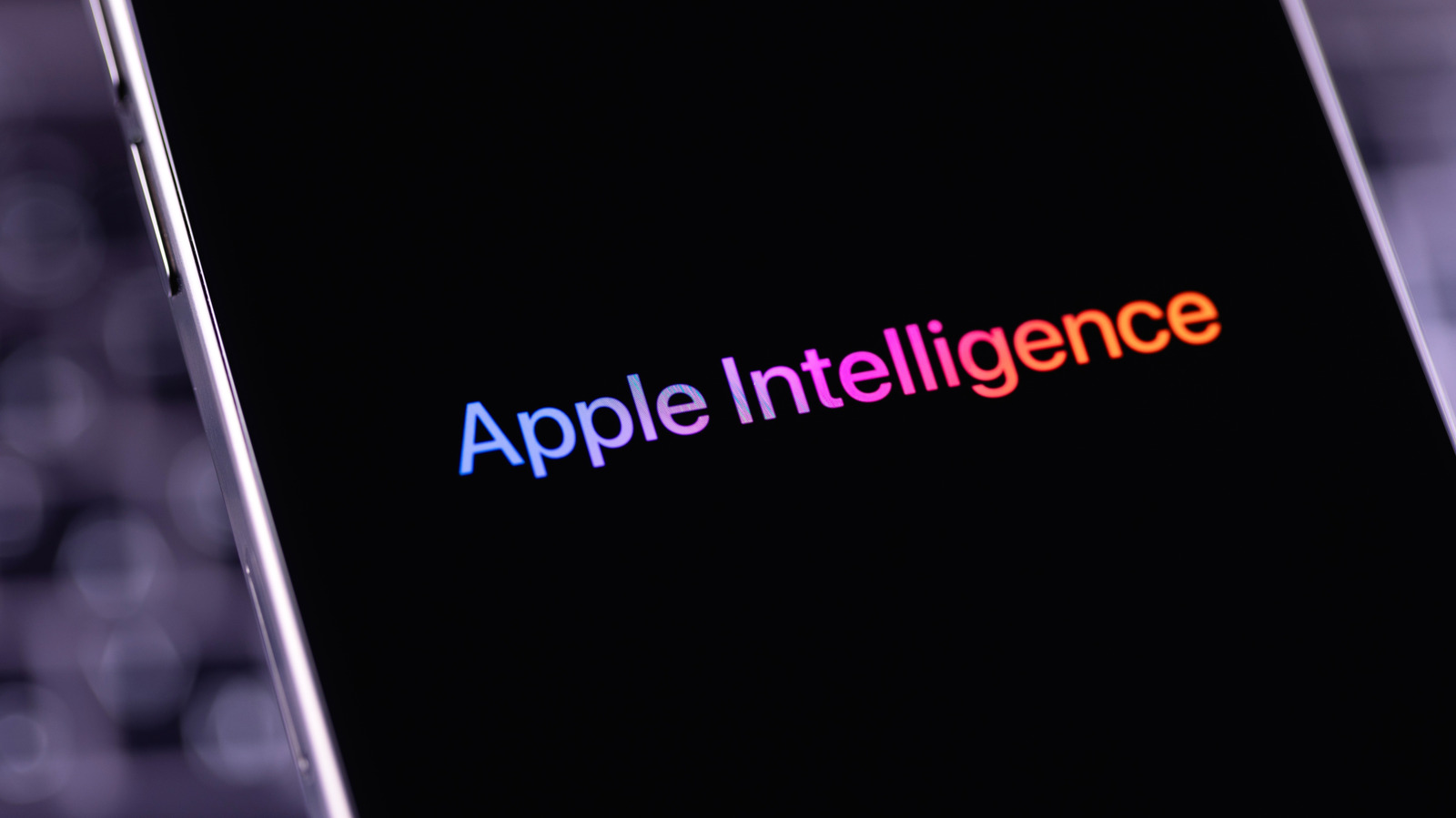
Apple Intelligence has a lot of neat tricks, but you might prefer to disable them if you need every bit of free space possible.

Apple Intelligence's conveniences come at a large storage cost.

Apple Intelligence received some sizable updates and improvements with iOS 27, and all those new features take up an awfully large amount of space on your phone. For those not interested in using Apple Intelligence, or unwilling to give up copious amounts of storage, there's a way to reclaim what the update ate up. This goes beyond disabling your iPhone's Apple Intelligence features, but only takes a few minutes to pull off.

The exact amount of space Apple Intelligence takes up on iOS 27 is not universal. According to Apple, it requires up to 14GB on the iPhone Duo, iPhone Air and iPhone 17 Pro or later, and 8GB on all other compatible iPhone models. However, some folks have reported the features taking up between 9GB and 16GB. For those with only 128GB of storage, that's over 12 percent of your space taken up by something you might not even want to use.

In iOS 27, disabling Apple Intelligence isn't as simple as flipping a single toggle like you could before. Even if you shut off the various features, iOS keeps them around in case you change your mind. However, Apple Intelligence only works when your device language and Siri language are set to the same option.


In brief

Apple Intelligence's conveniences come at a large storage cost. This goes beyond disabling your iPhone's Apple Intelligence features, but only takes a few minutes to pull off. The exact amount of space Apple Intelligence takes up on iOS 27 is not universal. However, Apple Intelligence only works when your device language and Siri language are set to the same option.

This is the opening of the story, shared with credit to Engadget. The rest of the report — with every detail — continues on the publisher’s website.

Continue reading at Engadget ↗

Cookie settings

Choose which cookies we may use. You can change this at any time from Cookie settings in the footer. Details of each cookie are in the Cookie Policy.

Strictly necessary

Needed for sign-in, security, payments and remembering these choices. Always on.

Preferences

Remember settings such as dark mode.

Analytics & performance

Help us count visits, understand which pages, devices and countries our readers use, and measure how well the site performs – anonymous and aggregated.

Advertising & marketing

Lets advertising partners show and personalise adverts, measure impressions, clicks and visits, prevent ad fraud and pay us – this is how the free site is funded.

🔔 News notifications

Get headlines from NewsHub on this device — even when the site is closed.

You can switch this off at any time. Works on Android, Windows, Mac and Linux browsers; on iPhone/iPad add the site to your Home Screen first.