📰 Newspapers

Here's how to properly test your USB speed

Here's how to properly test your USB speed

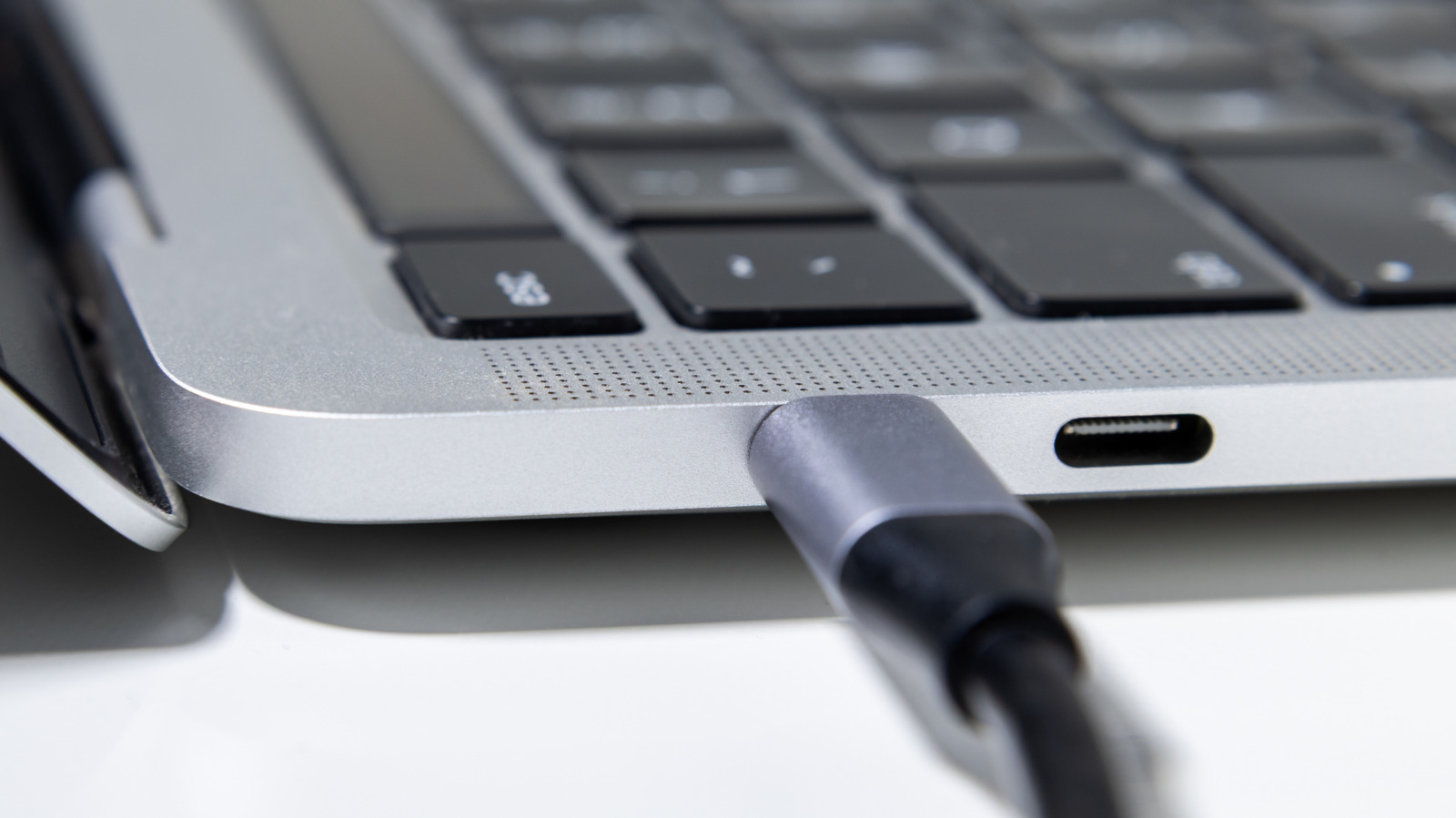
Your USB ports and devices are all rated for certain speeds, but how do you know everything's performing as it should? It's actually not that hard.

Know whether you're getting what you paid for.

The USB spec lies at the heart of our computing world, and we're all stuck with the ports, cables, and accessories to prove it. We pay good money for storage drives and USB hubs with rapid read and write speeds, but the ports we connect them to are just as important. You should know if you're getting your money's worth here, and there are programs you can use to diagnose those rates.

CrystalDiskMark and AmorphousDiskMark for Windows and macOS, respectively, are popular open-source programs for checking storage drives' read and write speeds, but they can also serve as a proxy for determining if your USB connections are running to their intended spec. Connect a drive, open either program, and select it via the drop-down menu. Hitting the first button below All will initiate a sequential read and write test that should give you a good indication of how fast your USB port is. You can then take those transfer rates and see how they compare to what the port (or device) should be capable of.

Windows users can also confirm whether their connected device is running at the port's top supported speed by installing the Windows SDK and opening up a tool called USBView.

In brief

Know whether you're getting what you paid for. You should know if you're getting your money's worth here, and there are programs you can use to diagnose those rates. Hitting the first button below All will initiate a sequential read and write test that should give you a good indication of how fast your USB port is.

This is the opening of the story, shared with credit to Engadget. The rest of the report — with every detail — continues on the publisher’s website.

Continue reading at Engadget ↗

Cookie settings

Choose which cookies we may use. You can change this at any time from Cookie settings in the footer. Details of each cookie are in the Cookie Policy.

Strictly necessary

Needed for sign-in, security, payments and remembering these choices. Always on.

Preferences

Remember settings such as dark mode.

Analytics & performance

Help us count visits, understand which pages, devices and countries our readers use, and measure how well the site performs – anonymous and aggregated.

Advertising & marketing

Lets advertising partners show and personalise adverts, measure impressions, clicks and visits, prevent ad fraud and pay us – this is how the free site is funded.

🔔 News notifications

Get headlines from NewsHub on this device — even when the site is closed.

You can switch this off at any time. Works on Android, Windows, Mac and Linux browsers; on iPhone/iPad add the site to your Home Screen first.