📰 Newspapers

How to cancel your Nintendo Switch Online subscription

How to cancel your Nintendo Switch Online subscription

You'll have to switch off Nintendo Switch Online's auto-renewal to cancel it. Here's how.

You’ll have to switch off auto-renewal to cancel, and it’s pretty easy to do so.

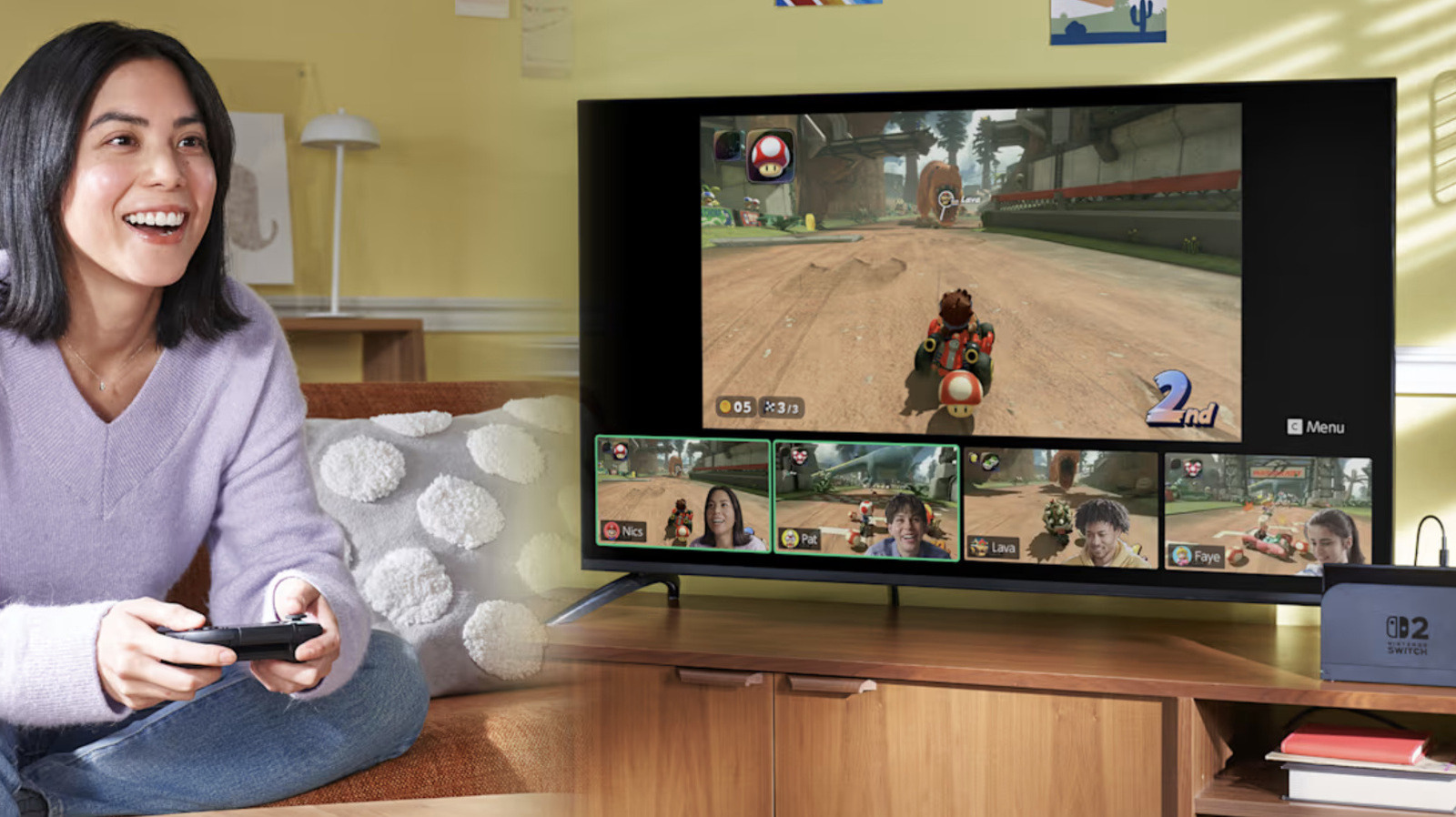
Nintendo Switch Online gives you access to features that could make gaming more enjoyable, like playing online with friends even if they're halfway around the world, for supported games like Mario Kart World and Animal Crossing: New Horizons. The service also lets you play retro games originally released for Nintendo's old consoles, including the Game Boy and the NES, on your Switch. If you have a Switch 2 and pay for the service's Expansion Pack, you can even play games made for the GameCube. In addition, it gives you access to exclusive games and cloud save, and you'll be able to talk to your friends via a feature called GameChat on the Switch 2.

But what if, upon looking at it closely, you've decided that paying for Switch Online is no longer worth it? Maybe you don't use its features as much and won't miss them if you stop paying for the service. Maybe you're cutting down on subscriptions, and Switch Online has to go.

The good news is that canceling your membership is fairly easy. Just take note that you can't get a refund for unused days if you cancel in the middle of your subscription term.

In brief

You’ll have to switch off auto-renewal to cancel, and it’s pretty easy to do so. Nintendo Switch Online gives you access to features that could make gaming more enjoyable, like playing online with friends even if they're halfway around the world, for supported games like Mario Kart World and Animal Crossing: New Horizons. Maybe you're cutting down on subscriptions, and Switch Online has to go.

This is the opening of the story, shared with credit to Engadget. The rest of the report — with every detail — continues on the publisher’s website.

Continue reading at Engadget ↗

Cookie settings

Choose which cookies we may use. You can change this at any time from Cookie settings in the footer. Details of each cookie are in the Cookie Policy.

Strictly necessary

Needed for sign-in, security, payments and remembering these choices. Always on.

Preferences

Remember settings such as dark mode.

Analytics & performance

Help us count visits, understand which pages, devices and countries our readers use, and measure how well the site performs – anonymous and aggregated.

Advertising & marketing

Lets advertising partners show and personalise adverts, measure impressions, clicks and visits, prevent ad fraud and pay us – this is how the free site is funded.

🔔 News notifications

Get headlines from NewsHub on this device — even when the site is closed.

You can switch this off at any time. Works on Android, Windows, Mac and Linux browsers; on iPhone/iPad add the site to your Home Screen first.