📰 Newspapers

8 Windows apps you should probably remove from your PC

8 Windows apps you should probably remove from your PC

From pre-installed junk to popular apps that have better alternatives, these are the apps you should clean off your PC if they're present.

Not every app on your PC deserves a permanent place.

Bloatware and adware aren't new, but they feel far more prevalent these days. Not only do they take up SSD space (which is more precious than ever because of soaring storage prices), but they can also consume RAM and annoy you with alerts you don't care about.

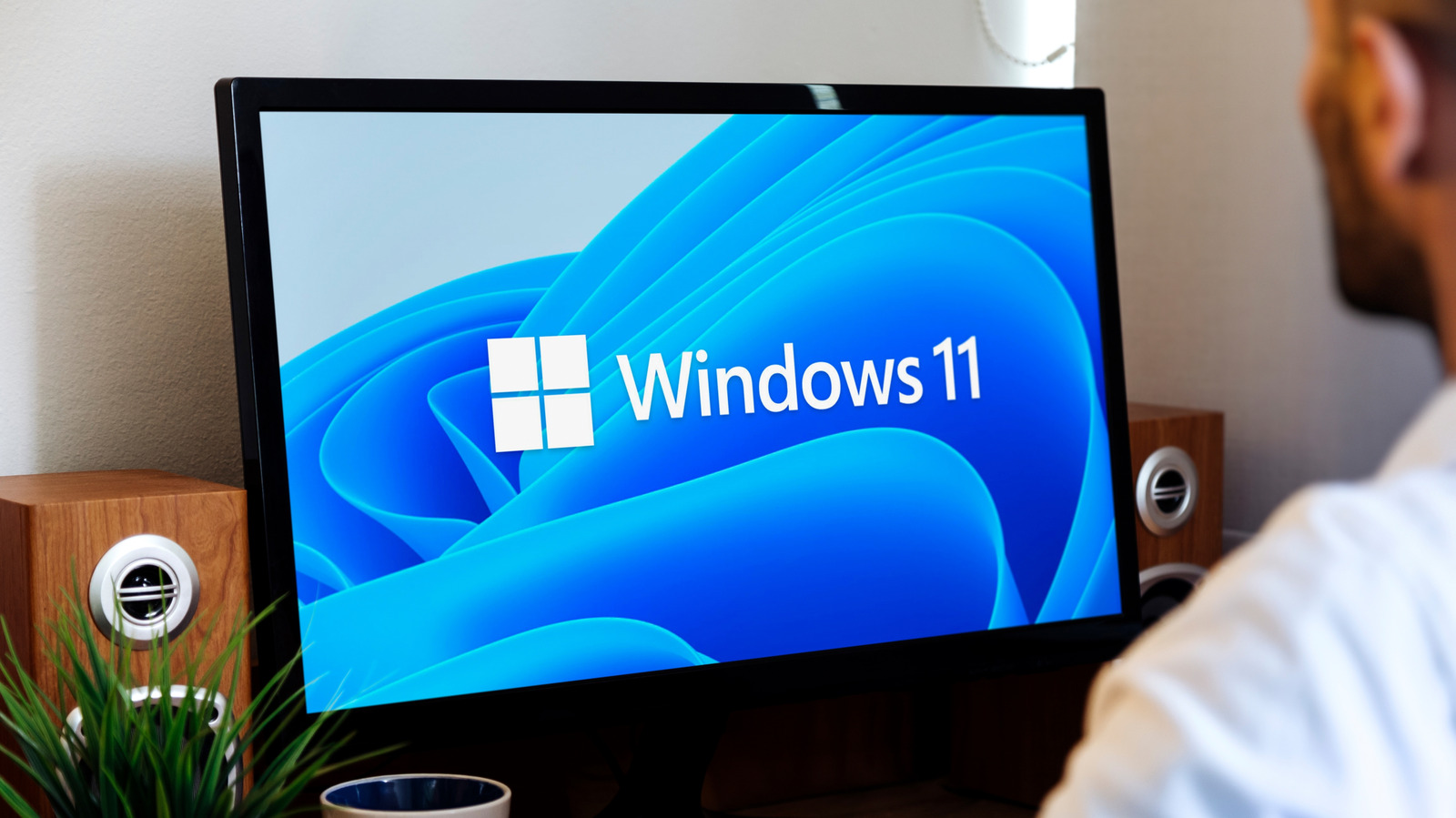
The ubiquity of these annoyances, including junk built into Windows itself, means that debloating a fresh Windows PC has become a common practice. Some apps (both preinstalled and common third-party tools), aren't actively detrimental. But, depending on how you use your PC, it may be worth upgrading them with superior — and often inexpensive or free — options. Here are several such Windows apps you should replace or remove outright.

Media Player, not to be confused with the classic Windows Media Player from prior Windows versions, is the out-of-the-box way to listen to music or watch videos on your PC. And while it does a suitable job of playing both audio and video files from a broad range of formats, it can't compete with the features you get from alternative apps like VLC.

VLC can play tons of video formats (even rare ones) without the need for additional codecs or extensions. It can also handle media file conversions quickly and easily.

In brief

Not every app on your PC deserves a permanent place. The ubiquity of these annoyances, including junk built into Windows itself, means that debloating a fresh Windows PC has become a common practice. Some apps (both preinstalled and common third-party tools), aren't actively detrimental. Here are several such Windows apps you should replace or remove outright.

This is the opening of the story, shared with credit to Engadget. The rest of the report — with every detail — continues on the publisher’s website.

Continue reading at Engadget ↗

Cookie settings

Choose which cookies we may use. You can change this at any time from Cookie settings in the footer. Details of each cookie are in the Cookie Policy.

Strictly necessary

Needed for sign-in, security, payments and remembering these choices. Always on.

Preferences

Remember settings such as dark mode.

Analytics & performance

Help us count visits, understand which pages, devices and countries our readers use, and measure how well the site performs – anonymous and aggregated.

Advertising & marketing

Lets advertising partners show and personalise adverts, measure impressions, clicks and visits, prevent ad fraud and pay us – this is how the free site is funded.

🔔 News notifications

Get headlines from NewsHub on this device — even when the site is closed.

You can switch this off at any time. Works on Android, Windows, Mac and Linux browsers; on iPhone/iPad add the site to your Home Screen first.