📰 Newspapers

Public vs. private IP addresses: what's the difference?

Public vs. private IP addresses: what's the difference?

One identifies your network, the other identifies the devices using your network.

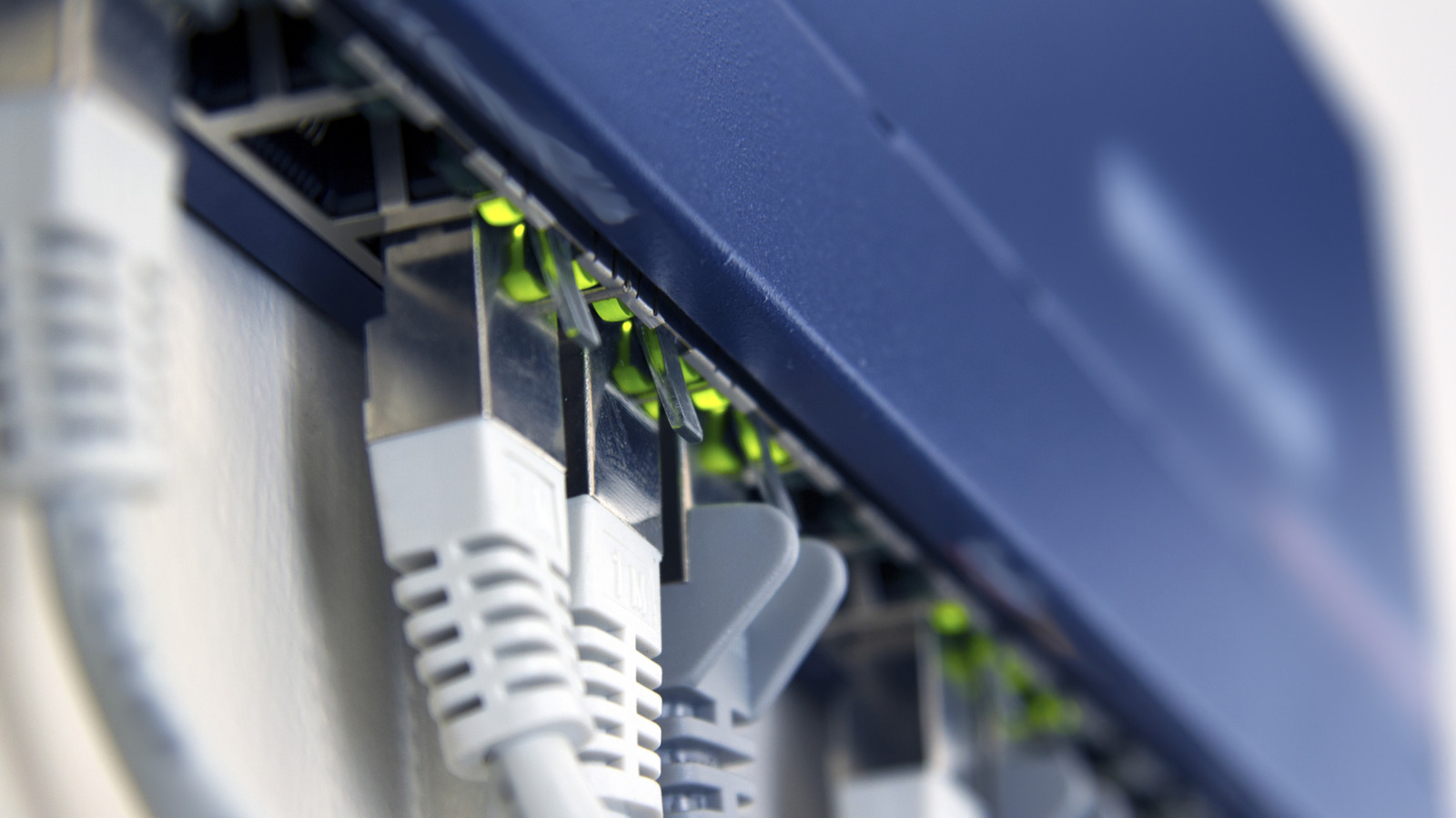
Each time you stream a video, read an article or download files online, your network interface and a server communicate with each other using unique numerical labels called IP addresses. When you acquire an internet connection, your ISP assigns a unique public IP address to your router's WAN port. The public IP address is what allows you to access the internet and the internet to find you.

All the various gadgets connected to your home home network like phones, computers and smart home hardware connect to your router via private IP addresses rather than the public address assigned to your router. Devices on private IP addresses can communicate with each other but cannot directly access the internet; they must rely on a router. Similarly, devices outside the private network cannot communicate with those using a private IP address. This is why your neighbor cannot send a print request to your home printer.

When attempting to understand public vs. private IP address, you can think of the former as your house address and the latter as apartment numbers. Each device connected to your router is assigned a unique private IP address.

In brief

One identifies your network, the other identifies the devices using your network. All the various gadgets connected to your home home network like phones, computers and smart home hardware connect to your router via private IP addresses rather than the public address assigned to your router. Each device connected to your router is assigned a unique private IP address.

This is the opening of the story, shared with credit to Engadget. The rest of the report — with every detail — continues on the publisher’s website.

Continue reading at Engadget ↗

Cookie settings

Choose which cookies we may use. You can change this at any time from Cookie settings in the footer. Details of each cookie are in the Cookie Policy.

Strictly necessary

Needed for sign-in, security, payments and remembering these choices. Always on.

Preferences

Remember settings such as dark mode.

Analytics & performance

Help us count visits, understand which pages, devices and countries our readers use, and measure how well the site performs – anonymous and aggregated.

Advertising & marketing

Lets advertising partners show and personalise adverts, measure impressions, clicks and visits, prevent ad fraud and pay us – this is how the free site is funded.

🔔 News notifications

Get headlines from NewsHub on this device — even when the site is closed.

You can switch this off at any time. Works on Android, Windows, Mac and Linux browsers; on iPhone/iPad add the site to your Home Screen first.