📰 Newspapers

The pros and cons of wearing your Fitbit around your ankle

The pros and cons of wearing your Fitbit around your ankle

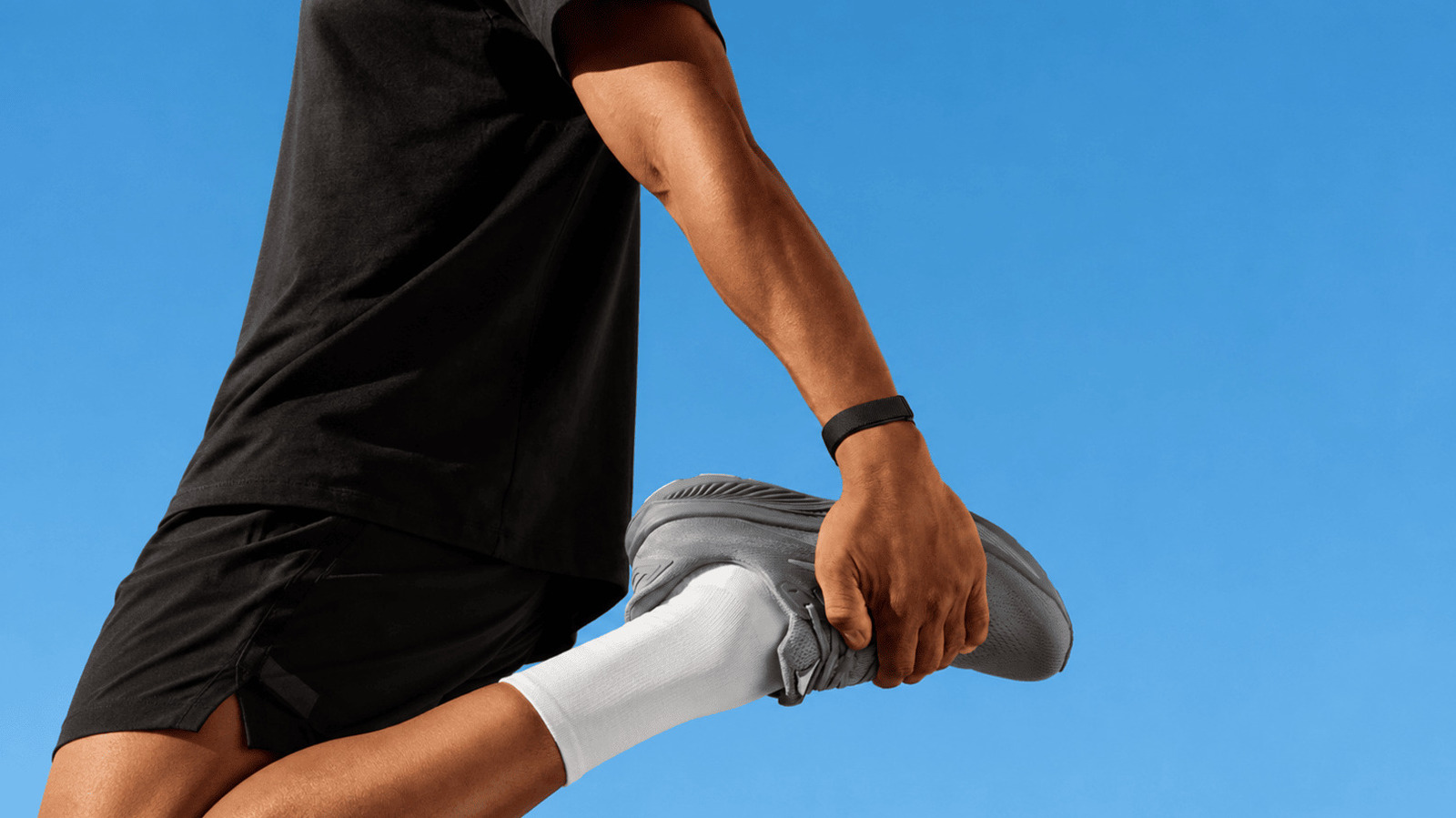
Wearing a Fitbit around your ankle can improve monitoring and accuracy. But are there any downsides? How does a Fitbit on your wrist compare to your ankle?

An ankle-worn Fitbit can catch steps your wrist misses, though some health metrics may suffer.

It's frustrating when you've finished your daily walk, but Fitbit didn't catch all the steps because it couldn't recognize them. Or when you've pushed a stroller, held the treadmill rails or worked at a walking desk, and discovered that limited arm movement makes your brisk walk look unimpressive in the app. Out of all the Fitbit hacks, tricks and tips out there, this basic problem has persisted for many users.

Some have found a way around this by wearing their Fitbit on their ankle. It may seem like a strange fix, but having the motion sensor closer to your feet can help. Fitbit devices measure more than just steps, but they depend on arm movement to gather data. While Google often assumes you're wearing the Fitbit on your wrist, activities with limited arm movement mean your health data may not be accurate.

Fitbit trackers use accelerometers to recognize movement patterns associated with walking, but a wrist-worn sensor can miss steps when your arms remain still. Google acknowledges that pushing a stroller or shopping cart can lead to missed steps. Walking pads create similar issues when you're typing at your desk rather than allowing your arms to swing.
In brief

An ankle-worn Fitbit can catch steps your wrist misses, though some health metrics may suffer. While Google often assumes you're wearing the Fitbit on your wrist, activities with limited arm movement mean your health data may not be accurate. Walking pads create similar issues when you're typing at your desk rather than allowing your arms to swing.

This is the opening of the story, shared with credit to Engadget. The rest of the report — with every detail — continues on the publisher’s website.

Continue reading at Engadget ↗

Cookie settings

Choose which cookies we may use. You can change this at any time from Cookie settings in the footer. Details of each cookie are in the Cookie Policy.

Strictly necessary

Needed for sign-in, security, payments and remembering these choices. Always on.

Preferences

Remember settings such as dark mode.

Analytics & performance

Help us count visits, understand which pages, devices and countries our readers use, and measure how well the site performs – anonymous and aggregated.

Advertising & marketing

Lets advertising partners show and personalise adverts, measure impressions, clicks and visits, prevent ad fraud and pay us – this is how the free site is funded.

🔔 News notifications

Get headlines from NewsHub on this device — even when the site is closed.

You can switch this off at any time. Works on Android, Windows, Mac and Linux browsers; on iPhone/iPad add the site to your Home Screen first.