📰 Newspapers

The battery in your Fitbit Edge is replaceable, but it's not as easy as you'd think

The battery in your Fitbit Edge is replaceable, but it's not as easy as you'd think

Google partnered with iFixit for a step-by-step guide to replacing the Fitbit Edge's battery.

You can get a manual from iFixit for free to guide you through the process.

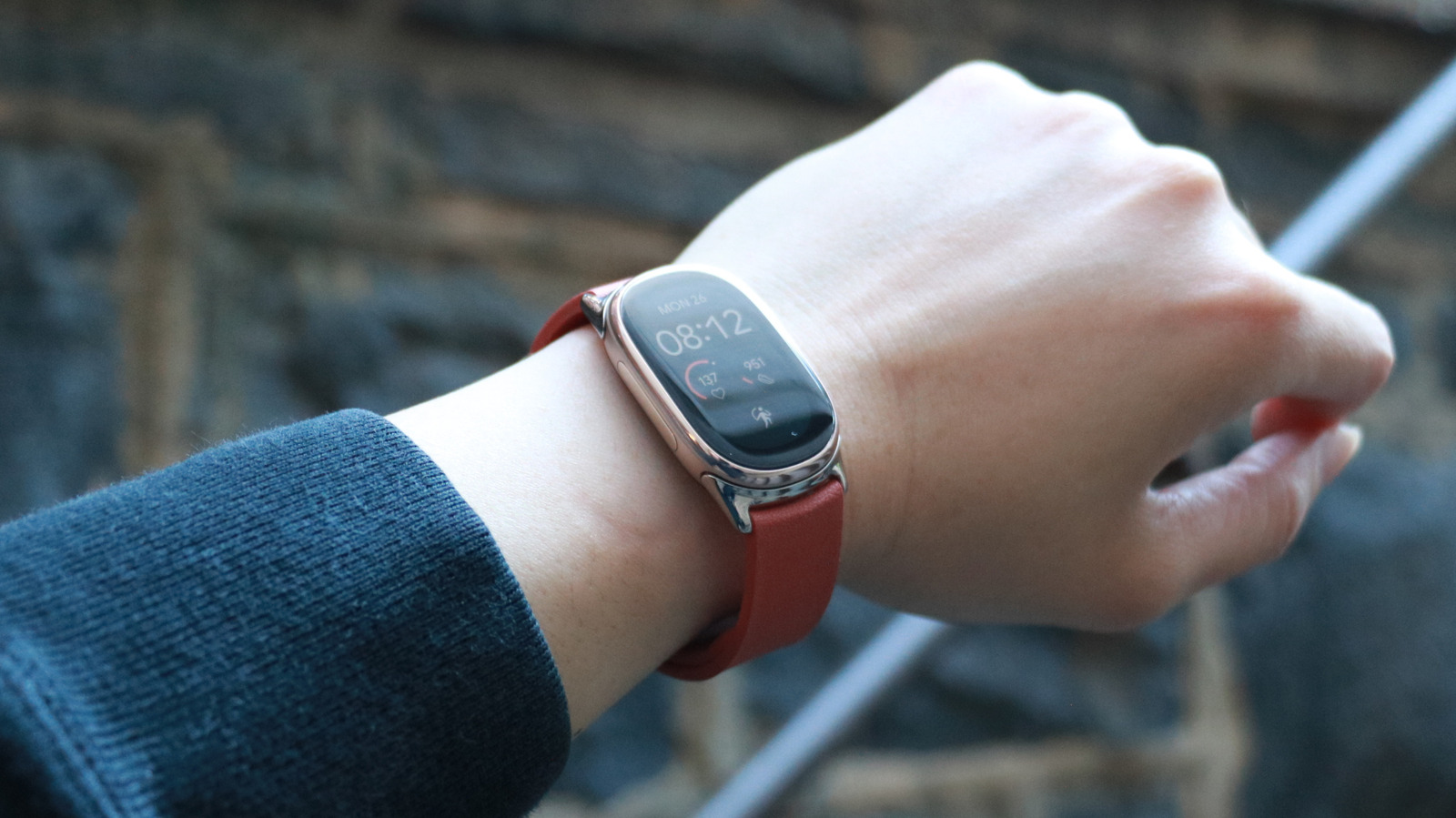
After a brief period of people worrying that Google that was abandoning Fitbit devices in favor of the Pixel Watch, the company recently assuaged those fears by releasing two new devices, led by the Fitbit Edge. It's an obvious successor to the Charge series, albeit without Google Pay, or EDA scans for measuring stress.

An enhancement that might've caught your attention is the product's user-replaceable battery. The dirty secret of most fitness trackers (and smartwatches, for that matter) is that while they can last for years, if their batteries aren't replaced, their capacity will inevitably shrink until it becomes unusable. In theory, as long Google maintains app support and compatible batteries are still in warehouses, an Edge can last indefinitely.

This isn't quite like replacing the AAs in a flashlight, however, or even the coin battery you might find in an analog watch. You need specialized gear, and the process is delicate enough that there's a risk of sabotaging your Fitbit if you make a mistake.

Google's partner on this is iFixit, which provides a free PDF manual once you've signed into their website.

In brief

You can get a manual from iFixit for free to guide you through the process. After a brief period of people worrying that Google that was abandoning Fitbit devices in favor of the Pixel Watch, the company recently assuaged those fears by releasing two new devices, led by the Fitbit Edge. An enhancement that might've caught your attention is the product's user-replaceable battery.

This is the opening of the story, shared with credit to Engadget. The rest of the report — with every detail — continues on the publisher’s website.

Continue reading at Engadget ↗

Cookie settings

Choose which cookies we may use. You can change this at any time from Cookie settings in the footer. Details of each cookie are in the Cookie Policy.

Strictly necessary

Needed for sign-in, security, payments and remembering these choices. Always on.

Preferences

Remember settings such as dark mode.

Analytics & performance

Help us count visits, understand which pages, devices and countries our readers use, and measure how well the site performs – anonymous and aggregated.

Advertising & marketing

Lets advertising partners show and personalise adverts, measure impressions, clicks and visits, prevent ad fraud and pay us – this is how the free site is funded.

🔔 News notifications

Get headlines from NewsHub on this device — even when the site is closed.

You can switch this off at any time. Works on Android, Windows, Mac and Linux browsers; on iPhone/iPad add the site to your Home Screen first.