📰 Newspapers

You don't have to look at your Apple Watch to get the time

You don't have to look at your Apple Watch to get the time

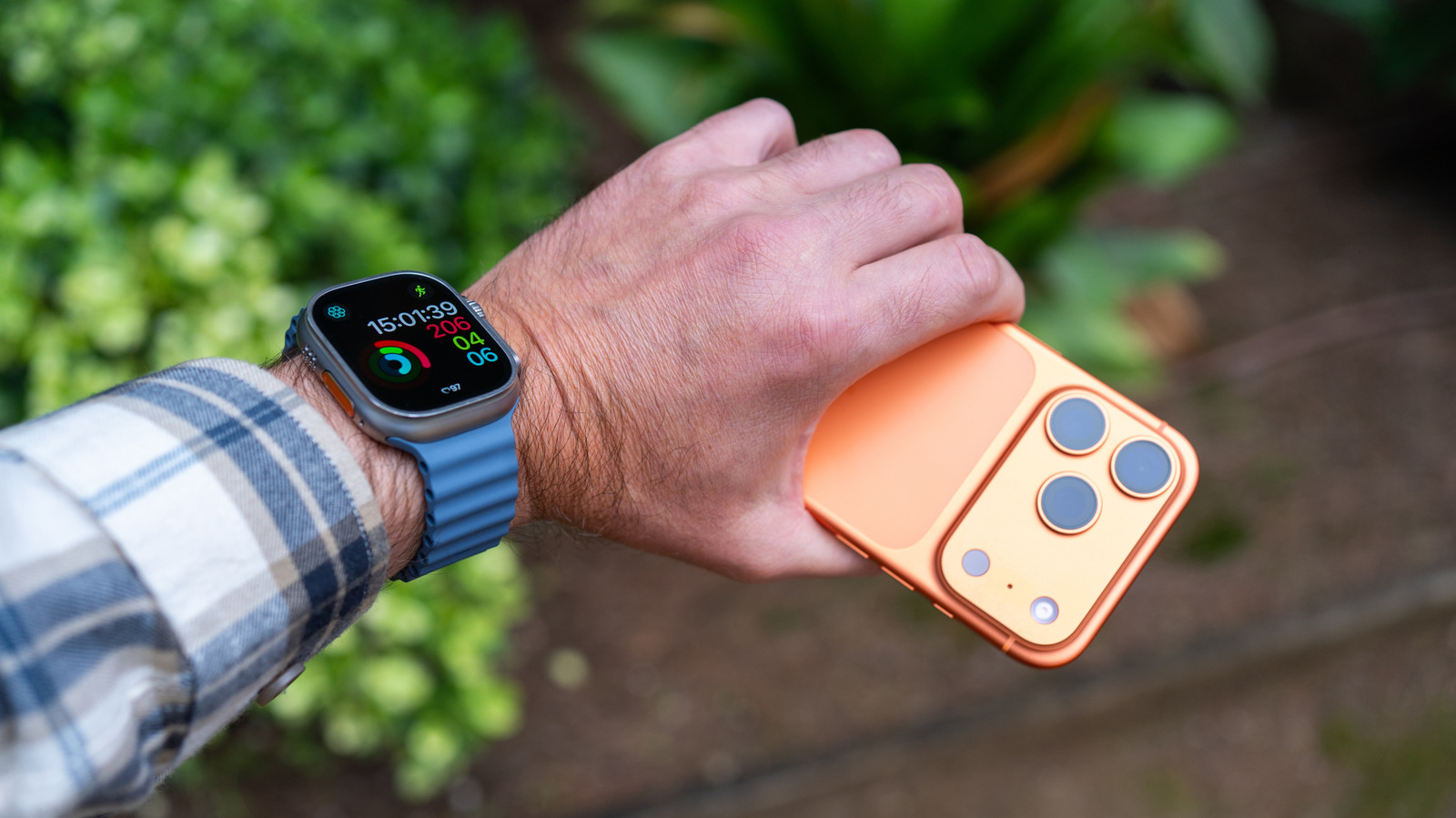
Your Apple Watch has a way to share the time that even supports Morse Code. See which of its three modes makes sense for your daily routine.

You can keep track of the time without missing a beat, thanks to a discreet Apple Watch setting that comes in a few versions to suit your schedule.

One of the ironies of smartwatches is that for some people, telling the time is low on the list of priorities. You can always check your iPhone if you need to, and most of us spend hours every day in front of some form of clock, whether it's a PC or an old analog ticker hanging on the wall. It's actually features like fitness tracking and quick notification checks that elevate the best Apple Watches to must-haves.

One way or another, we need to know the time, and Apple Watches come with a variety of ways to communicate it. Something you may not have heard of, though, is the ability to get it via vibration. It's something Apple calls Taptic Time, a reference to the Taptic Engine that produces haptic feedback.

Here we're going to explain how to enable Taptic Time, how it works and, perhaps most importantly, why you'd want to bother. The short answer to the last item is that for some people, a visual check just isn't an option.

To enable Taptic Time, launch the Settings app on your Apple Watch. Next, select Clock, then Taptic Time.

In brief

You can keep track of the time without missing a beat, thanks to a discreet Apple Watch setting that comes in a few versions to suit your schedule. It's something Apple calls Taptic Time, a reference to the Taptic Engine that produces haptic feedback. To enable Taptic Time, launch the Settings app on your Apple Watch. Next, select Clock, then Taptic Time.

This is the opening of the story, shared with credit to Engadget. The rest of the report — with every detail — continues on the publisher’s website.

Continue reading at Engadget ↗

Cookie settings

Choose which cookies we may use. You can change this at any time from Cookie settings in the footer. Details of each cookie are in the Cookie Policy.

Strictly necessary

Needed for sign-in, security, payments and remembering these choices. Always on.

Preferences

Remember settings such as dark mode.

Analytics & performance

Help us count visits, understand which pages, devices and countries our readers use, and measure how well the site performs – anonymous and aggregated.

Advertising & marketing

Lets advertising partners show and personalise adverts, measure impressions, clicks and visits, prevent ad fraud and pay us – this is how the free site is funded.

🔔 News notifications

Get headlines from NewsHub on this device — even when the site is closed.

You can switch this off at any time. Works on Android, Windows, Mac and Linux browsers; on iPhone/iPad add the site to your Home Screen first.