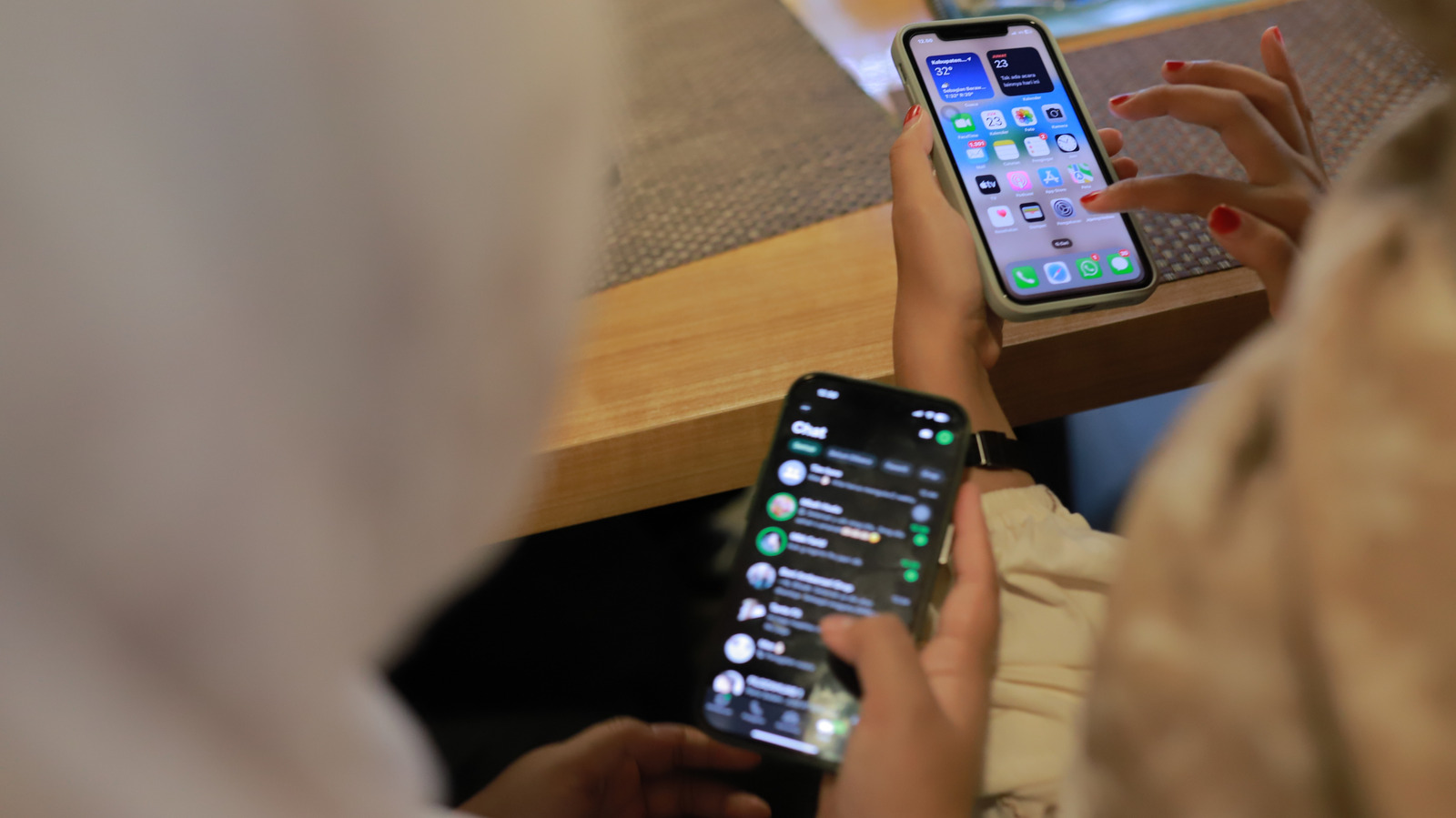
Some apps can now show you a message, or even a discount, when you try to cancel a subscription.
Canceling a subscription on your iPhone or iPad is usually quick. All you need to do is go to the Subscriptions menu in Settings. However, some apps may be a little more persistent before letting you cancel because of a recent Apple update for developers.
Earlier this month, Apple introduced subscription retention messages, which give developers a way to convince you to stay, whether with a message or even a special discount. So if an app keeps urging you to stay, it isn't breaking any App Store rules, and there's nothing to worry about. Here's how Apple's subscription retention messages work and what they mean for you.
Retention messages appear when you try to cancel an auto-renewing subscription billed through your Apple Account. You can cancel subscriptions directly through the app you subscribed to or by going to Settings > Your Account > Subscriptions. There, find the app you want to cancel, tap it and then tap Cancel Subscription. At that point, some apps may show you a retention message if the developer has implemented one. Apps can show you custom text, an image or even a retention offer when you try to cancel a subscription.