📰 Newspapers

Car speakers rattling? Try these fixes before calling a mechanic

Car speakers rattling? Try these fixes before calling a mechanic

Rattling speakers may need to be replaced, but they also could be rattling for very benign reasons. Here are things to check.

Check these common culprits before you go to the pros.

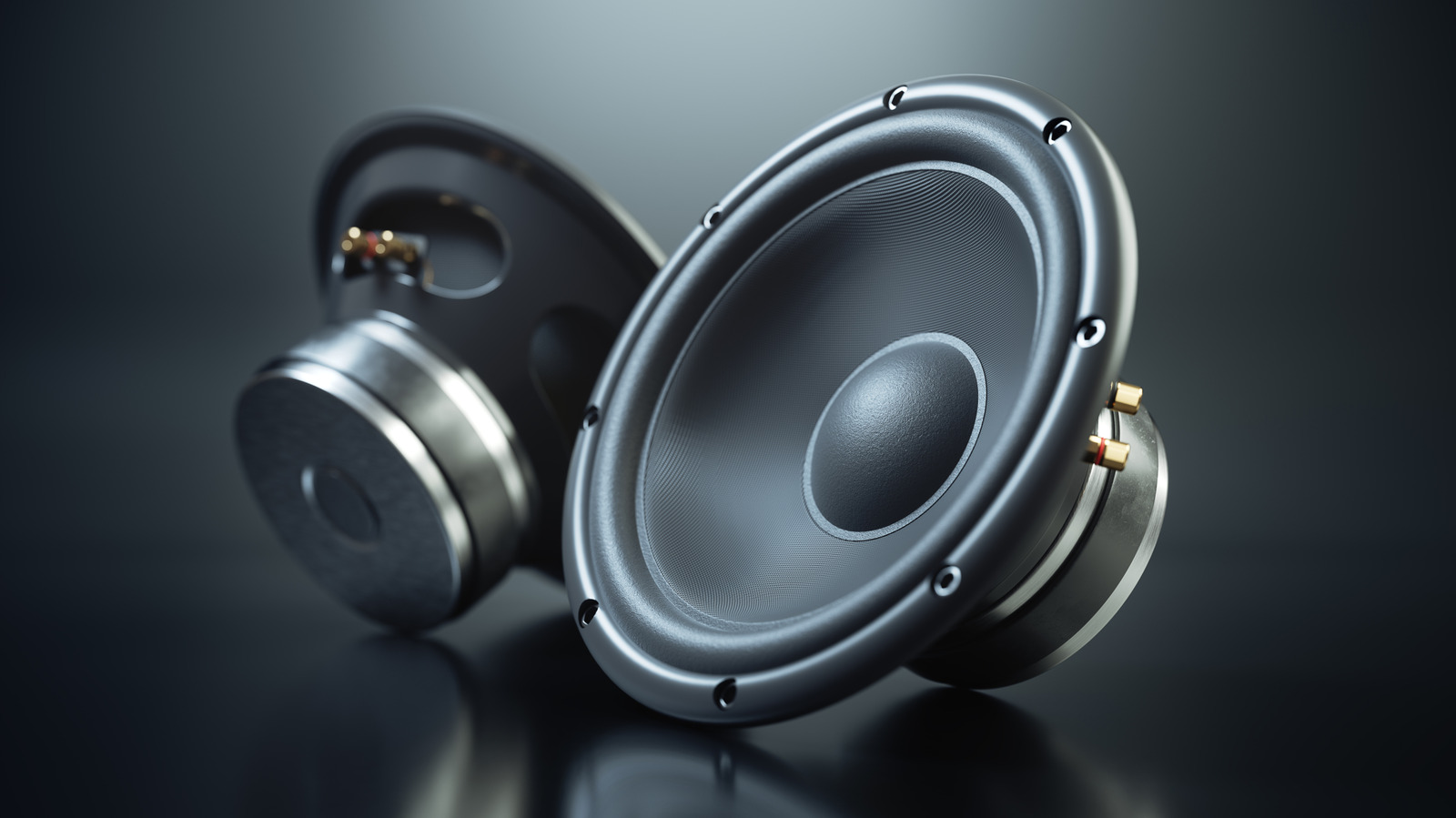
There you are, just singing along to your favorite tunes when you hear that awful noise. Rattling car speakers. Your mind probably wanders right to your bank account balance, because this is definitely going to cost you hundreds, if not thousands, of dollars for a new car audio system. Right?

Not so fast. Rattling car speakers, while extremely annoying, may not be the result of any catastrophic audio equipment failure or damage. It could actually be a simple fix. So, before you take your car to an audio specialist and have a new sound system installed, try to first determine the cause of the rattling. Then see if one of these easy solutions works for you.

Obviously, if components within the speakers are damaged, rattling can occur. But the culprits are often simply power and volume. If your speakers are using more power than the speaker cone can handle, the result is typically rattling and distortion. But not enough power, usually caused by a weak amplifier, can also cause distortion.

As far as volume is concerned, you probably already know that the higher the volume (especially if there's lots of bass), the more likely your car speakers are going to rattle. The reason? Science.
In brief

Check these common culprits before you go to the pros. Rattling car speakers, while extremely annoying, may not be the result of any catastrophic audio equipment failure or damage. Obviously, if components within the speakers are damaged, rattling can occur. If your speakers are using more power than the speaker cone can handle, the result is typically rattling and distortion.

This is the opening of the story, shared with credit to Engadget. The rest of the report — with every detail — continues on the publisher’s website.

Continue reading at Engadget ↗

Cookie settings

Choose which cookies we may use. You can change this at any time from Cookie settings in the footer. Details of each cookie are in the Cookie Policy.

Strictly necessary

Needed for sign-in, security, payments and remembering these choices. Always on.

Preferences

Remember settings such as dark mode.

Analytics & performance

Help us count visits, understand which pages, devices and countries our readers use, and measure how well the site performs – anonymous and aggregated.

Advertising & marketing

Lets advertising partners show and personalise adverts, measure impressions, clicks and visits, prevent ad fraud and pay us – this is how the free site is funded.

🔔 News notifications

Get headlines from NewsHub on this device — even when the site is closed.

You can switch this off at any time. Works on Android, Windows, Mac and Linux browsers; on iPhone/iPad add the site to your Home Screen first.