📰 Newspapers

5 Whoop alternatives worth considering for health & fitness tracking

5 Whoop alternatives worth considering for health & fitness tracking

Whoop's screenless, lightweight band comes with a costly subscription. These alternatives track similar data without the commitment.

If the ongoing Whoop subscription scares you off, you have other options for tracking fitness data.

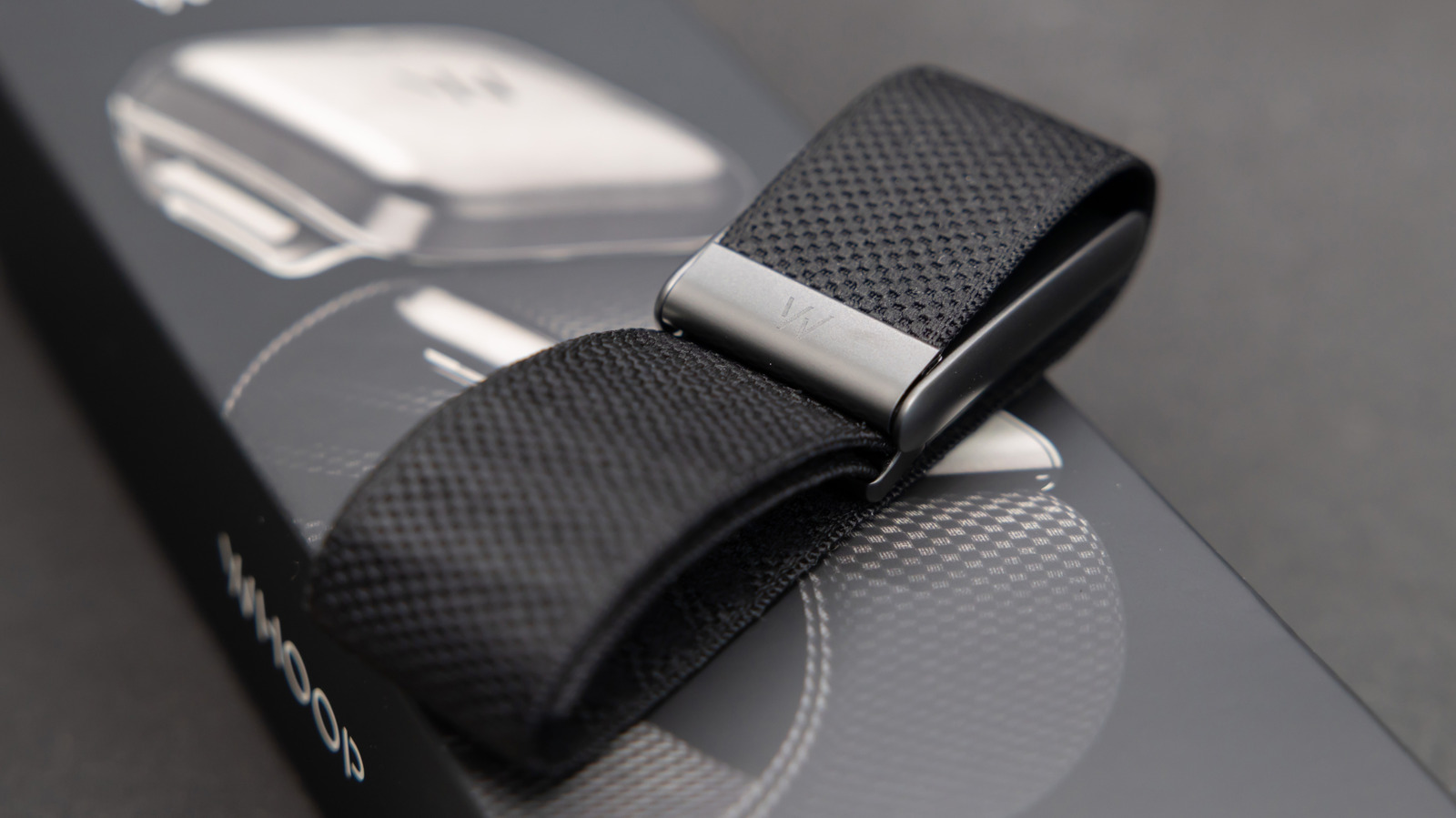
Whoop has caught on for being different from most other fitness wearables: it still tracks important health metrics, but it stands out from its lack of screen. That's one less device to distract you all day, while the unassuming design also blends in with various outfits. There's even a Whoop social network now, if that's something you're interested in.

However, Whoop's pricing scheme can be hard to swallow. The tracker is only available with a membership, which ranges from $199 to $359/year. If you cancel your membership, the tracker stops working; you don't own the device to use it as you wish. And since you can't use monthly billing for your first year, it's more of a commitment.

If you're looking for Whoop-like benefits without these caveats, you have alternatives. Though there are a few compromises in places, we've picked out several fitness trackers with many of the same features Whoop offers.

Tracks: Heart rate, sleep, stress, blood oxygen, women's health

If you've never worn a fitness tracker before, the Xiaomi Smart Band 9 is an excellent entry point because its features punch well above its weight considering the price.

In brief

If the ongoing Whoop subscription scares you off, you have other options for tracking fitness data. Whoop has caught on for being different from most other fitness wearables: it still tracks important health metrics, but it stands out from its lack of screen. However, Whoop's pricing scheme can be hard to swallow. If you're looking for Whoop-like benefits without these caveats, you have alternatives.

This is the opening of the story, shared with credit to Engadget. The rest of the report — with every detail — continues on the publisher’s website.

Continue reading at Engadget ↗

Cookie settings

Choose which cookies we may use. You can change this at any time from Cookie settings in the footer. Details of each cookie are in the Cookie Policy.

Strictly necessary

Needed for sign-in, security, payments and remembering these choices. Always on.

Preferences

Remember settings such as dark mode.

Analytics & performance

Help us count visits, understand which pages, devices and countries our readers use, and measure how well the site performs – anonymous and aggregated.

Advertising & marketing

Lets advertising partners show and personalise adverts, measure impressions, clicks and visits, prevent ad fraud and pay us – this is how the free site is funded.

🔔 News notifications

Get headlines from NewsHub on this device — even when the site is closed.

You can switch this off at any time. Works on Android, Windows, Mac and Linux browsers; on iPhone/iPad add the site to your Home Screen first.