📰 Newspapers

Why did Android change the name of its Smart Lock feature?

Why did Android change the name of its Smart Lock feature?

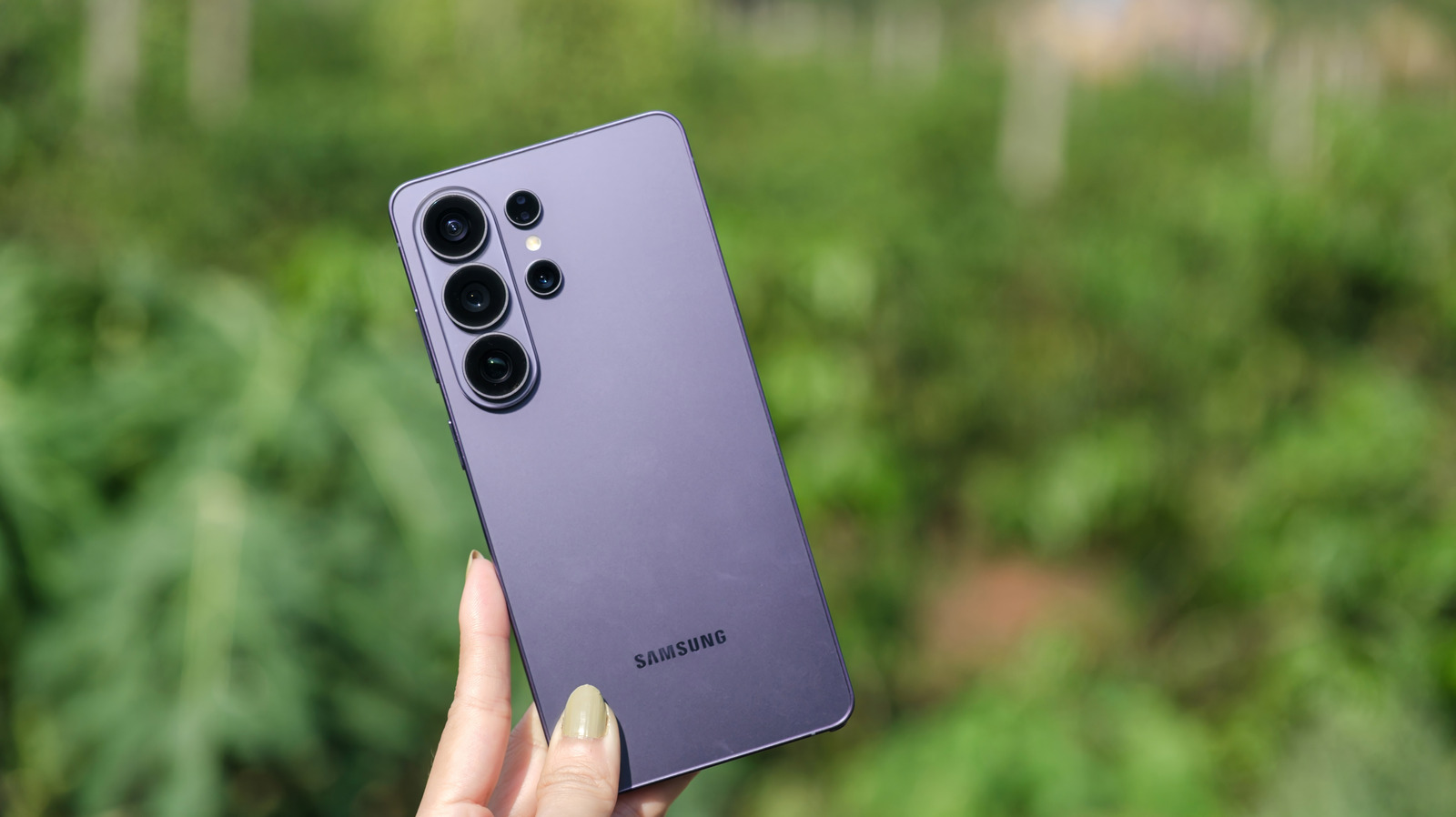
Android renamed Smart Lock to Extend Unlock. Here's why that name better reflects how the feature operates and how it differs from Watch Unlock.

Back in 2023, one of Android's most niche, but also most helpful, features saw a seemingly random name change.

It's a busy time to be an Android user, with the major One UI 9 update rolling out across swathes of devices. However, that's no reason to overlook some of Android's more niche features. Among them is the Extend Unlock setting, formerly known as Smart Lock. While some settings protect your Android phone from theft by automatically locking it, Extend Unlock does the opposite: it keeps your phone unlocked under selected conditions.

The Smart Lock feature launched way back in late 2015, allowing users to keep their Android phone unlocked while it's being held, along with other options for keeping it unlocked through Trusted places and Trusted devices. Back in 2023, though, this setting was relabeled as Extend Unlock in an attempt to better illuminate its true purpose. When you take a look at how Extend Unlock works, the reason for the name change becomes apparent.

Fundamentally, the purpose of Extend Unlock is to keep your device unlocked under certain circumstances after you've unlocked it once, meaning you don't have to constantly re-enter your PIN.
In brief

Back in 2023, one of Android's most niche, but also most helpful, features saw a seemingly random name change. Among them is the Extend Unlock setting, formerly known as Smart Lock. While some settings protect your Android phone from theft by automatically locking it, Extend Unlock does the opposite: it keeps your phone unlocked under selected conditions.

This is the opening of the story, shared with credit to Engadget. The rest of the report — with every detail — continues on the publisher’s website.

Continue reading at Engadget ↗

Cookie settings

Choose which cookies we may use. You can change this at any time from Cookie settings in the footer. Details of each cookie are in the Cookie Policy.

Strictly necessary

Needed for sign-in, security, payments and remembering these choices. Always on.

Preferences

Remember settings such as dark mode.

Analytics & performance

Help us count visits, understand which pages, devices and countries our readers use, and measure how well the site performs – anonymous and aggregated.

Advertising & marketing

Lets advertising partners show and personalise adverts, measure impressions, clicks and visits, prevent ad fraud and pay us – this is how the free site is funded.

🔔 News notifications

Get headlines from NewsHub on this device — even when the site is closed.

You can switch this off at any time. Works on Android, Windows, Mac and Linux browsers; on iPhone/iPad add the site to your Home Screen first.