📰 Newspapers

5 Android Auto navigation apps you could be using instead of Google Maps

5 Android Auto navigation apps you could be using instead of Google Maps

Google Maps isn't the only way to get around. Here are five navigation apps worth trying on Android Auto, whether you're commuting or heading somewhere new.

Google Maps works just fine, but if you want something different that works with Android Auto, there are plenty of options.

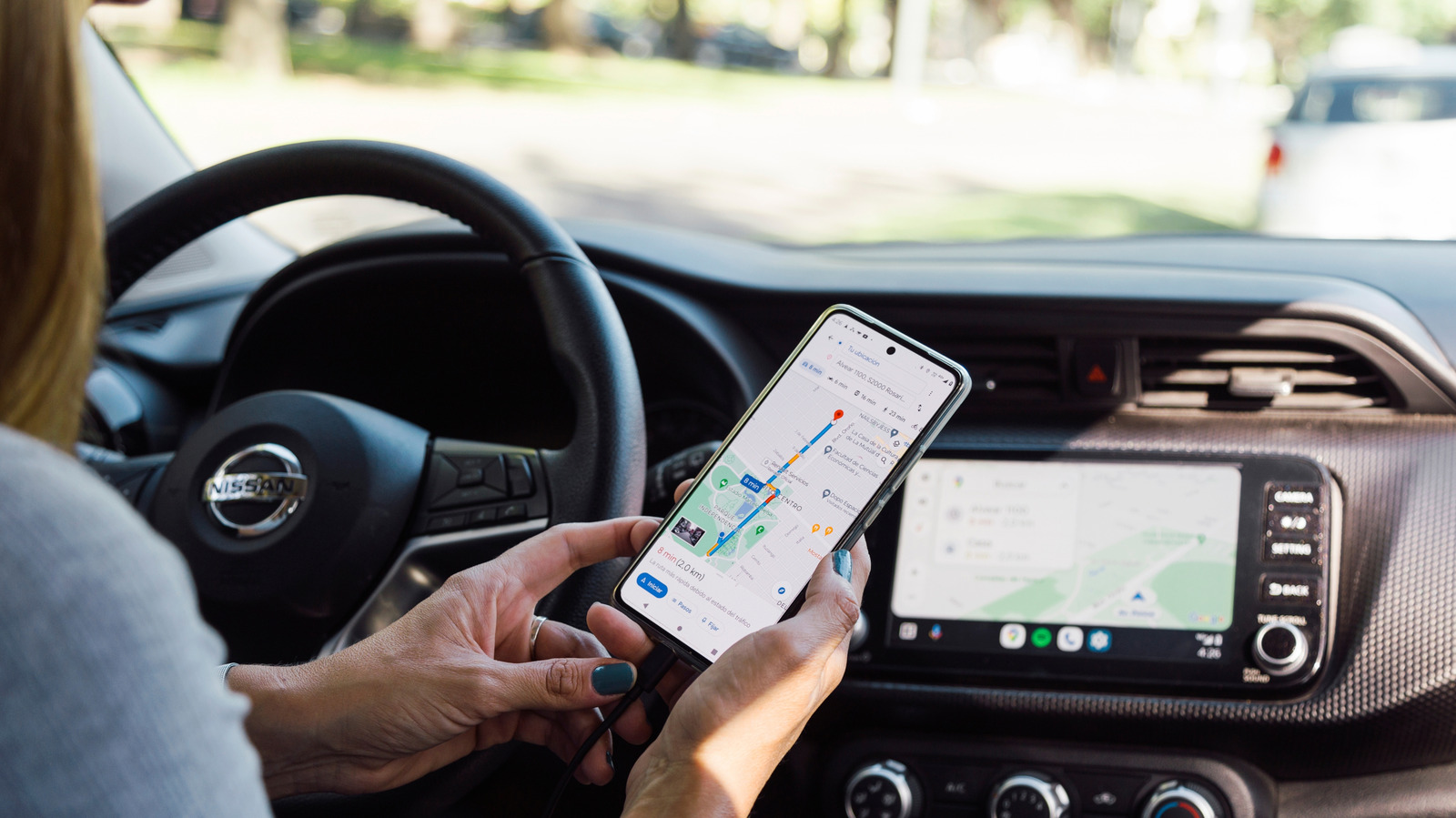
Google Maps may be the one navigation app that comes with most Android phones, but that doesn't mean it has to be your default navigation app whenever you get in your car. Even with Google Maps features that work better on Android Auto vs. CarPlay, you might prefer another navigation app. Whether you have good reason to dislike Google Maps because of the way it works or you simply want something else to try, Android Auto supports alternatives like Waze, HERE WeGo, TomTom, MapQuest and Magic Earth. These apps look a bit different and offer distinct advantages, from privacy-focused features to offline maps and cleaner interfaces.

Sometimes, Google Maps won't do for driving in certain cities. It might work brilliantly for driving in New York City, for instance, but poorly in another part of the world. User numbers can also make a difference: more drivers using a crowdsourced navigation app can help improve its routing, as with Waze. Or maybe you're looking for a different app because you don't trust Google with your driving info. Or you might simply prefer how another app looks and works more than Google Maps.


In brief

Google Maps works just fine, but if you want something different that works with Android Auto, there are plenty of options. Even with Google Maps features that work better on Android Auto vs. Sometimes, Google Maps won't do for driving in certain cities. Or you might simply prefer how another app looks and works more than Google Maps.

This is the opening of the story, shared with credit to Engadget. The rest of the report — with every detail — continues on the publisher’s website.

Continue reading at Engadget ↗

Cookie settings

Choose which cookies we may use. You can change this at any time from Cookie settings in the footer. Details of each cookie are in the Cookie Policy.

Strictly necessary

Needed for sign-in, security, payments and remembering these choices. Always on.

Preferences

Remember settings such as dark mode.

Analytics & performance

Help us count visits, understand which pages, devices and countries our readers use, and measure how well the site performs – anonymous and aggregated.

Advertising & marketing

Lets advertising partners show and personalise adverts, measure impressions, clicks and visits, prevent ad fraud and pay us – this is how the free site is funded.

🔔 News notifications

Get headlines from NewsHub on this device — even when the site is closed.

You can switch this off at any time. Works on Android, Windows, Mac and Linux browsers; on iPhone/iPad add the site to your Home Screen first.