📰 Newspapers

How long is a new smart TV actually supposed to last?

How long is a new smart TV actually supposed to last?

If you're spending your hard-earned cash on a smart TV, you may want to have an idea how long it will last.

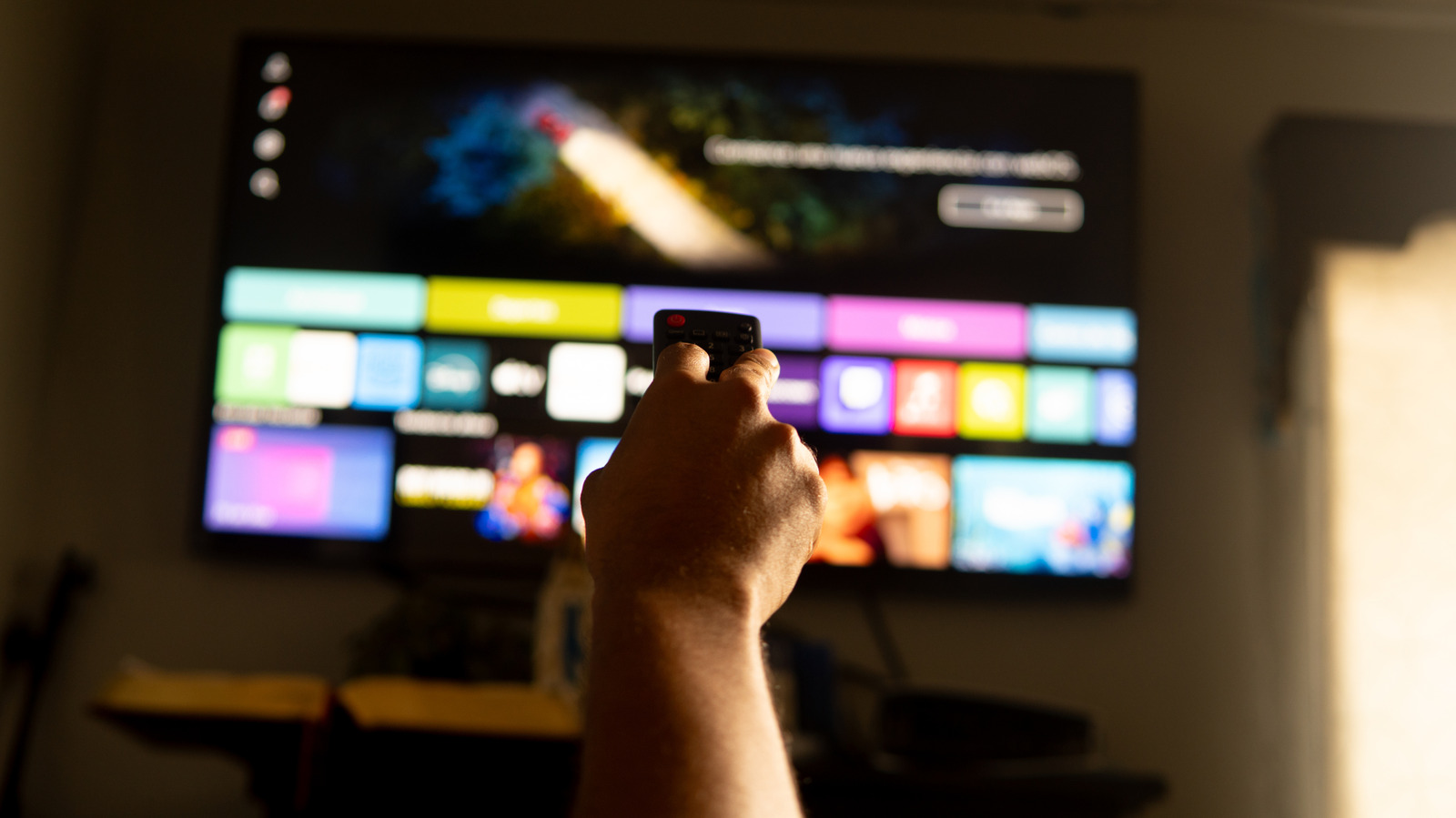
Buying a new smart TV with all the latest and greatest features (that you'll probably never use) is exciting, but one question that not so many people ask is, "How long is my smart TV supposed to last?" The best answer is, it depends. But on average, a new smart TV can last anywhere from seven to 10 years. If you take extra good care of it, you can significantly extend its years.

Smart TVs come in lots of different sizes and panel types, and different materials have different lifespans. For example, an LCD TV typically lasts for five to seven years, while an OLED TV can last for 8-12 years. Beyond the panel type, how you treat and use your smart TV plays a major role in how long it ends up lasting. If you leave your smart TV on all day, every day, it's going to eat deep into its lifespan. Lastly, internal components like the logic board tend to wear and fail even before the TV's panel.

A standard LED/LCD TV is rated for 40,000-60,000 hours of usage but typically lasts for five to seven years due to components like power or backlight failing. QLED/mini LED TVs are rated for 60,000-100,000 hours and, on average, last for around eight to 10 years.

In brief

Buying a new smart TV with all the latest and greatest features (that you'll probably never use) is exciting, but one question that not so many people ask is, "How long is my smart TV supposed to last? But on average, a new smart TV can last anywhere from seven to 10 years. Smart TVs come in lots of different sizes and panel types, and different materials have different lifespans.

This is the opening of the story, shared with credit to Engadget. The rest of the report — with every detail — continues on the publisher’s website.

Continue reading at Engadget ↗

Cookie settings

Choose which cookies we may use. You can change this at any time from Cookie settings in the footer. Details of each cookie are in the Cookie Policy.

Strictly necessary

Needed for sign-in, security, payments and remembering these choices. Always on.

Preferences

Remember settings such as dark mode.

Analytics & performance

Help us count visits, understand which pages, devices and countries our readers use, and measure how well the site performs – anonymous and aggregated.

Advertising & marketing

Lets advertising partners show and personalise adverts, measure impressions, clicks and visits, prevent ad fraud and pay us – this is how the free site is funded.

🔔 News notifications

Get headlines from NewsHub on this device — even when the site is closed.

You can switch this off at any time. Works on Android, Windows, Mac and Linux browsers; on iPhone/iPad add the site to your Home Screen first.