📰 Newspapers

The pros and cons of using mechanical vs. membrane keyboards

The pros and cons of using mechanical vs. membrane keyboards

Mechanical keyboards have certain advantages over membrane keyboards, but each has its strengths, and what works best for you depends on what you need.

It’s easier than ever to get into clacky keyboards. Here’s what you should consider before you do.

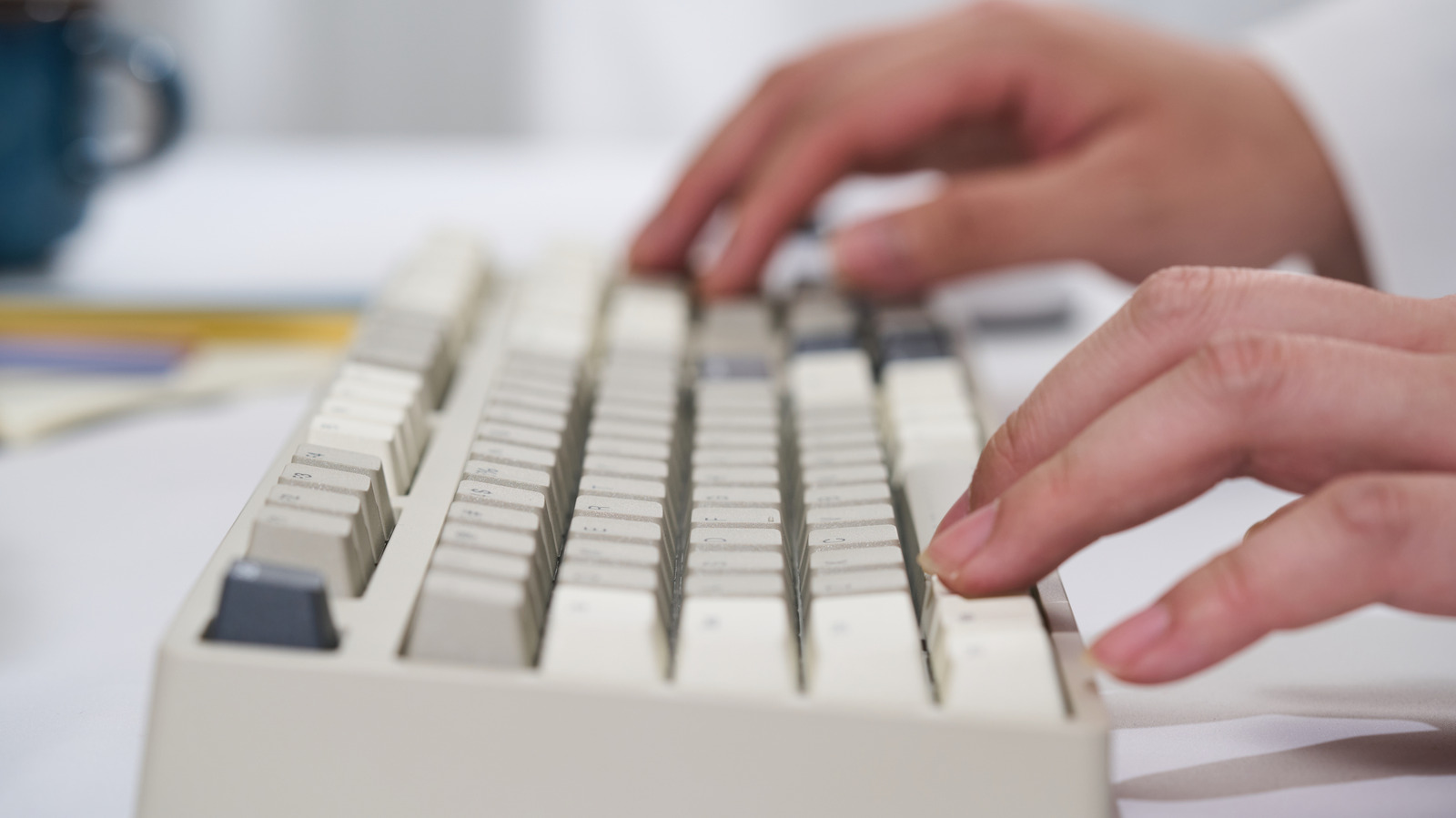
Once a niche interest for enthusiasts, mechanical keyboards have become much more popular over the last few years. That means it's a great time to make the jump from a membrane keyboard, but the difference in how mechanical keyboards feel to type on and the sheer number of options means it's not always an easy switch. Prices are generally higher, too. Fortunately, the more popular mechanical keyboards get, the more likely it is to find one that works for you and your budget.

The big difference between mechanical and membrane keyboards is how the keys connect to the circuit board that registers inputs. In membrane keyboards, the keys press on a flexible layer of plastic and rubber, and the keyboard registers keystrokes when a key touches a conductive surface beneath that membrane. In mechanical keyboards, each key has its own switch, with the keystroke registering at a specific point in the switch's travel. You've almost certainly used a membrane keyboard at school or in an office, but mechanical keyboards remain rare in those settings despite their growing popularity.

Membrane keyboards' biggest advantages are easy to see: They're cheap and readily available.

In brief

It’s easier than ever to get into clacky keyboards. Once a niche interest for enthusiasts, mechanical keyboards have become much more popular over the last few years. The big difference between mechanical and membrane keyboards is how the keys connect to the circuit board that registers inputs. Membrane keyboards' biggest advantages are easy to see: They're cheap and readily available.
This is the opening of the story, shared with credit to Engadget. The rest of the report — with every detail — continues on the publisher’s website.

Continue reading at Engadget ↗

Cookie settings

Choose which cookies we may use. You can change this at any time from Cookie settings in the footer. Details of each cookie are in the Cookie Policy.

Strictly necessary

Needed for sign-in, security, payments and remembering these choices. Always on.

Preferences

Remember settings such as dark mode.

Analytics & performance

Help us count visits, understand which pages, devices and countries our readers use, and measure how well the site performs – anonymous and aggregated.

Advertising & marketing

Lets advertising partners show and personalise adverts, measure impressions, clicks and visits, prevent ad fraud and pay us – this is how the free site is funded.

🔔 News notifications

Get headlines from NewsHub on this device — even when the site is closed.

You can switch this off at any time. Works on Android, Windows, Mac and Linux browsers; on iPhone/iPad add the site to your Home Screen first.