📰 Newspapers

How to free up space in your Microsoft OneDrive storage

How to free up space in your Microsoft OneDrive storage

It's worth taking a look and making sure big files aren't cluttering up your OneDrive.

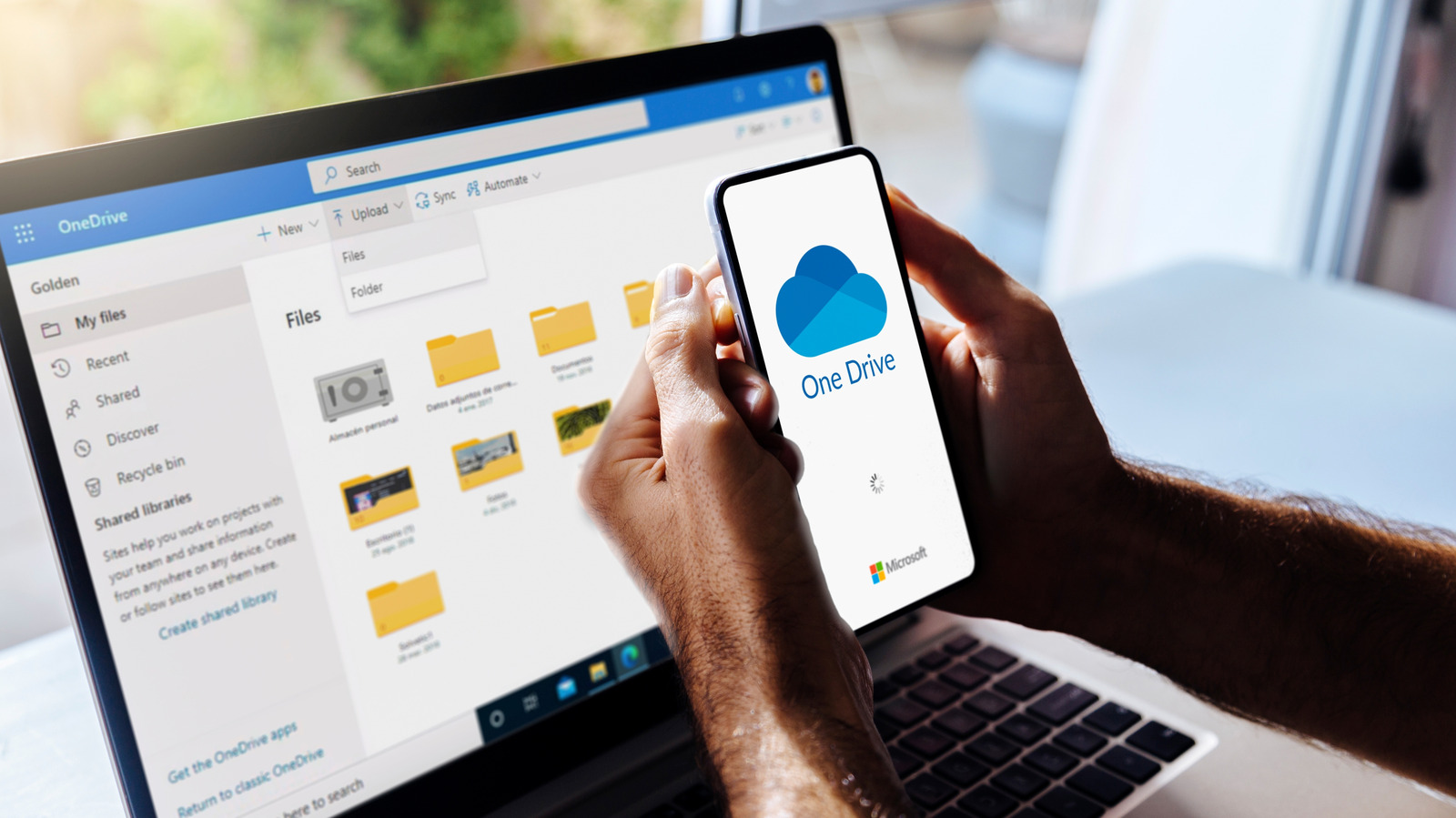
Microsoft OneDrive's data backup and sync service makes it possible to bring your important files wherever you go. Its ability to securely sync your data across multiple devices and platforms makes it an excellent cross-platform backup and sync utility. However, like most cloud backup services, Microsoft OneDrive also comes with a storage cap, and once it meets or exceeds this threshold, backup and sync issues can become bottlenecks in your workflow. When your OneDrive storage runs out of free space, it stops syncing data between the cloud and your devices. If the storage quota exceeds the assigned threshold, Microsoft switches your OneDrive account to read-only mode, requiring you to free up space to resume normal functionality.

If your Microsoft OneDrive storage is running low, the first step is to identify which files are consuming the most storage. You can then systematically remove or move unwanted files or old data to a local drive or a similar file backup service. Keep in mind that removing synced files from the cloud also deletes them from all your synced devices. So, it becomes critical to review what you delete from your cloud storage when attempting to free up space.


In brief

It's worth taking a look and making sure big files aren't cluttering up your OneDrive. Microsoft OneDrive's data backup and sync service makes it possible to bring your important files wherever you go. When your OneDrive storage runs out of free space, it stops syncing data between the cloud and your devices. If your Microsoft OneDrive storage is running low, the first step is to identify which files are consuming the most storage.

This is the opening of the story, shared with credit to Engadget. The rest of the report — with every detail — continues on the publisher’s website.

Continue reading at Engadget ↗

Cookie settings

Choose which cookies we may use. You can change this at any time from Cookie settings in the footer. Details of each cookie are in the Cookie Policy.

Strictly necessary

Needed for sign-in, security, payments and remembering these choices. Always on.

Preferences

Remember settings such as dark mode.

Analytics & performance

Help us count visits, understand which pages, devices and countries our readers use, and measure how well the site performs – anonymous and aggregated.

Advertising & marketing

Lets advertising partners show and personalise adverts, measure impressions, clicks and visits, prevent ad fraud and pay us – this is how the free site is funded.

🔔 News notifications

Get headlines from NewsHub on this device — even when the site is closed.

You can switch this off at any time. Works on Android, Windows, Mac and Linux browsers; on iPhone/iPad add the site to your Home Screen first.