No subscriptions, accounts or extra programs taking up space on your PC.
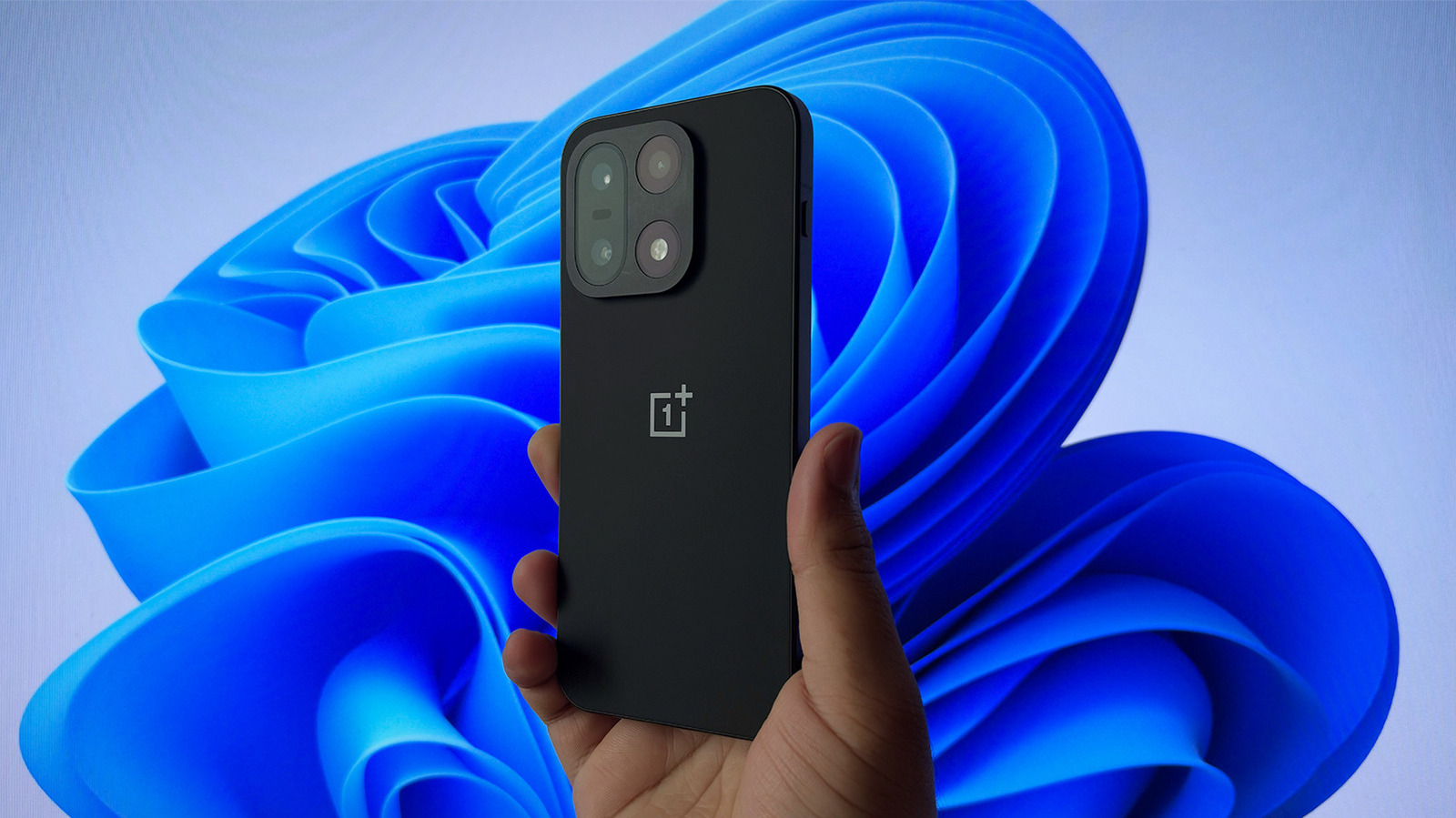
Moving files between an Android phone and a Windows PC is broadly a solved problem. You can use a cloud service like Google Drive as an intermediary, although uploading from one device and downloading on the other can be time-consuming. Connecting via USB is also an option, though you lose the convenience of a wireless connection. Quick Share on Android offers a good middle ground, letting you transfer files directly.
None of these help if you need to do more than move files around, though. For that, you'll need third-party programs that offer more features, like a media browser and phone mirroring. The downside is that they often require installing software on both devices and often charge a subscription fee. PlainApp, though, is different: it's a free, open-source program that lets you view and manage your Android phone's files on your computer — without installing any additional software on your PC. It also doesn't ask you to create an account or log in.
PlainApp is available on the Play Store and supports phones running Android 9 or newer. To use it, install the app, grant it notification and file access permissions and note the URL it displays.