📰 Newspapers

This free 'Swiss Army Knife' for macOS can replace your utility apps

This free 'Swiss Army Knife' for macOS can replace your utility apps

Vorssaint is a powerful, modular utility suite, provided permissions are carefully managed.

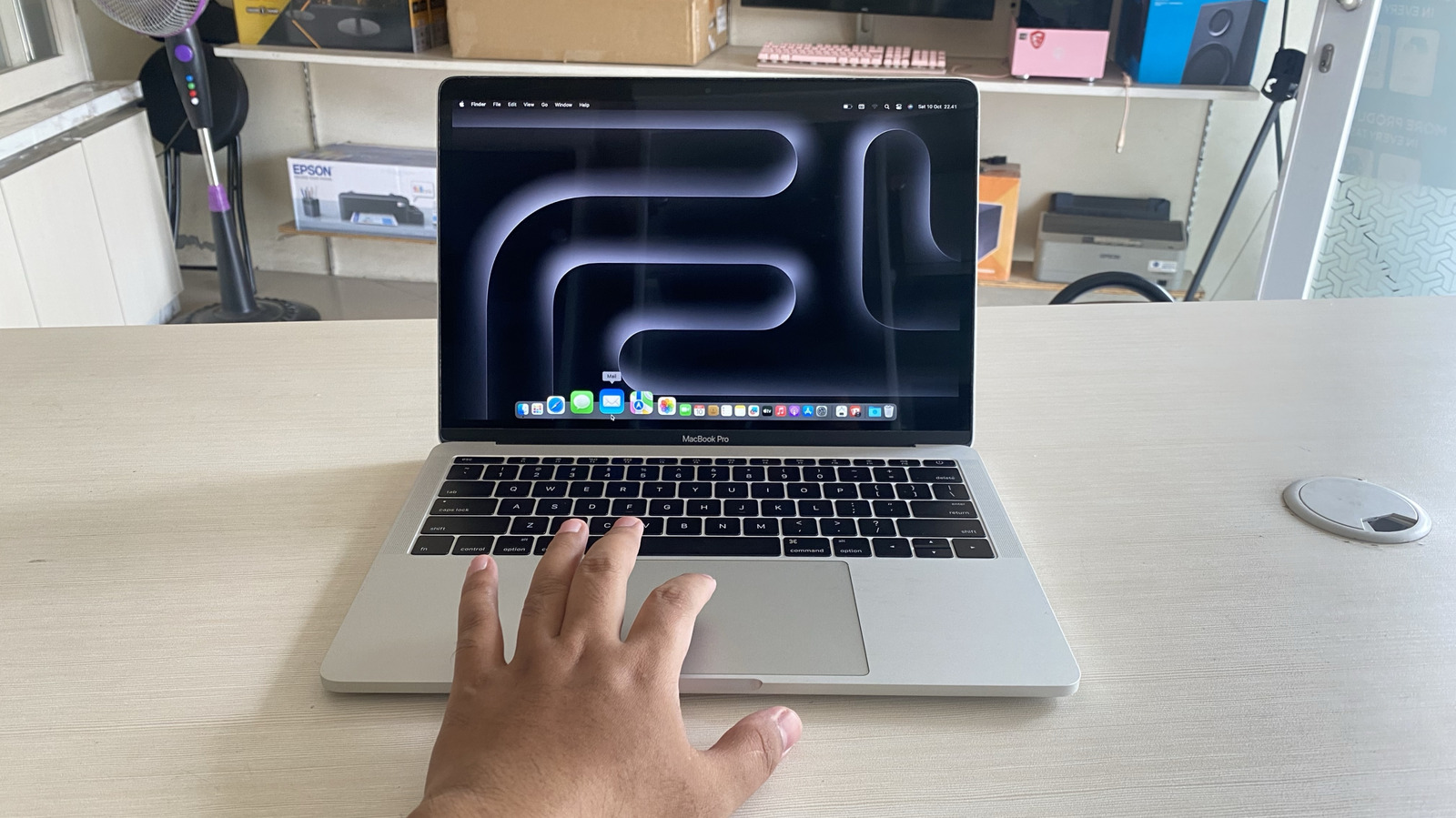
macOS offers one of the most refined desktop experiences, but users looking for more granular control of their desktops might find the OS' native options limiting. Unlike Microsoft's PowerToys, which includes a collection of over 25 productivity and customization tools, Mac users must often turn to a fragmented selection of third-party applications to achieve similar levels of control. For example, macOS' native window tiling is serviceable at best, allowing for only a few tiling options regardless of screen size. Similarly, the OS doesn't natively support independent volume control and output device selection for individual applications. This is where Vorssaint, the Swiss Army Knife of macOS utility apps, comes into the picture.

Vorssaint is a third-party, open source application that aims to resolve macOS' productivity and customization pain points with a single menu-bar application. The app groups together a range of utility tools and nifty quick toggles to streamline productivity. The project is hosted on GitHub, and has earned over 33,000 stars and 230 contributors.

Vorssaint includes an impressive collection of utilities that aims to improve how users interact with their Macs. Its window-tiling feature offers more control over how users arrange their application windows, including edge snapping and shortcuts.

In brief

Vorssaint is a powerful, modular utility suite, provided permissions are carefully managed. macOS offers one of the most refined desktop experiences, but users looking for more granular control of their desktops might find the OS' native options limiting. This is where Vorssaint, the Swiss Army Knife of macOS utility apps, comes into the picture. Vorssaint is a third-party, open source application that aims to resolve macOS' productivity and customization pain points with a single menu-bar application.

This is the opening of the story, shared with credit to Engadget. The rest of the report — with every detail — continues on the publisher’s website.

Continue reading at Engadget ↗

Cookie settings

Choose which cookies we may use. You can change this at any time from Cookie settings in the footer. Details of each cookie are in the Cookie Policy.

Strictly necessary

Needed for sign-in, security, payments and remembering these choices. Always on.

Preferences

Remember settings such as dark mode.

Analytics & performance

Help us count visits, understand which pages, devices and countries our readers use, and measure how well the site performs – anonymous and aggregated.

Advertising & marketing

Lets advertising partners show and personalise adverts, measure impressions, clicks and visits, prevent ad fraud and pay us – this is how the free site is funded.

🔔 News notifications

Get headlines from NewsHub on this device — even when the site is closed.

You can switch this off at any time. Works on Android, Windows, Mac and Linux browsers; on iPhone/iPad add the site to your Home Screen first.