📰 Newspapers

Should you go with a headphone DAC/amp combo or a stack?

Should you go with a headphone DAC/amp combo or a stack?

If your computer's headphone jack isn't cutting it anymore, it's time to get a DAC and headphone amp. But do you go for a combo DAC/amp or a stack?

Both will do a fine job, and it depends on what you need from your gear.

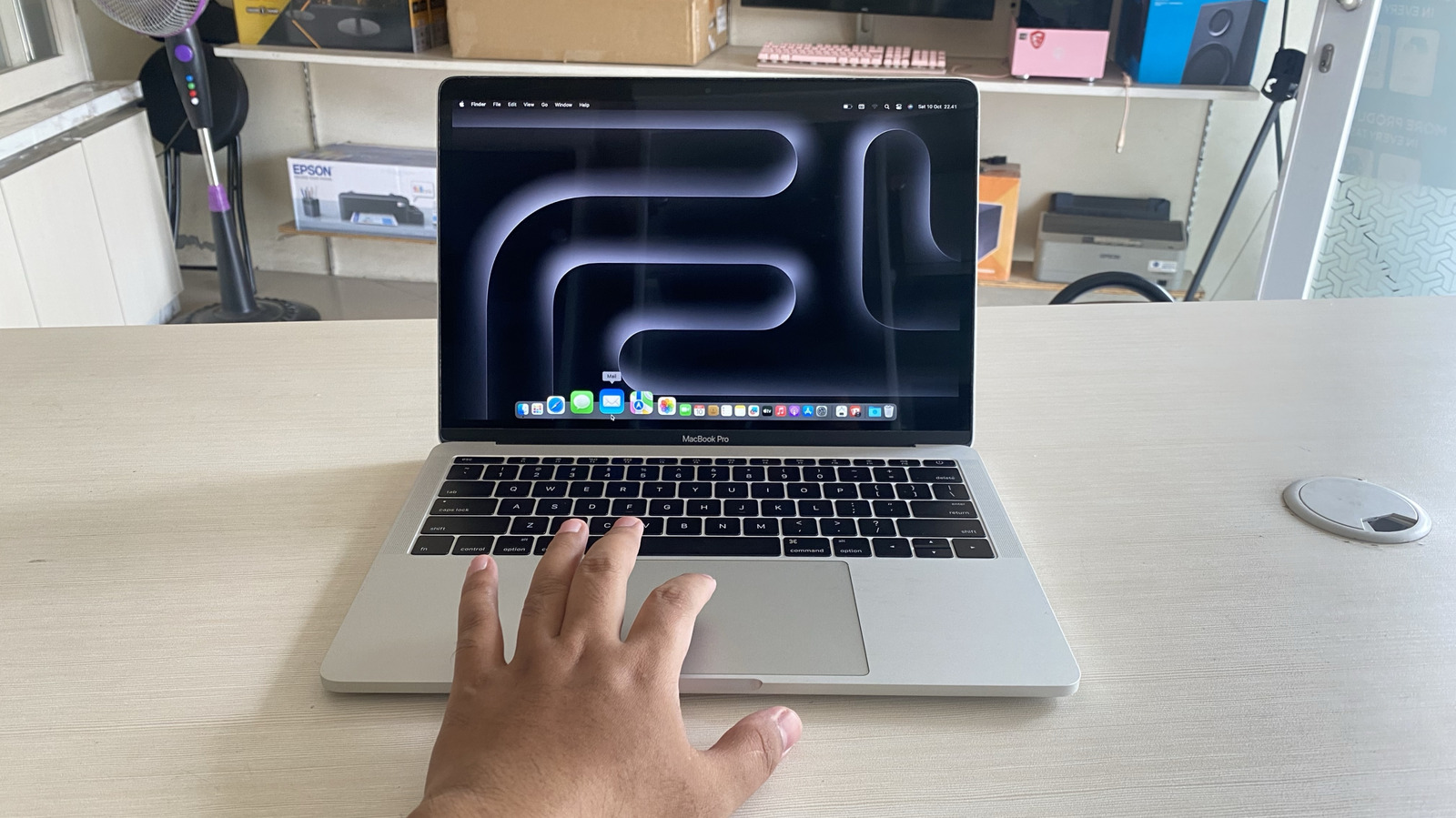
You don't always need a DAC and amp to enjoy music through headphones. If your computer or laptop's headphone jack already delivers clean audio at a comfortable volume, then you're probably fine. Some MacBooks from 2021 and later, for example, support both low- and high-impedance headphones and can deliver up to 3 volts RMS through their headphone jacks when you use headphones rated between 150 and 1,000 ohms. If your headphone jack isn't quite as capable, or if you're not satisfied with the sound, though, then it's time to spend on some hardware.

A DAC and a headphone amp can come together in a single unit (usually known as a DAC/amp) or as a stack of separate units. And while the latter seems like the more serious setup, it doesn't necessarily mean you'll enjoy a better listening experience. The main job of a DAC is to turn digital audio signals into analog signals, while the amplifier takes those analog signals and makes them loud enough to power your headphones. Both a DAC/amp combo and a stack do the same thing, and which you go for largely depends on your headphones, how much flexibility you need and, of course, your budget.

In brief

Both will do a fine job, and it depends on what you need from your gear. If your computer or laptop's headphone jack already delivers clean audio at a comfortable volume, then you're probably fine. The main job of a DAC is to turn digital audio signals into analog signals, while the amplifier takes those analog signals and makes them loud enough to power your headphones.

This is the opening of the story, shared with credit to Engadget. The rest of the report — with every detail — continues on the publisher’s website.

Continue reading at Engadget ↗

Cookie settings

Choose which cookies we may use. You can change this at any time from Cookie settings in the footer. Details of each cookie are in the Cookie Policy.

Strictly necessary

Needed for sign-in, security, payments and remembering these choices. Always on.

Preferences

Remember settings such as dark mode.

Analytics & performance

Help us count visits, understand which pages, devices and countries our readers use, and measure how well the site performs – anonymous and aggregated.

Advertising & marketing

Lets advertising partners show and personalise adverts, measure impressions, clicks and visits, prevent ad fraud and pay us – this is how the free site is funded.

🔔 News notifications

Get headlines from NewsHub on this device — even when the site is closed.

You can switch this off at any time. Works on Android, Windows, Mac and Linux browsers; on iPhone/iPad add the site to your Home Screen first.